EasyManua.ls Logo

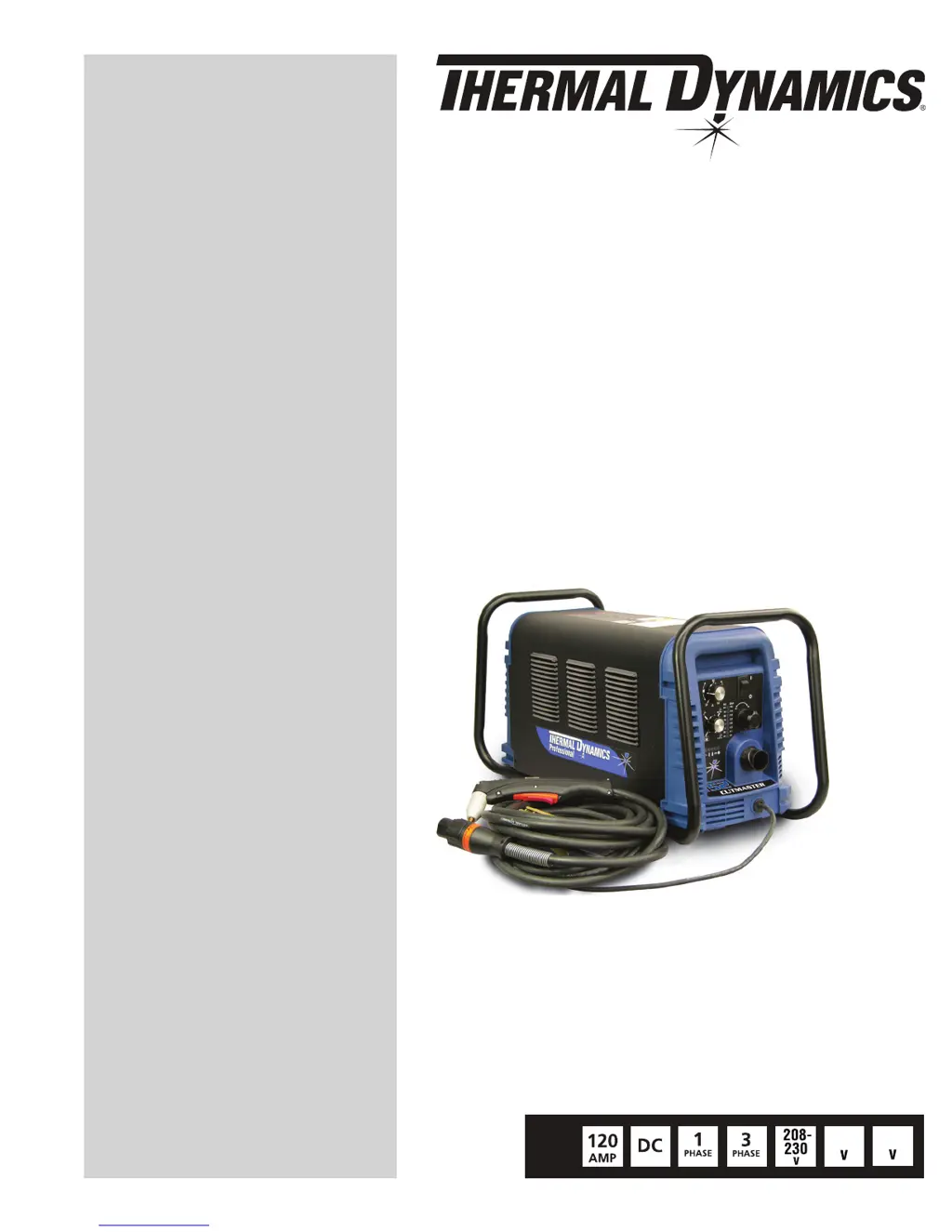
Thermal Dynamics 152 CUTMASTER - User Manual

Thermal Dynamics 152 CUTMASTER
84 pages
Print Icon
To Next Page IconTo Next Page
Loading...
460
Art # A-08619_AB
600
PLASMA CUTTING SYSTEM
152
CUTMASTER
Rev. AK Date: April 25, 2012 Manual # 0-4987
Operating Features:
Operating Manual

Table of Contents

Questions and Answers

  • E
    Erin ArmstrongSep 12, 2025
    What to do if ON / OFF Switch is ON but the A/C Indicator does not light on Thermal Dynamics 152 CUTMASTER?
    • M
      Megan EllisSep 12, 2025
      If the ON/OFF switch is ON but the A/C Indicator does not light on your Thermal Dynamics Welding System, make sure that the primary power disconnect is in the ON position. Also, the primary fuses or breakers might be blown or tripped. Another reason might be the unit's internal fuse is blown. In these cases turn primary power disconnect switch to ON position, check primary fuses / breakers or replace fuse. If fuse blows again, return to authorized service center for repair or replacement. If none of these steps resolve the issue, the unit may have faulty components.
  • R
    Ryan SmithSep 13, 2025
    What to do if nothing happens when torch switch is closed on Thermal Dynamics 152 CUTMASTER Welding System?
    • G
      Gene LopezSep 13, 2025
      If nothing happens when the torch switch or remote switch is closed (or CNC START signal is active) and there is no gas flow and the DC LED is OFF on your Thermal Dynamics Welding System, the problem may be in the torch and leads switch circuit (Remote pendant switch circuit). Other reason might be that CNC Contoller device not providing Start signal. If the problem persists, the unit may have failed components.
  • M
    matthewortegaSep 15, 2025
    Why are there no Fault lights ON and no arc in torch on Thermal Dynamics 152 CUTMASTER?
    • K
      Kaitlyn LambSep 15, 2025
      If there are no Fault lights ON and no arc in the torch of your Thermal Dynamics Welding System, the unit may have failed components.

Summary

General Information

Important Safety Precautions

Outlines critical safety measures for operating plasma arc equipment, including electrical, fume, and fire hazards.

System Installation

Primary Input Power Connections

Details how to connect the unit to the primary input power source.

Gas Connections

Explains how to connect the gas supply to the plasma cutting system.

Torch Installation

Torch Connections

Guides on connecting the torch to the power supply unit.

System Operation

Torch Operation

Hand Torch Operation

Details how to operate the hand torch for standoff and drag cutting.

Gouging

Explains the process and parameters for plasma gouging operations.

Mechanized Torch Operation

Describes the operation of the mechanized torch with CNC or remote control.

Parts Selection for SL100 Torch Cutting

Illustrates and lists consumable parts for the SL100 torch based on cutting applications.

Recommended Cutting Speeds for SL100 Torch With Exposed Tip

Provides recommended cutting speeds and parameters for various materials and thicknesses.

Recommended Cutting Speeds for SL100 Torch With Shielded Tip

Details recommended cutting speeds and parameters for shielded torch operations.

System Service

Common Faults

Lists common problems, their symptoms, and potential causes for the system.

Fault Indicator

Explains the fault indicators and their corresponding error codes.

Basic Troubleshooting Guide

Offers a guide to diagnose and resolve common issues with the plasma cutting system.

Torch Service

General Maintenance

Covers cleaning and lubrication procedures for the torch assembly.

Inspection and Replacement of Consumable Torch Parts

Guides on inspecting and replacing wear items for the torch.

Thermal Dynamics 152 CUTMASTER Specifications

General IconGeneral
Open Circuit Voltage (OCV)300 VDC
Input Voltage50/60 Hz
Output Current Range20- A
Pierce Capacity3/4 inch
Gas TypeAir
Gas Flow6.7 scfm

Related product manuals