Chapter 3 | Replacing parts
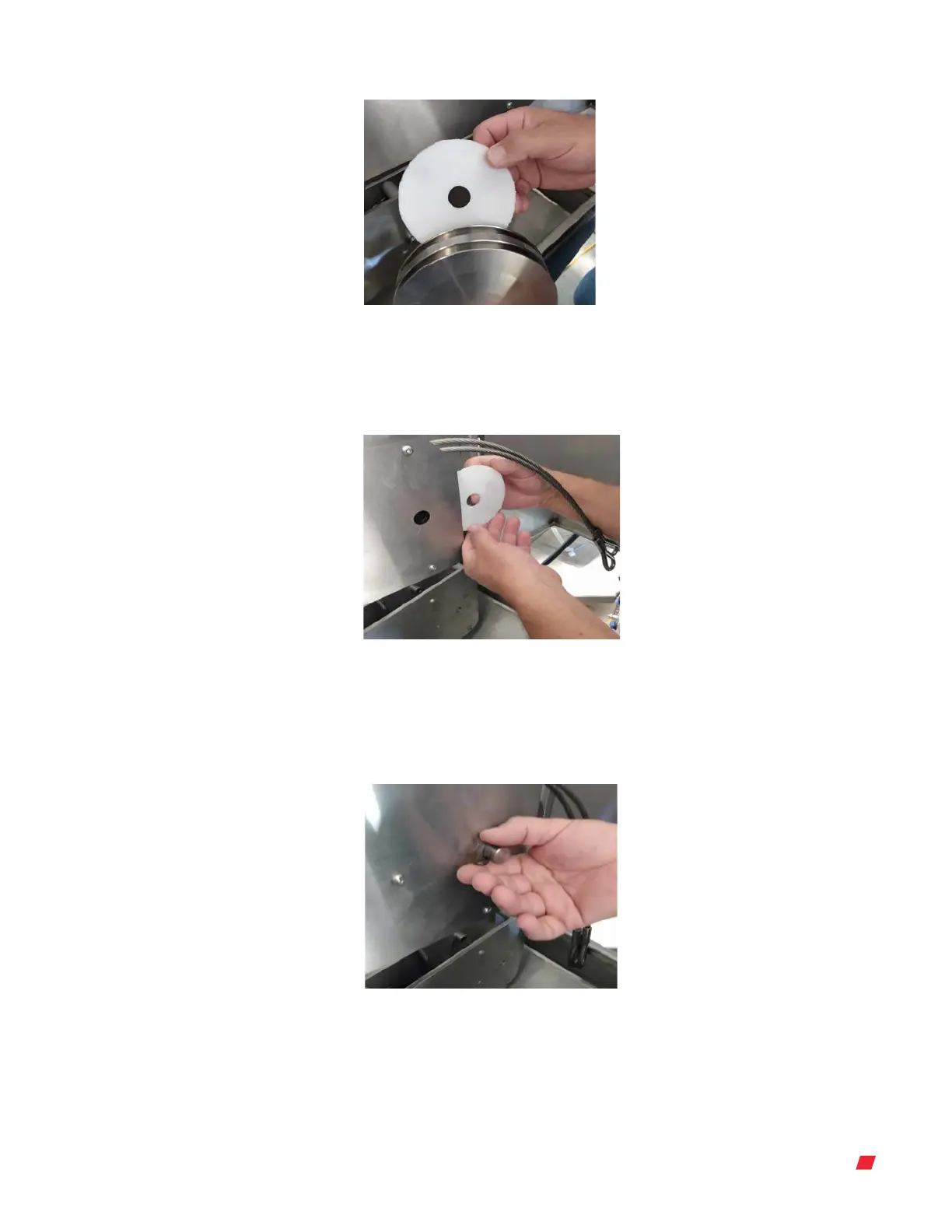
Figure 3.69. Replacing the back spacer
and pulley.
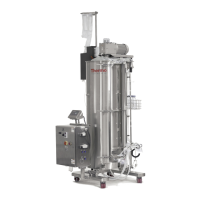
5. Align the pulley and spacers in the pulley assembly space (Figure 3.70). Note: Make
sure the cables are in the correct cable grooves and are aligned correctly.
Figure 3.70. Replacing the front spacer to
the pulley in the pulley assembly.
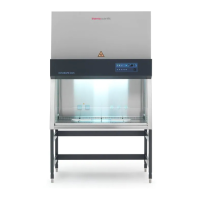
6. Push the pin through the center hole of the pulley assembly and pulley to re-attach
the c-clip to the pin (Figure 3.71).
Figure 3.71. Replacing the c-clip and pin.
Thermo Scientific 41DynaDrive S.U.B. Service Guide





 To Next Page