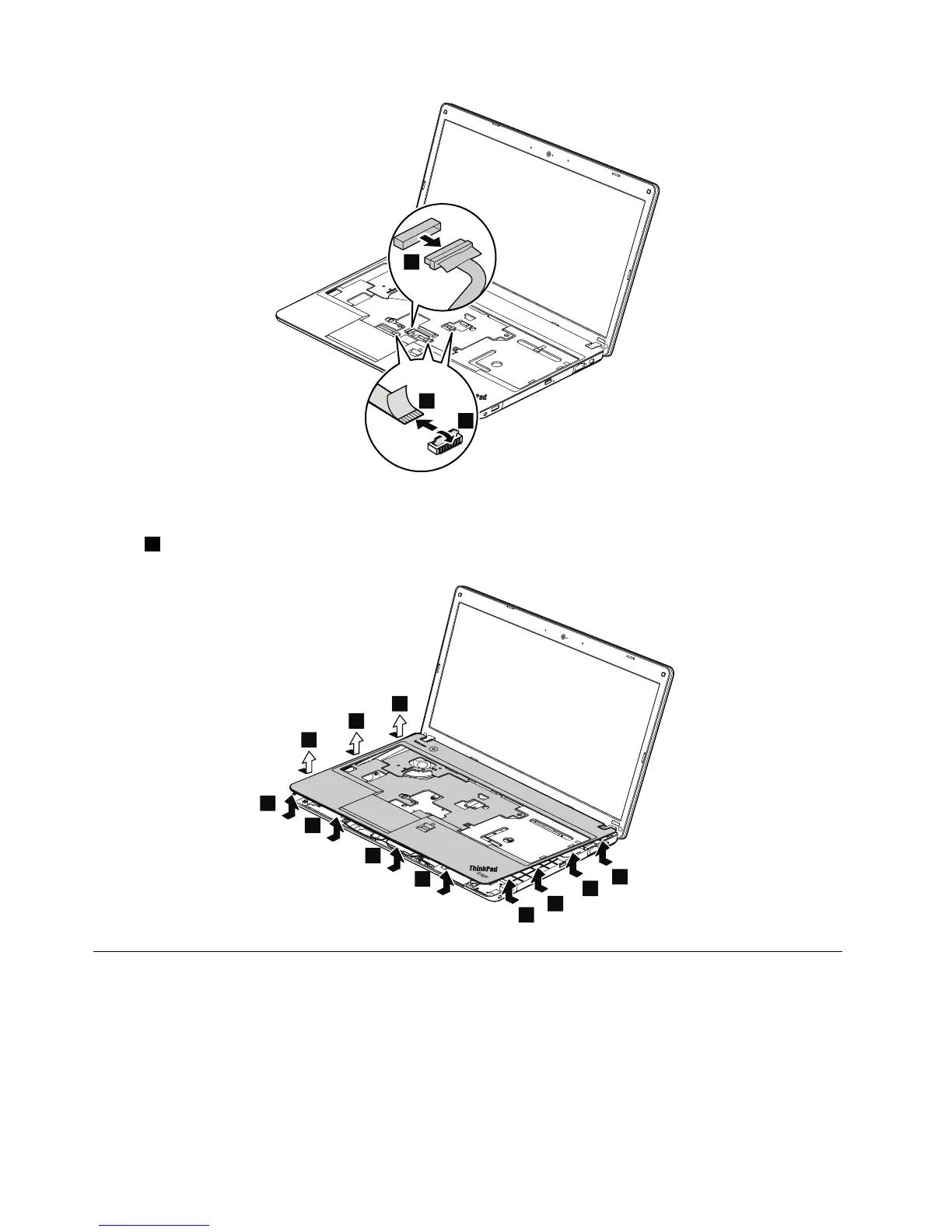
Wheninstalling:Makesurethattheconnectorsareattachedrmlytothesystemboard.
Instep7,releasethekeyboardbezelfromtheframeusingaplasticprytoolasshowninthefollowing
illustration.
1140CPU
Foraccess,removetheseFRUsinorder:
•“1010Batterypack”onpage62
•“1020Largebottomcover”onpage63
•“1100Thermalfan”onpage74
•“1110Thermalpipes”onpage74
Attention:TheCPUisextremelysensitive.WhenyouservicetheCPU,avoidanykindofroughhandling.
82HardwareMaintenanceManual



 To Next Page