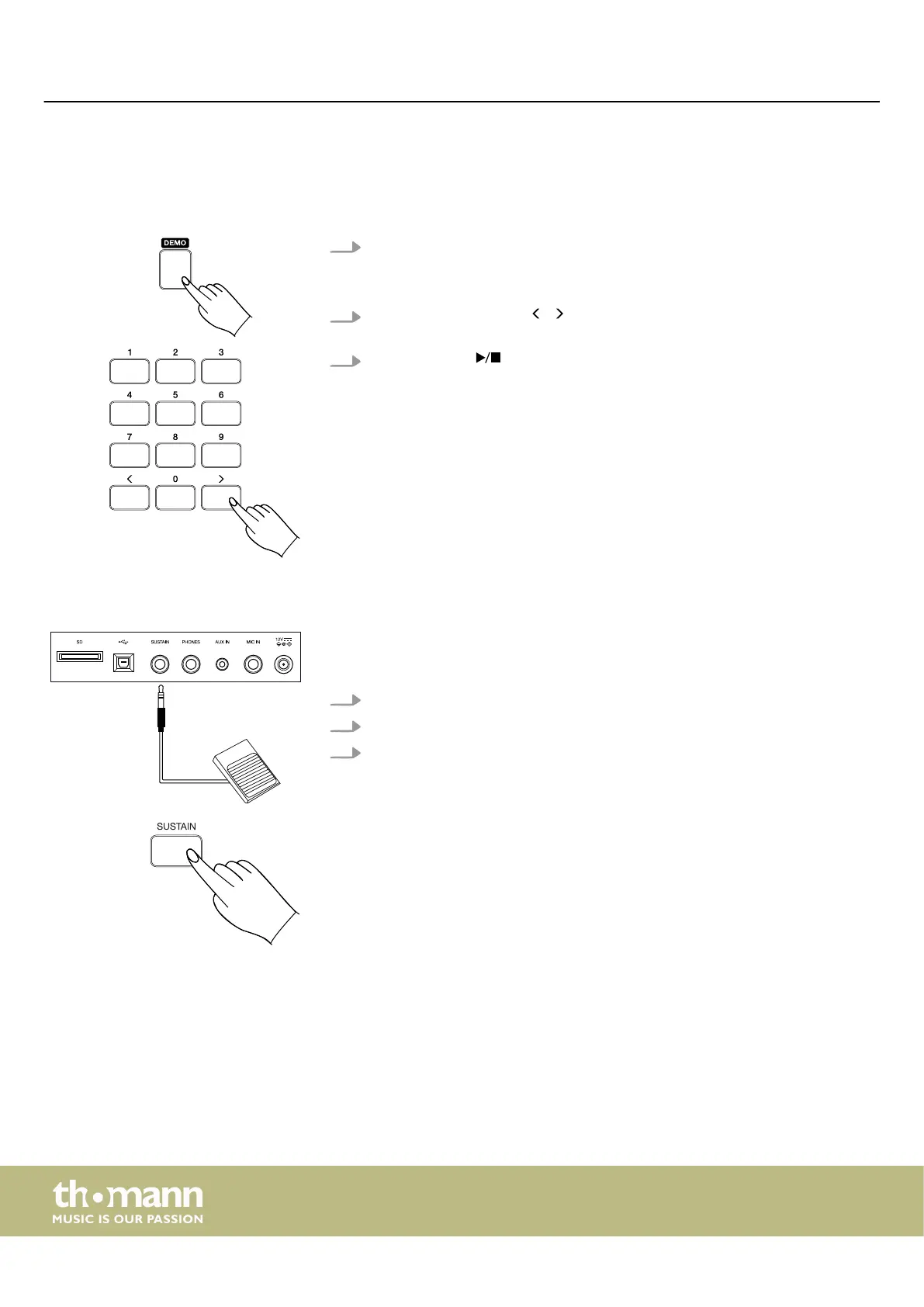
7.3 Demo pieces
The keyboard oers a total of three demo songs. The demo songs show the sound
and the pitch range of the keyboard.
1. Press [DEMO] to activate the Demo mode.
ð
All demo songs are repeated continuously. The display shows the currently
playing demo piece.
2.
Use the rotary control or / on the numeric keypad to select one of the
three demo songs.
3.
Press [DEMO] or again to stop playback and exit demo mode.
7.4 Using the Sustain pedal
By using a Sustain pedal, you can make your playing more expressive and let tones
linger after you lift your ngers from the keys of the keyboard. The sustain eect is
activated when you step on the pedal and deactivated when you release it.
1. Connect a Sustain pedal to the connection socket on the back of the keyboard.
2. Alternatively, press [SUSTAIN] to activate the built-in sustain.
3. Press [SUSTAIN] again to disable the built-in sustain.
Operating
keyboard
22



 To Next Page