7.22.3 Selecting a bank
All of the settings you have made can be saved to a bank in the Performance Memory
menu.
1. Press [BANK] to call up the Performance Memory menu.
ð
The display shows the current bank number.
2. Press repeatedly [BANK] to select a desired bank number.
7.22.4 Resetting the Performance Memory
1.
Press to turn the keyboard o.
2. Hold down [STORE] and [M1] simultaneously and switch on the device.
ð
The Performance Memory is reset to factory defaults.
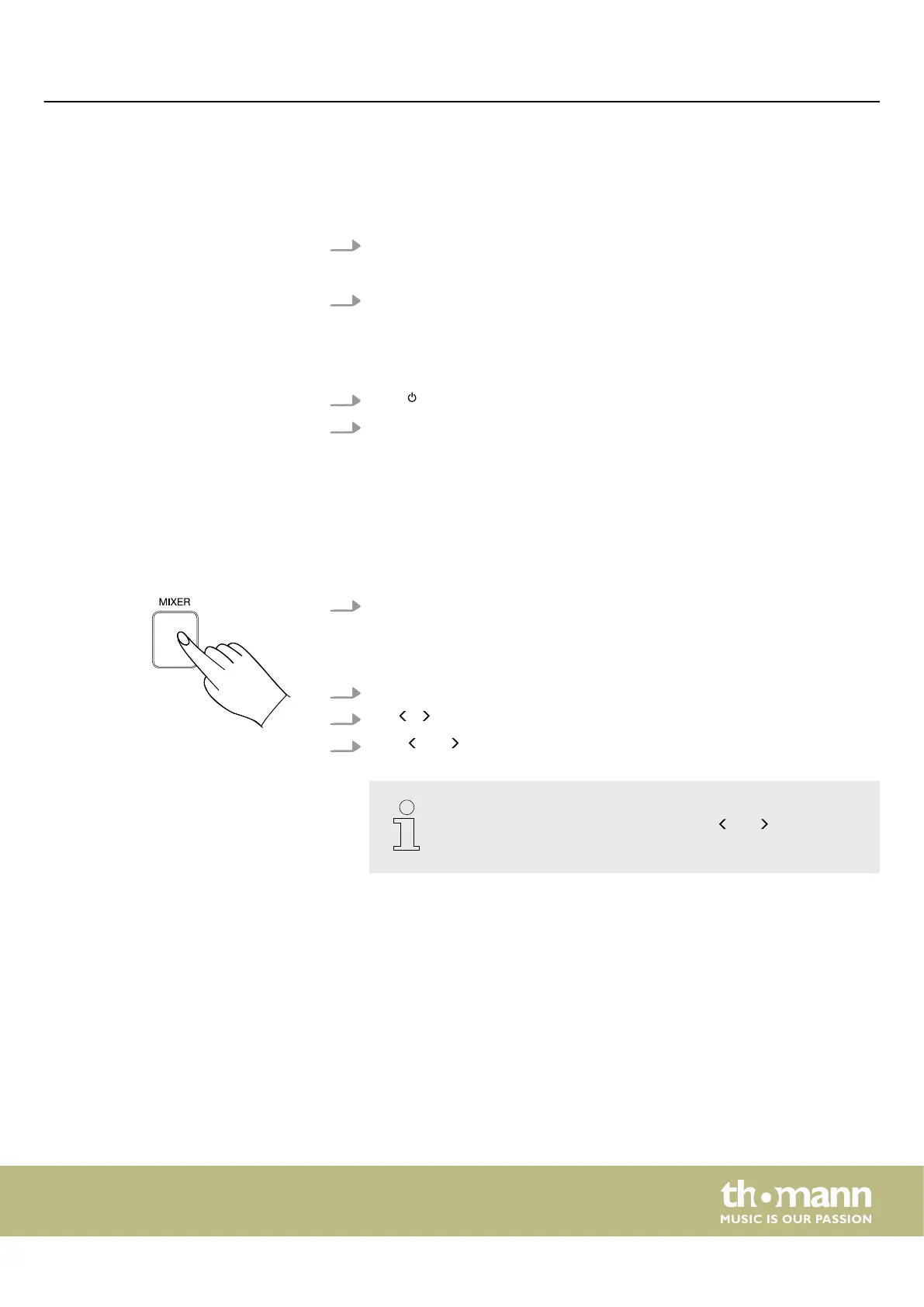
7.23 Mixer
This menu is used to adjust the volume of the various style elements.
1. Press [MIXER] to call up the mixer menu.
ð
By default, the display shows the mixer parameters available for the cur‐
rent mode. For example, if you are in Song mode, the display shows
‘MusicVol’ .
2. Use the rotary control to select the desired parameter that you want to change.
3.
Use / on the numeric keypad to adjust the desired parameter.
4.
Press and simultaneously on the numeric keypad to reset the parameters
to the default setting.
If the current volume matches the standard setting, the selected
parameter is muted or unmuted by pressing and on the numeric
keypad at the same time.
Operating
MK-400
47



 To Next Page