7.21.3 Loading les
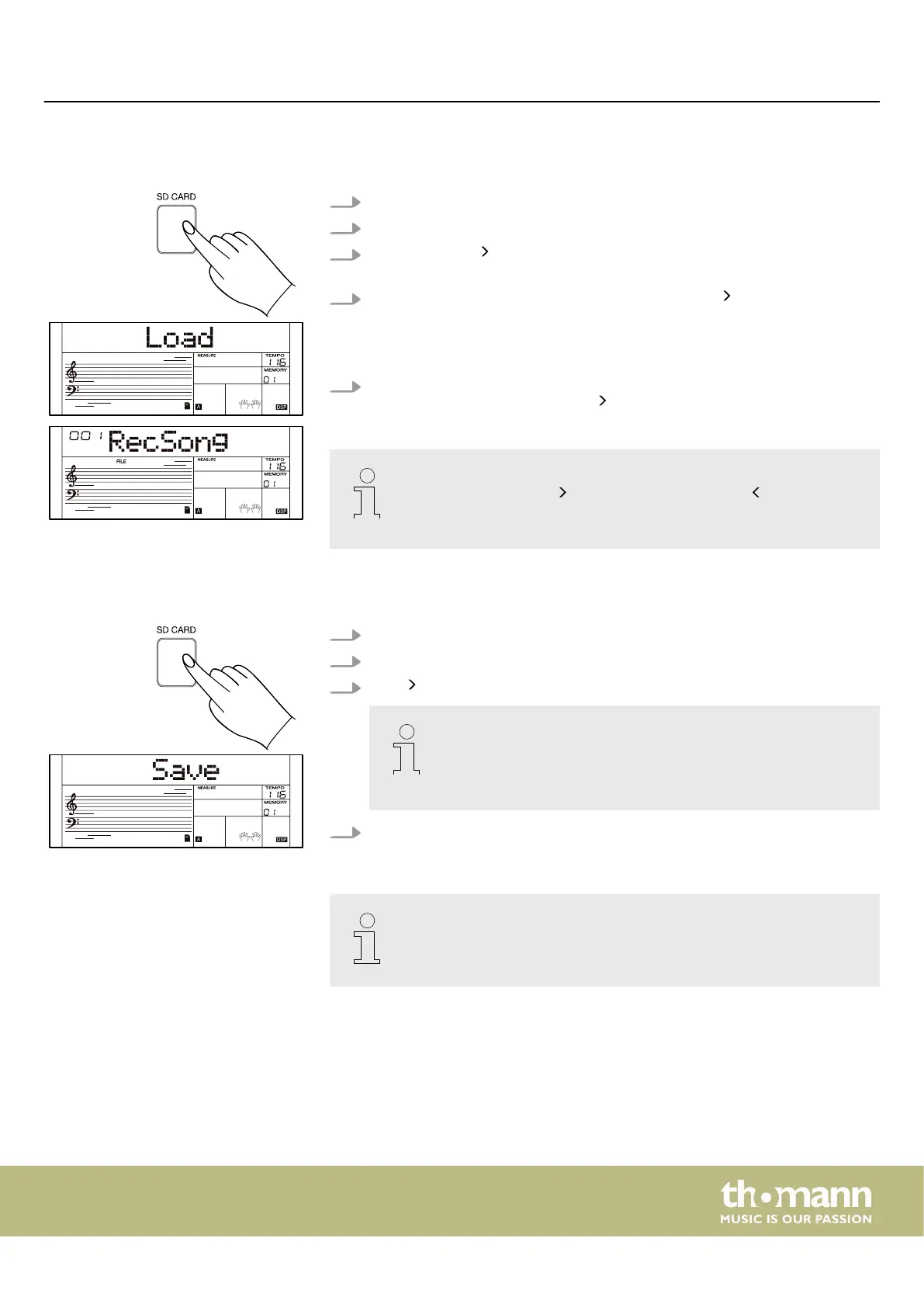
1. Press [SD CARD] to call up the SD card's playback menu.
2. Use the rotary control to select the ‘Load’ menu.
3.
Press repeatedly to choose between the MIDI les from the root directory of
the SD card.
4.
Use the rotary control to select a desired le and press to conrm the selec‐
tion.
ð
The display shows the current number and name of the user song. (e.g.
‘001 RecSong’
). If there is no user song, the display shows ‘No File!’ .
5. Use the rotary control to select a memory location of a user song on which the
loaded le is to be saved and press to conrm the selection.
– If the selected memory location already has a user song, the display
shows ‘Sure?’ . Press to conrm overwriting. Press to cancel the
process and return to the previous display.
– Overwritten data cannot be restored.
7.21.4 Saving les
1. Press [SD CARD] to call up the SD card's playback menu.
2. Use the rotary control to select the ‘Save’ menu.
3.
Press to save all user songs to the SD card under ‘UserSong00X_NUB.mid’ .
‘UserSong00X’ corresponds to the name and number of the user
song, ‘NUB’ corresponds to the number of the user song on the key‐
board.
If there is no data in a user song, the display shows ‘No File!’ .
4. After a successful saving process, the display temporarily shows ‘save ok!’ and
then returns to the root directory of the SD card.
Do not disconnect the SD card from the keyboard while the user songs are
being saved or turn o the keyboard, otherwise the les or the SD card may
be damaged.
Operating
MK-400
45



 To Next Page