The Style list is available for download on the product page of our homepage
www.thomann.de.
The Auto Accompaniment feature gives you a full backing band. To use it, you only
need to play chords with your left hand while playing with your right hand.
7.14.1 Starting Auto Accompaniment (rhythm track only)
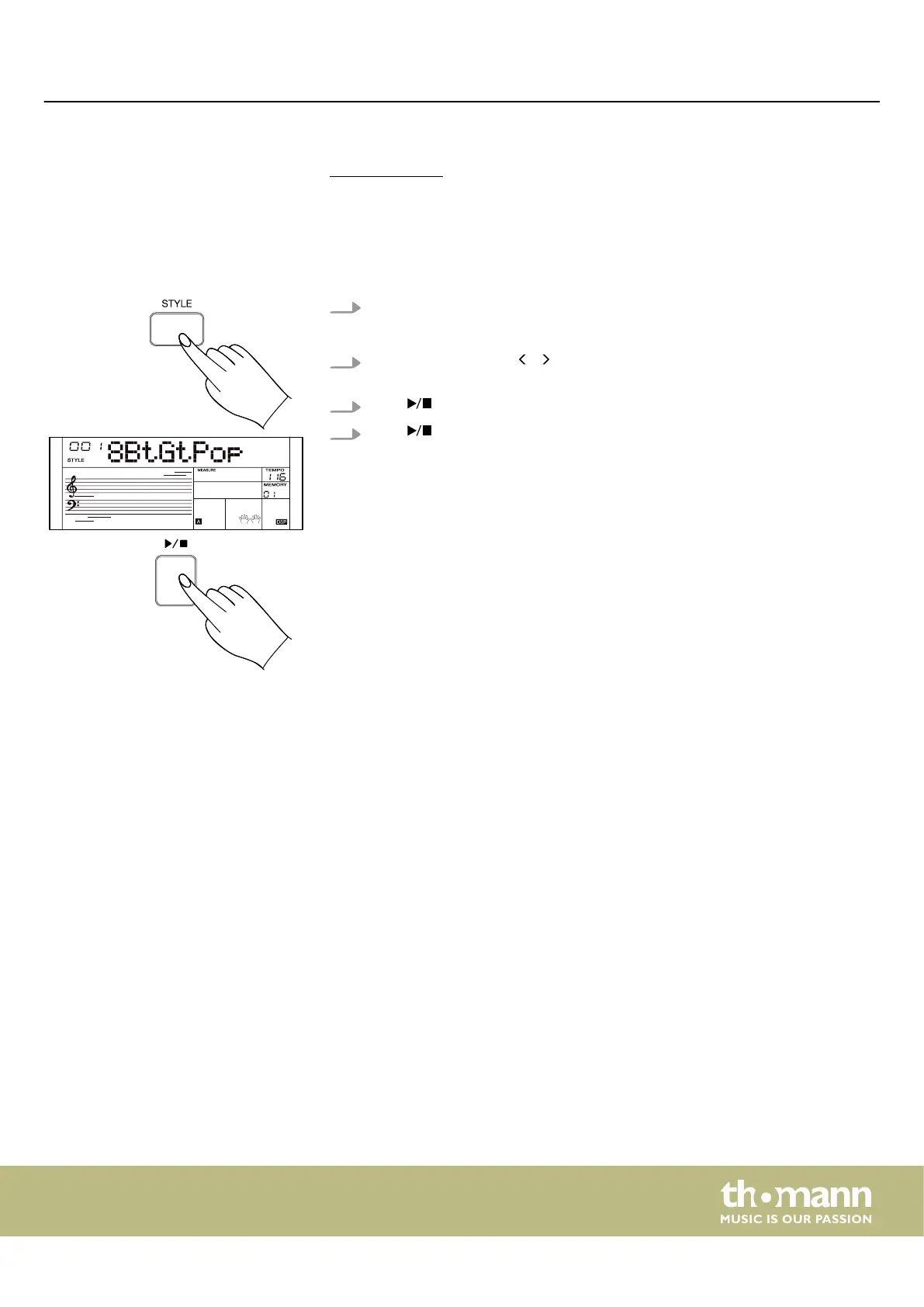
1. Press [STYLE] to activate the Style mode.
ð
The display shows the currently selected style.
2.
Use the rotary control, / of the numeric keypad or the numeric buttons to
select the desired style.
3.
Press to start the auto accompaniment rhythm track.
4.
Press again to stop the auto accompaniment rhythm track.
Operating
MK-400
29



 To Next Page