7.24 Function menu
This menu is used to set the various parameters oered by the keyboard.
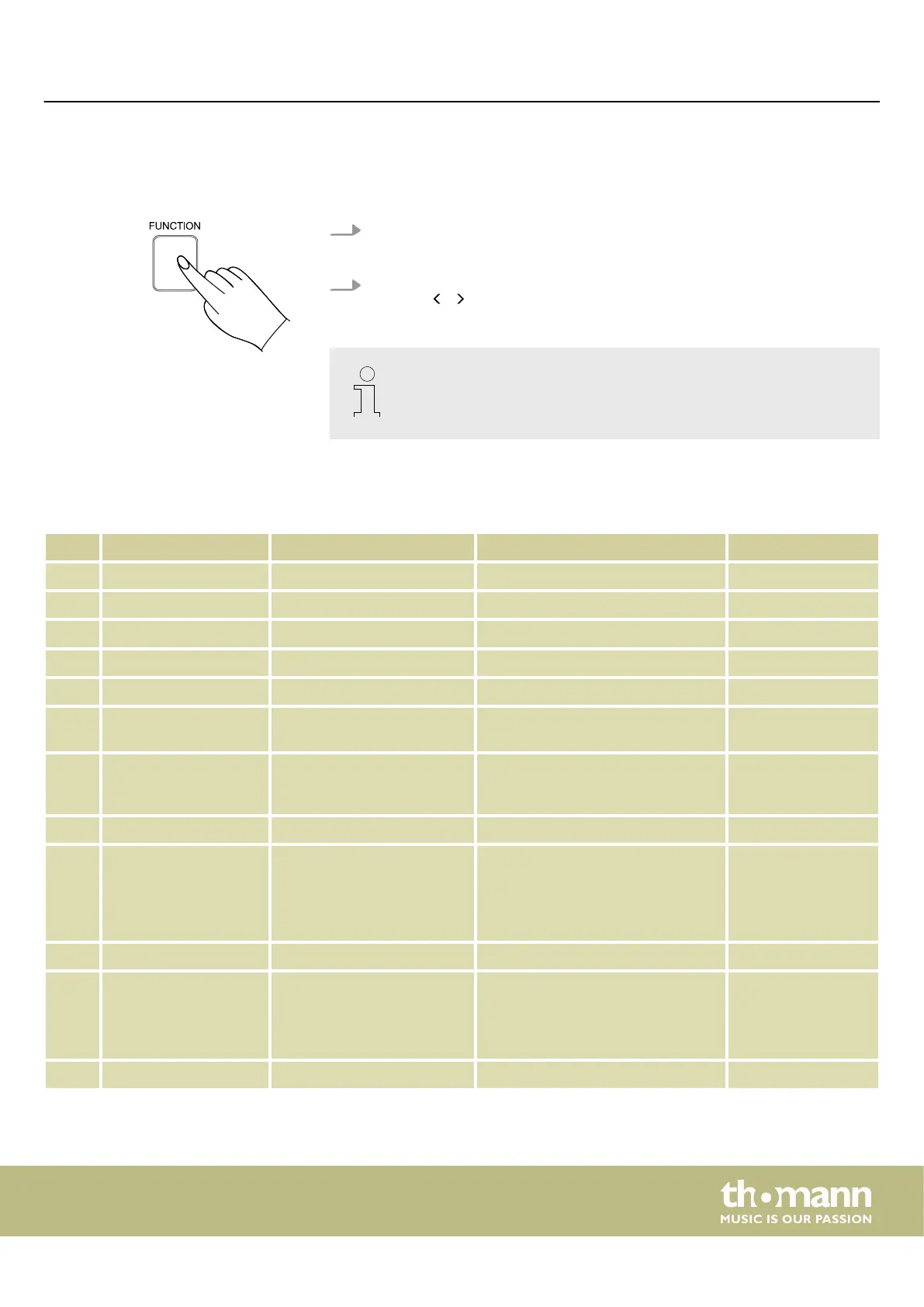
1. Press [FUNCTION] to enter the function menu.
ð
The display shows the current option.
2. Select the desired parameter with the rotary control and select the desired set‐
ting with / on the numeric keypad.
If you don't press any key within three seconds after entering the function
menu, the menu is automatically closed.
The following table shows the adjustable options and parameters:
No. Option LCD Control range Default value
1 Fine tuning ‘xxx Tune’ -50 to +50 0
2 Touch velocity ‘xxx Touch’ OFF, 1, 2, 3, 4, 5 2
3 Transposing ‘xxx Transpos’ -12 to +12 0
4 Split point ‘xxx Split Pt’ 1 to 61 19
5 Metronome xxx Beat 0, 2 to 9 4
6 Pedal ‘xxx Ped ****’ 001 Ped Sust, 002 Ped Soft,
003 Ped St/T, 004 Ped Mem
001 Ped Sust
7 Equalizer ‘xxx EQ ****’ 001 EQ Flat, 002 EQ Pop,
003 EQ Rock, 004 EQ Class,
005 EQ Jazz, 006 EQ Dance
001 EQ Flat
8 Octave shift ‘xxx Octave’ -2 to +2 0
9 Reverb eect ‘xxx Rev*****’ 001 Rev Room1, 002 Rev Room2,
003 Rev Room3, 004 Rev Hall1,
005 Rev Hall2, 006 Rev Hall3,
007 Rev Chrh1, 008 Rev Chrh2,
009 Rev Gara1, 010 Rev Gara2
004 Rev Hall1
10 Reverb eect depth ‘xxx Rev Lev’ 0 to 127 40
11 Chorus eect ‘xxx Chr*****’ 001 Chr Duet1, 002 Chr Duet2,
003 Chr Trio1, 004 Chr Trio2,
005 Chr Flgr1, 006 Chr Flgr2,
007 Chr Rtry1, 008 Chr Rtry2
001 Chr Duet1
12 Chorus eect depth ‘xxx Chr Lev’ 0 to 127 0
Operating
MK-400
49



 To Next Page