7.12.2 Playing a sample
1. After recording, the keyboard automatically returns to normal mode.
ð
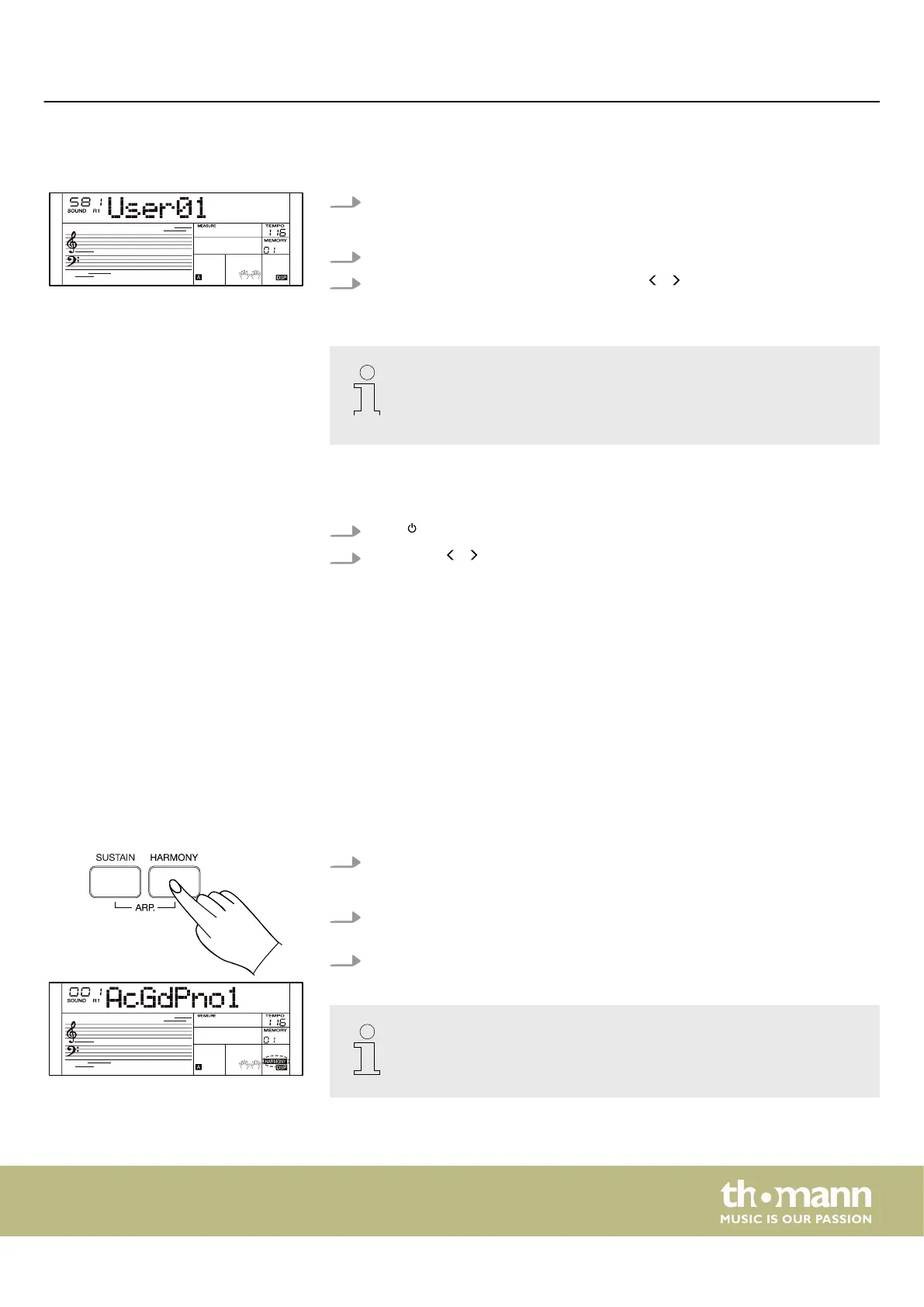
The display shows the user sound that has just been recorded.
2. Play the keyboard to instantly apply the user sound.
3.
Use the rotary control, the numeric keys or / on the numeric keypad to
select one of the ve user sounds.
– To play the user sounds with eects, press the Eect button to activate
the touch pad.
– The user sounds are saved as ‘User001’ to ‘User005’ under memory
locations ‘581’ to ‘585’ .
7.12.3 Deleting samples
1.
Press to turn the keyboard o.
2.
Hold down / on the numeric keypad and turn on the keyboard.
ð
All samples are being deleted.
7.13 Part Eects
The keyboard oers the eects ‘Harmony’ and ‘Arpeggio’ . These eects are used to
enhance or change the sound of the right hand.
7.13.1 Harmony mode
In harmony mode, additional intervals are added to the notes played by the right
hand.
1. Press [HARMONY] to activate harmony mode.
ð
The display shows the ‘HARMONY’ indicator.
2. Press [CHORD MODE] to activate the chord detection mode and turn on the
‘Fingered’ function.
3. Play a chord in the chord area. A harmony eect is added to the notes.
The harmony mode is only available when the chord detection mode is
switched on.
Operating
MK-400
27



 To Next Page