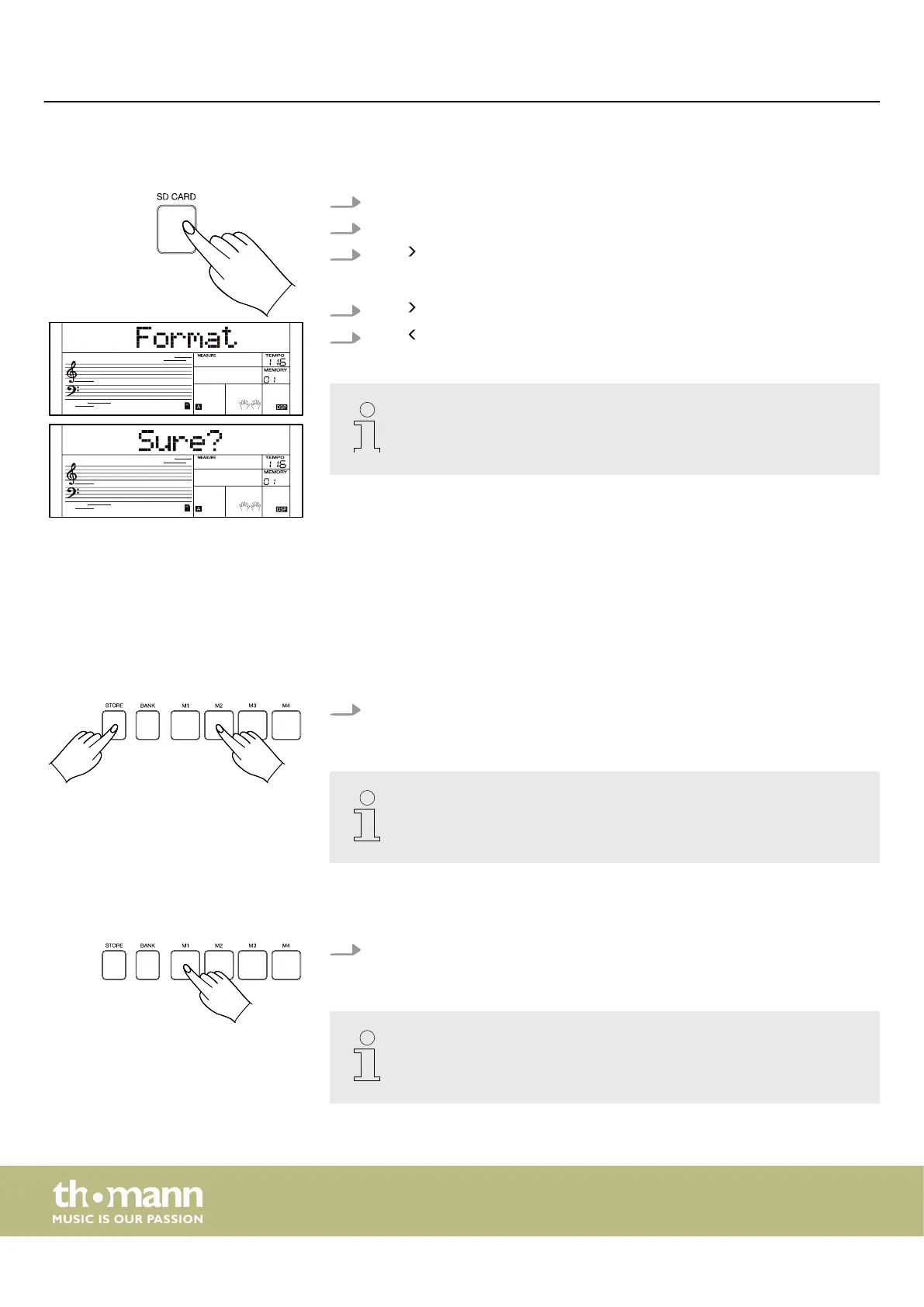
7.21.5 Formatting SD card
1. Press [SD CARD] to call up the SD card's playback menu.
2. Use the rotary control to select the ‘Format’ menu.
3.
Press to format the SD card.
ð
The display shows ‘Sure?’ .
4.
Press again to conrm the formatting of the SD card.
5.
Press to cancel the process and return to the previous display.
This process will erase all data on the SD card. Data cannot be restored after
formatting. Do not disconnect the SD card from the keyboard during the
formatting process, otherwise the SD card may be damaged.
7.22 Performance Memory
With this function you can save all the settings you have made on the keyboard and
call them up again with a single keypress.
7.22.1 Selecting a memory location
Hold down [STORE] and press one of the [M1]…[M4] buttons to save the cur‐
rent settings you have made on the keyboard to the selected memory location.
This process overwrites all previous settings saved on the selected memory
location.
7.22.2 Calling up information
Press one of the [M1]…[M4] buttons to apply the current settings saved in the
selected memory location.
– This process will reset all previous settings.
– The performance memory function cannot be called up when the quick
setting function is activated.
Operating
keyboard
46



 To Next Page