7.17 Songs
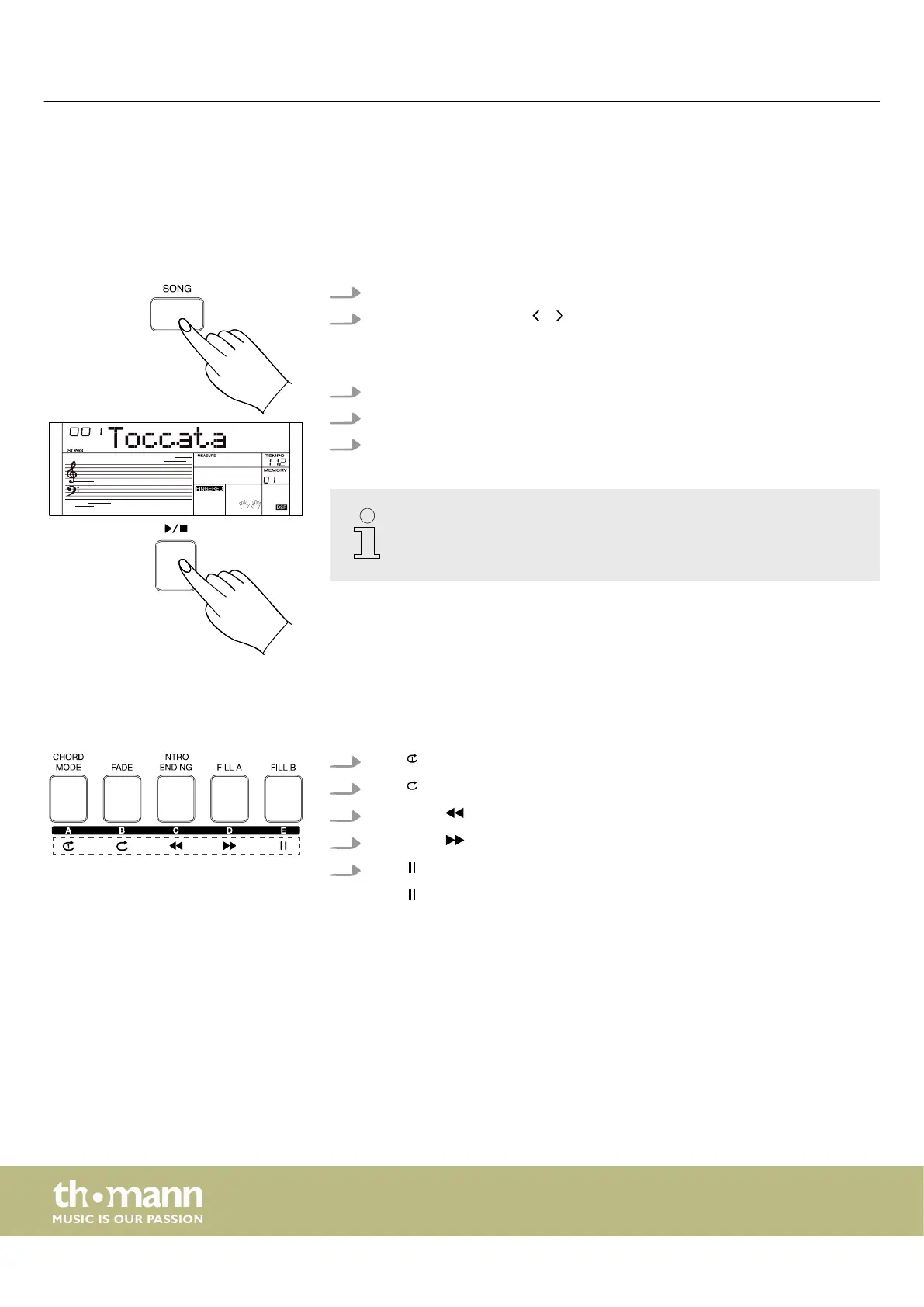
7.17.1 Selecting, playing and stopping songs
The keyboard oers a total of 180 songs. Each song can be practised in learning
mode.
1. Press [SONG] to activate the song mode.
2.
Use the rotary control or / of the numeric keypad to select the desired
song.
ð
The display shows the current song.
3. Press [START/STOP] to start the playback of the selected song.
4. Press [START/STOP] again to stop the playback of the selected song.
5. Press [STYLE] or [RECORD] to exit the song mode.
By default, all songs are played in an endless loop. You can change the play‐
back mode in the function menu (see
Ä
Chapter 7.24 ‘Function menu’
on page 49).
7.17.2 Playback mode
The songs can be played in four dierent modes.
1.
Press to play the current song in a loop.
2.
Press to play all songs in a loop.
3.
Hold down to rewind the currently playing song.
4.
Hold down to fast-forward the currently playing song.
5.
Press to pause the playback of the currently playing song.
Press again to resume playback.
Operating
keyboard
36



 To Next Page