The rating is based on the level you have achieved during practising:
n Level 1: Try it again.
n Level 2: OK.
n Level 3: Well done.
n Level 4: Outstanding.
After the rating, the rehearsal song will be played again and you can go on prac‐
tising.
7.18 Mix pattern
A mix pattern consists of patterns, sections, and tracks. A mix pattern is a song struc‐
ture and consists of 5 sections. The tracks are divided into 6 separate instrument
tracks in each section that you can turn on or o.
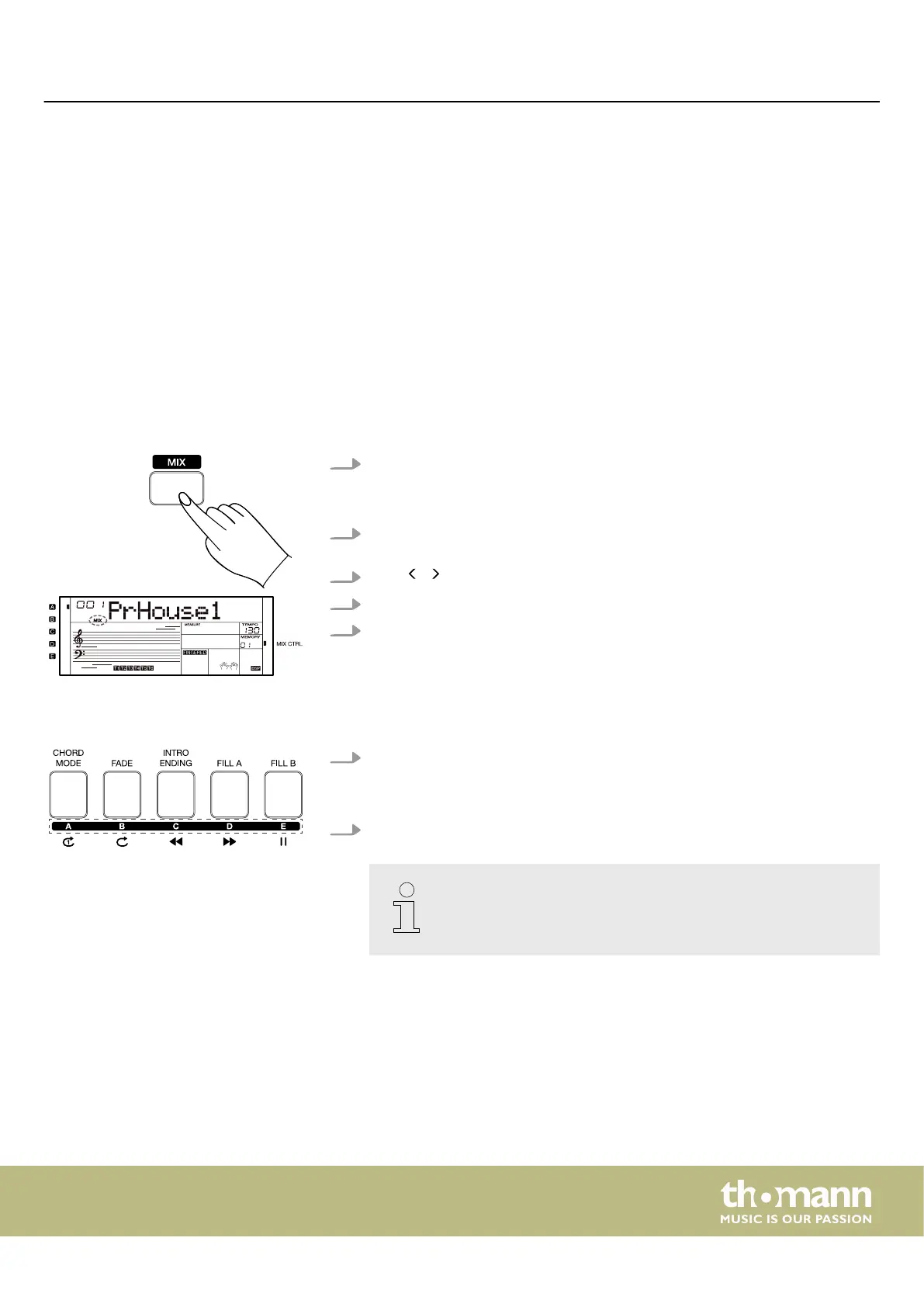
1. Press [MIX] to call up the mix mode.
ð
The display shows the current mix pattern and the [MIX CTRL] LED lights
up. The sync start function is activated.
2. Press [START/STOP] or any key in the chord section of the keyboard to begin
playing the mix pattern.
3.
Press / on the numeric keypad to change the mix pattern.
4. While the mix pattern is playing, press [START/STOP] to stop playback.
5. Press [STYLE] or [SONG] to exit the mix mode.
7.18.1 Mix sections
1. While the mix pattern is playing, press one of the [A]…[E] buttons to switch
between sections.
ð
The display shows the currently selected section.
2. While the mix pattern is playing, hold down the button of the selected section
[A]…[E] to apply the slicer eect to that section.
You can change the slicer type in the function menu (see
Ä
Chapter
7.24 ‘Function menu’ on page 49).
Rating
Operating
MK-400
39



 To Next Page