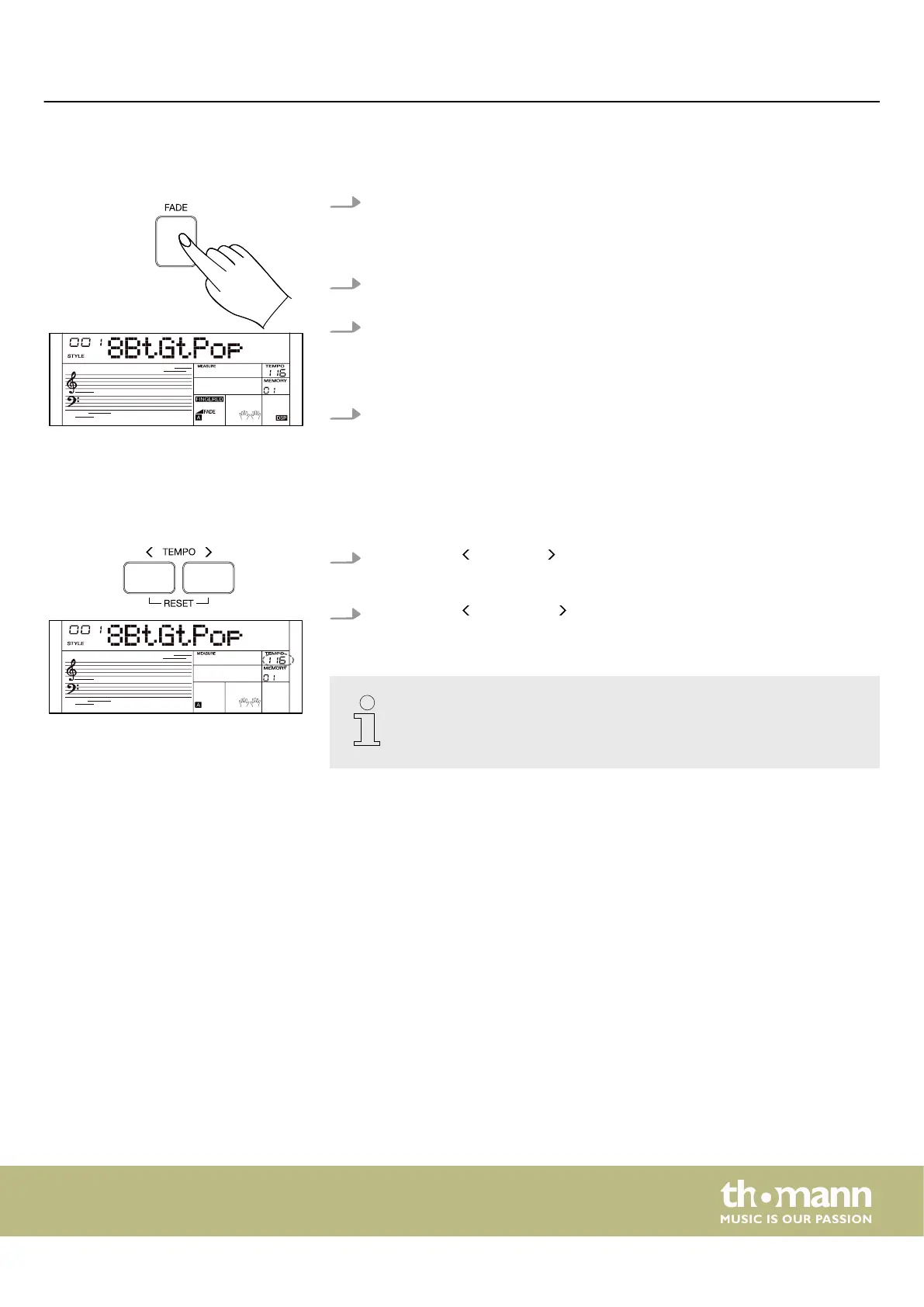
7.14.7 Fade
1. FADE IN
Press [FADE] while no Style is played.
ð
The display shows ‘FADE’ .
2. When the style begins to play, the Style volume is increased slowly from 0 to
normal volume. When the fade in is complete, the function turns o.
3. FADE OUT
Press [FADE] while a Style is played. The style volume is slowly decreased from
normal volume to 0. When the fade out is complete, the style will end automat‐
ically.
4. You can change the time for fade in and fade out in the function menu (see
Ä
Chapter 7.24 ‘Function menu’ on page 49).
7.14.8 Tempo
Each style of the instrument is programmed with a preset standard tempo.
1.
Press [TEMPO] or [TEMPO] to change the tempo.
ð
The display shows the set tempo.
2.
Press [TEMPO] and [TEMPO] simultaneously on the numeric keypad to reset
the current settings to the default setting.
When Style playback is stopped, changing the style will automatically reset
the tempo to the default setting. However, changing the style while the style
is playing does not change the tempo.
Operating
MK-400
33



 To Next Page