7.14.9 Quick Setting
If this function is activated, suitable right-hand sounds are automatically added to
the selected styles.
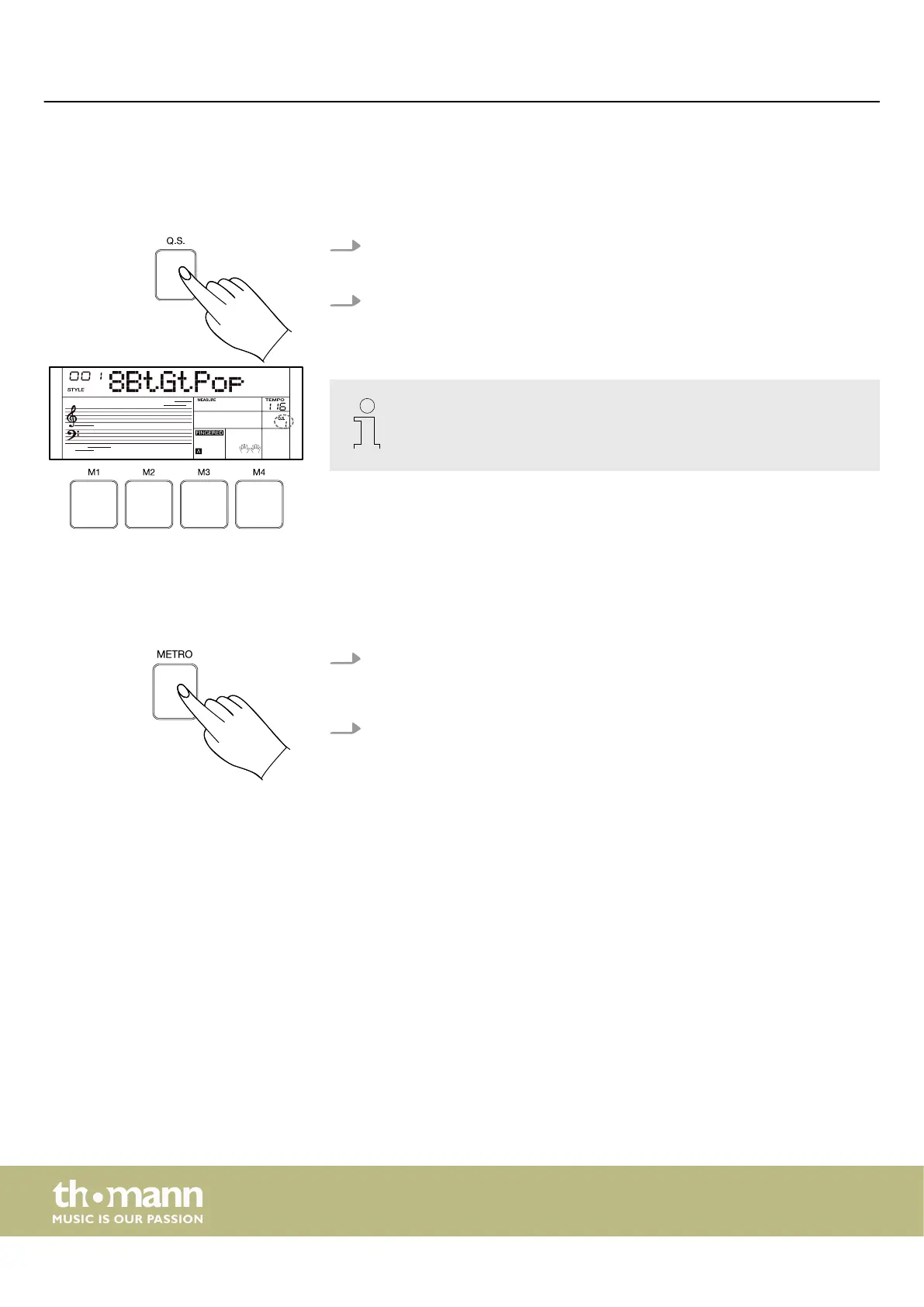
1. Press [Q.S.] to call up the quick setting function.
ð
The display shows ‘Q.S.’ .
2. Press one of the [M1] … [M4] buttons to call up the panel settings (including
sound and eects) that correspond to the current style. Each style has four
preset Q.S. settings.
The memory function is not available when the quick setting function is
used.
7.15 Metronome
7.15.1 Turning the metronome on and o
1. Press [METRO] to turn the metronome on.
ð
The beat indicator on the display ashes and the metronome beat can be
heard.
2. Press [METRO] again to turn the metronome o.
Operating
keyboard
34



 To Next Page