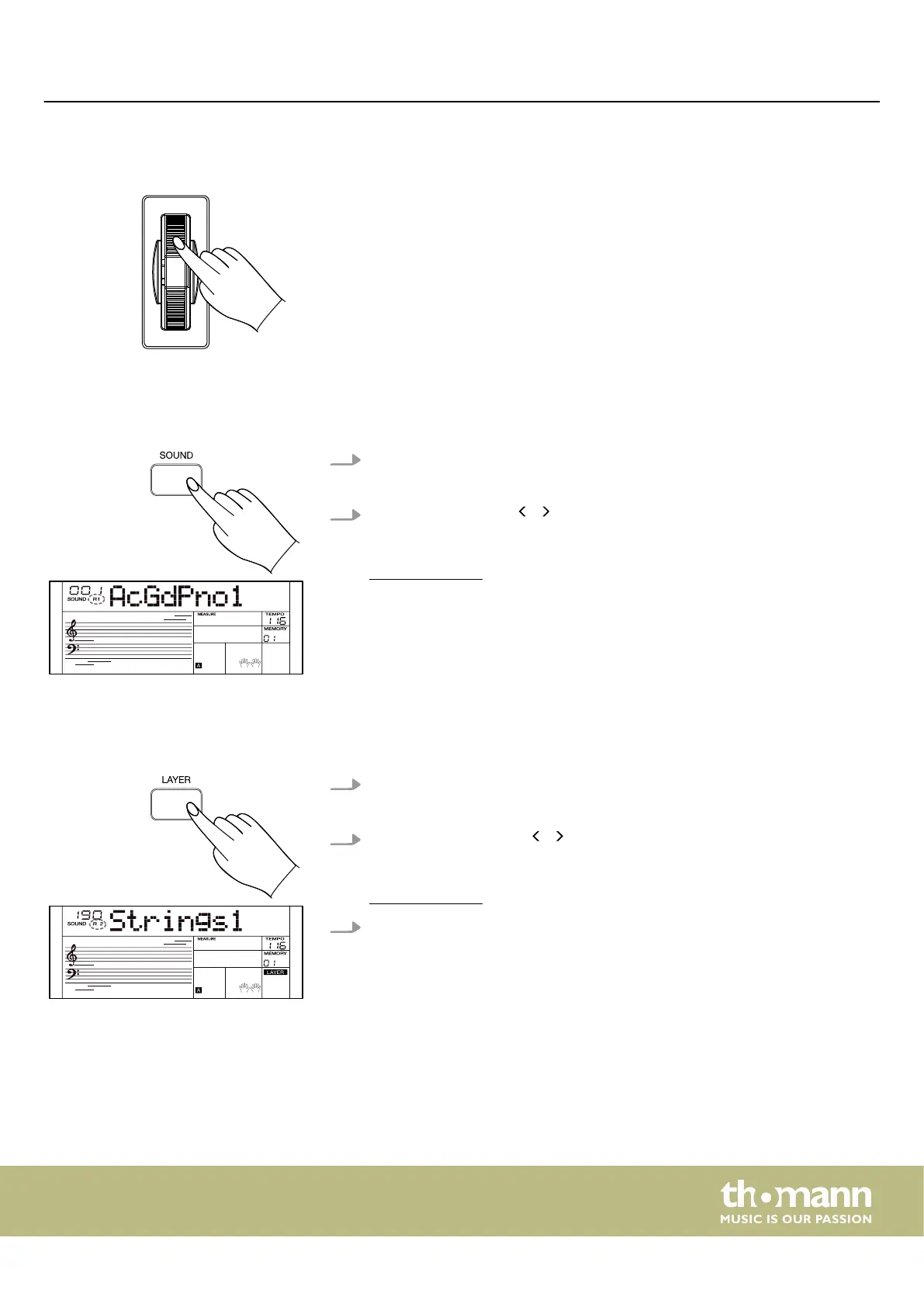
7.5 Pitch bend wheel
While playing the keyboard, you can roll the Pitch bend wheel upward and down‐
ward to vary the pitch up or down. After releasing, the Pitch Bend wheel automati‐
cally returns to its default position.
You can switch the pitch bend wheel on or o in the function menu (see
Ä
Chapter
7.24 ‘Function menu’ on page 49).
7.6 Sounds
The keyboard has 580 sounds and 5 user sounds.
1. Press [SOUND] to activate the Sound mode.
ð
The display shows the ‘R1’ indicator and the currently selected sound.
2.
Use the rotary control, / of the numeric keypad or the numeric buttons to
select the desired sound.
The sound list is available for download on the product page of our homepage
www.thomann.de.
7.7 Layer mode
With the layer mode you can set the "layering" of sounds.
1. Press [LAYER] to activate the Layer mode.
ð
The display shows the ‘R2’ indicator and the currently selected sound.
2.
Use the rotary control or / of the numeric keypad to select the desired
sound.
The sound list is available for download on the product page of our homepage
www.thomann.de.
3. Press [LAYER] again to disable the Layer mode.
Operating
MK-400
23



 To Next Page