The following table shows the detailed chord types in the chord reference:
Note Root note Note Type Note Type
C6 C C4 M C5 7(b9)
C#6 C#/Db C#4 M(9) C#5 7(9)
D6 D D4 6 D5 7(#9)
Eb6 Es/Dis Eb4 mM7 Eb5 7(b13)
E6 E E4 M7 E5 7(13)
F6 F F4 M F5 7(#11)
F#6 F#/Gb F#4 M(9) F#5 dim7
G6 G G4 M6 G5 dimming
Ab6 Ab/G# Ab4 M7(9) Ab5 7aug
A6 A A4 M7 A5 aug
Bb6 Bb/A# Bb4 M7b5 Bb5 7sus4
B6 B B4 7 B5 sus4
7.20 Song recording
7.20.1 MIDI recording
The keyboard has powerful real-time recording capabilities. Record your perform‐
ance and save it as a MIDI recording in internal memory as a user song or save it to an
SD card.
7.20.1.1 Preparing MIDI recording
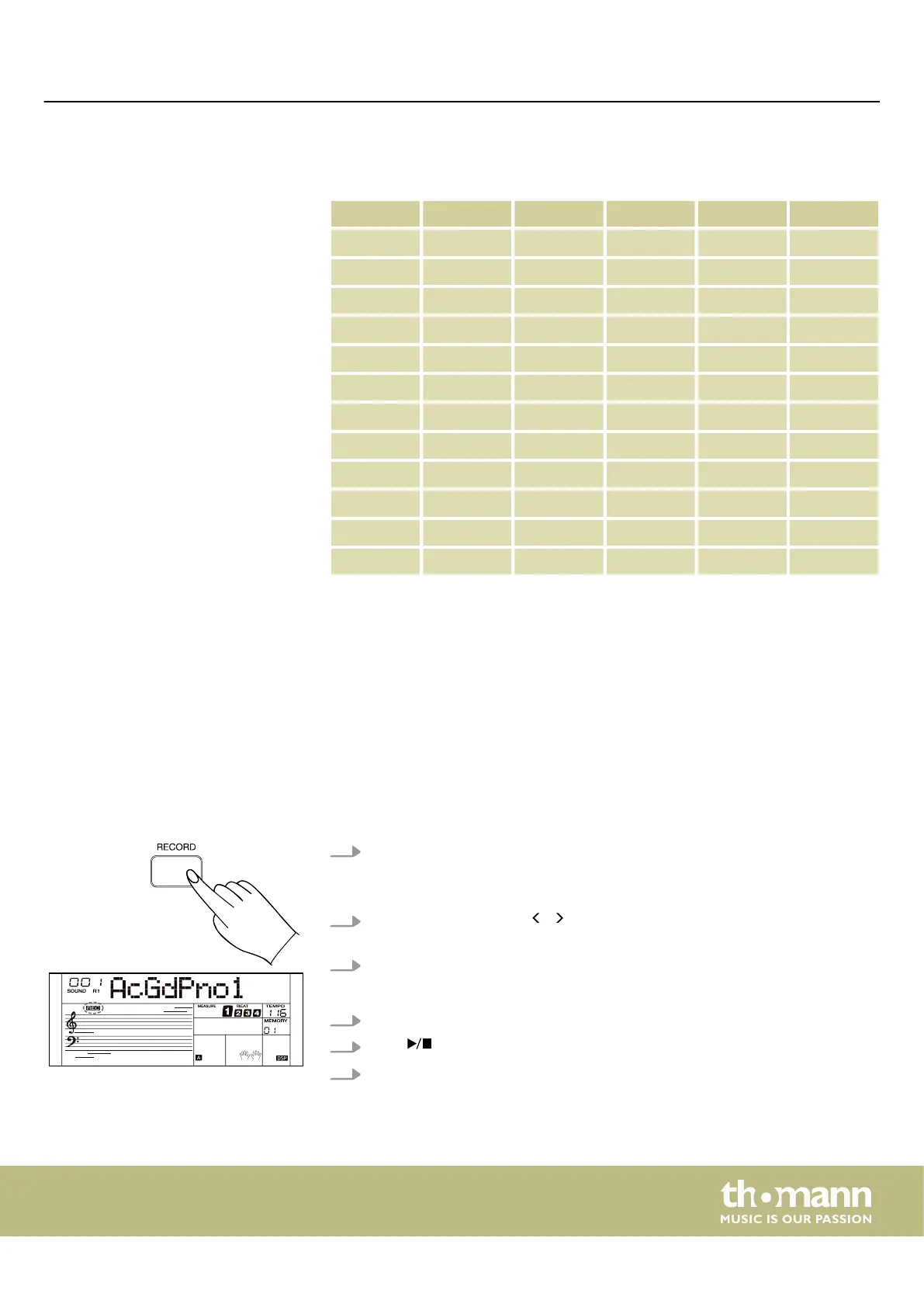
1. Press [RECORD] to call up the recording menu.
ð
The display shows the current number and name of the user song. (e.g.
‘001 RecSong’ ). If there is no user song, the display shows ‘No File!’ .
2.
Use the rotary control or / of the numeric keypad to select a memory loca‐
tion for the user song on which you would like to save your recording.
3. Press [RECORD] again to turn the recorder on.
ð
The display shows ‘REC’ and the beats ash in time.
4. Select a sound, style or tempo, if desired.
5.
Press or play the keyboard to start recording.
6. Alternatively, turn on the ‘Fingered’ mode. Recording starts as soon as you play
a chord in the chord section of the keyboard.
Operating
MK-400
41



 To Next Page