7.18.2 Mix tracks
1. While the mix pattern is playing, press one of the [T1]…[T6] buttons to switch
the corresponding track on or o (mute / unmute).
ð
The display shows the current track information.
2. Press [MIX CTRL] to reset the primary functions of the [T1]…[T6] buttons to their
default settings.
ð
The current mix pattern display and the [MIX CTRL] LED turn o.
7.19 Chord reference display
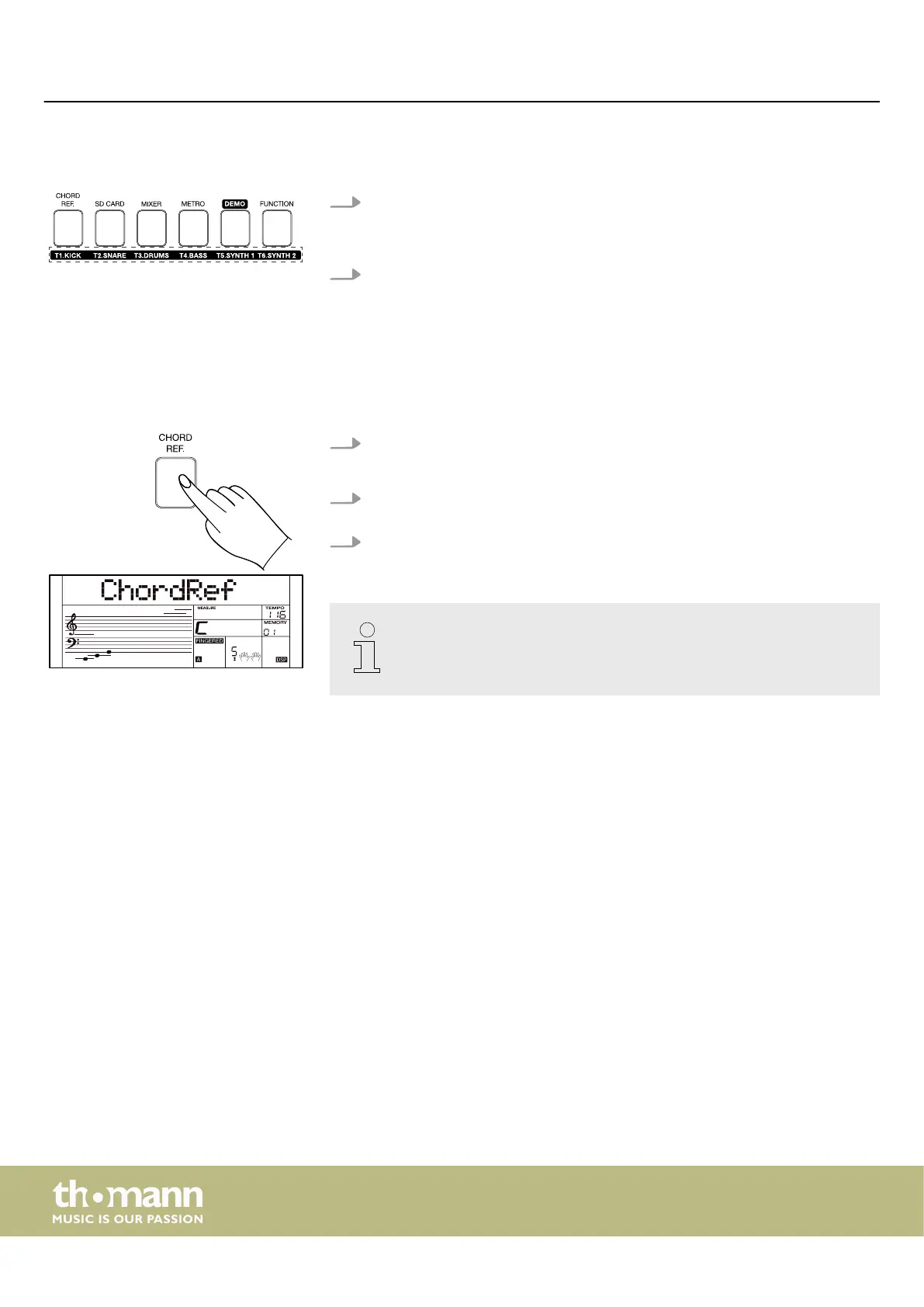
1. Press [CHORD REF] to call up the chord reference screen.
ð
The display shows ‘ChordRef’ . The ‘Fingered’ mode is activated.
2. Press one of the [C6]…[B6] keys on the keyboard to set the desired root of the
chord.
3. Press one of the [C4]…[B5] keys on the keyboard to set the desired chord type
(minor or major).
The chord reference display is not available in mix mode.
Operating
keyboard
40



 To Next Page