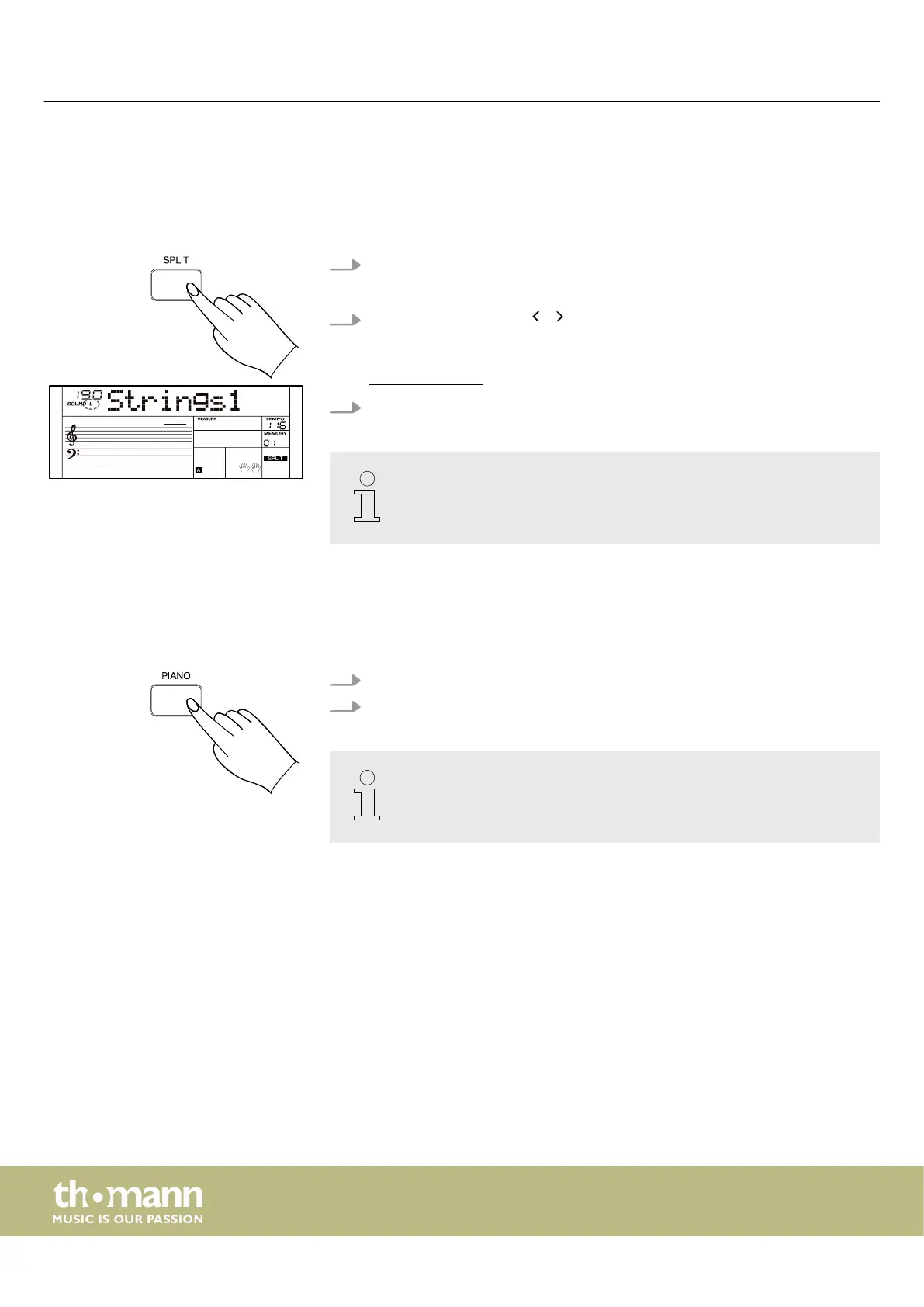
7.8 Split mode
With Split mode, you can assign dierent sounds to certain keyboard areas. The
preset split point is on piano key [F#3]. You can change the split point in the function
menu (see
Ä
Chapter 7.24 ‘Function menu’ on page 49).
1. Press [SPLIT] to activate the Split mode.
ð
The display shows the ‘L’ indicator and the currently selected sound.
2.
Use the rotary control or / of the numeric keypad to select the desired
sound.
The sound list is available for download on the product page of our homepage
www.thomann.de.
3. Press [SPLIT] again to disable the Split mode.
When using Layer and Split mode, only the area to the right of the split
point plays the layered sounds. Use the mixer to adjust the volume of the ‘R’
and ‘L’ parts.
7.9 Piano mode
You can use the Piano mode to simulate playing an acoustic piano.
1. Press [PIANO] to activate the Piano mode.
2. Press [PIANO] again to disable the Piano mode.
– When using the Piano mode, Chord mode ‘Fingered’ is automatically
turned o.
– Layer and Split mode are not available in piano mode.
Operating
keyboard
24



 To Next Page