Advanced functions
18
EN
PIP - Single/Split screen in PC mode
Press the MENU button to display the OVERVIEW menu. In PC mode, select PIP and
press
OK.
The
PIP menu offers the following options :
Display mode: select one of the following PIC display modes:
- Off: PIP is disabled, full screen in PC mode.
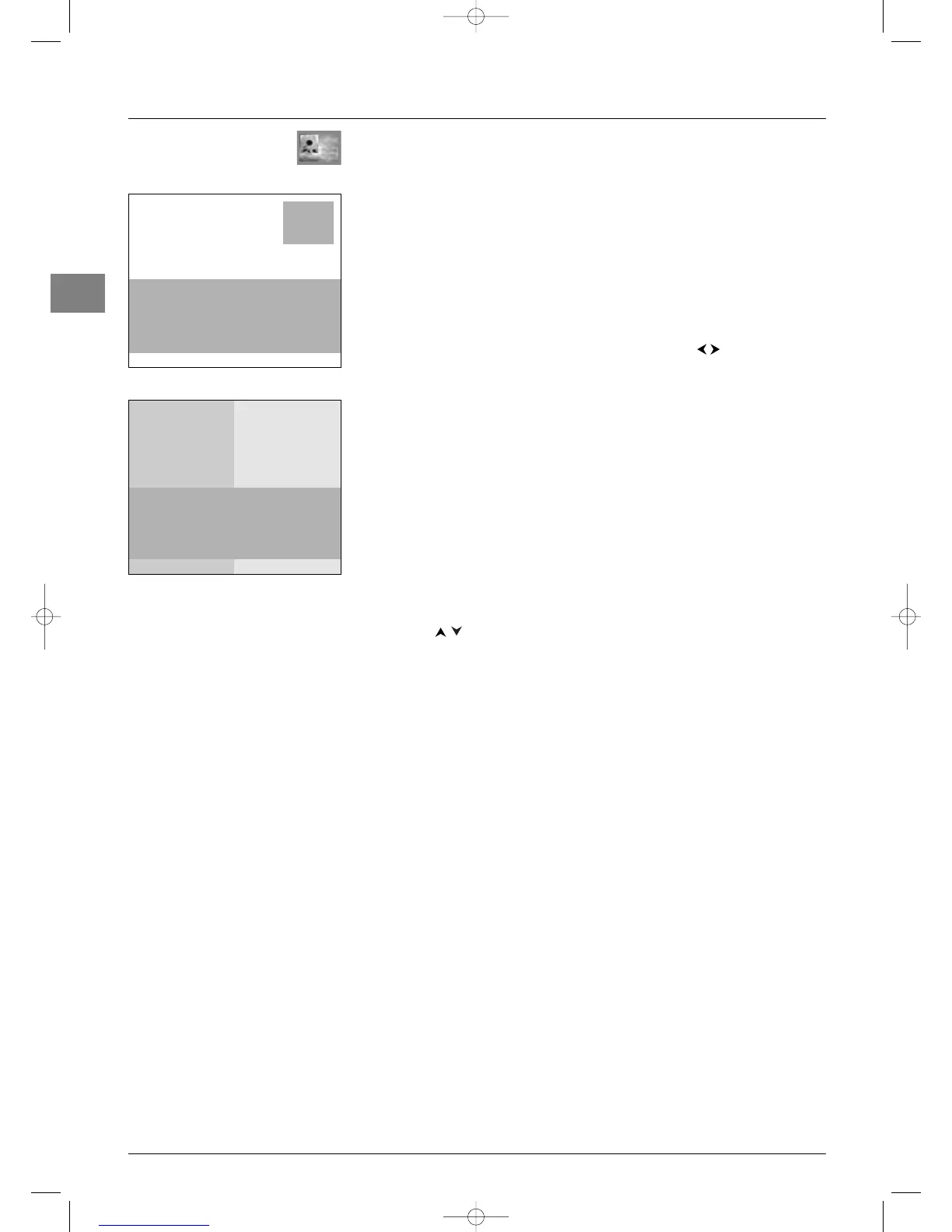
- Single: a channel or AV programme is displayed in a frame in a corner of the screen.
- Split screen: the screen is divided vertically in two and the PIP is displayed on the right
side.
When you enable the PIP function, the other options in the menu are displayed.
- In
Single mode, you can select the programme, the zoom and the position of the frame
on the screen. Select an option from the list each time using the buttons.
- In
Split screen mode, you can select the programme to be displayed on the right side.
Press
EXIT to close the menu. Select the option Return and press OK to return to the
OVERVIEW menu.
Operation
Use the PIP button on the remote control to enable the different display modes in turn.
The sound always comes from the PC.
In both display modes:
- To apply the PIP function to an AV programme in RGB, you need to select
RGB as
the relevant AV source in the
AV Settings menu (see page 20).
In
Single mode:
- Use the
PIP+/PIP- buttons to change programmes on the right side of the screen.
- Use the
PIP ZOOM button to change the size of the PIP picture.
- Use the buttons to change the position of the PIP frame on the screen.
In
Split screen mode:
- Use the
PIP+/PIP- buttons to change programmes.
- Use the
TEXT button (purple) to display on the right side of the screen Teletext of
the selected channel. Press
EXIT to disable this function.
Press
EXIT to quit PIP mode and return to full screen in PC mode.
Return
Display mode Single...
Programme 01
Zoom ¨ Minimum...
Position Upper right...
PIP
Return
Display mode Split screen...
Programme ¨ 01
PIP
PIP menu - Single
PIP menu - Split screen



 To Next Page