25
DVD functions - Playing discs
EN
Basic playback operations
Important : Before inserting a disc in the slot, switch on DVD player
by pressing DVD key on the remote control.
Playback
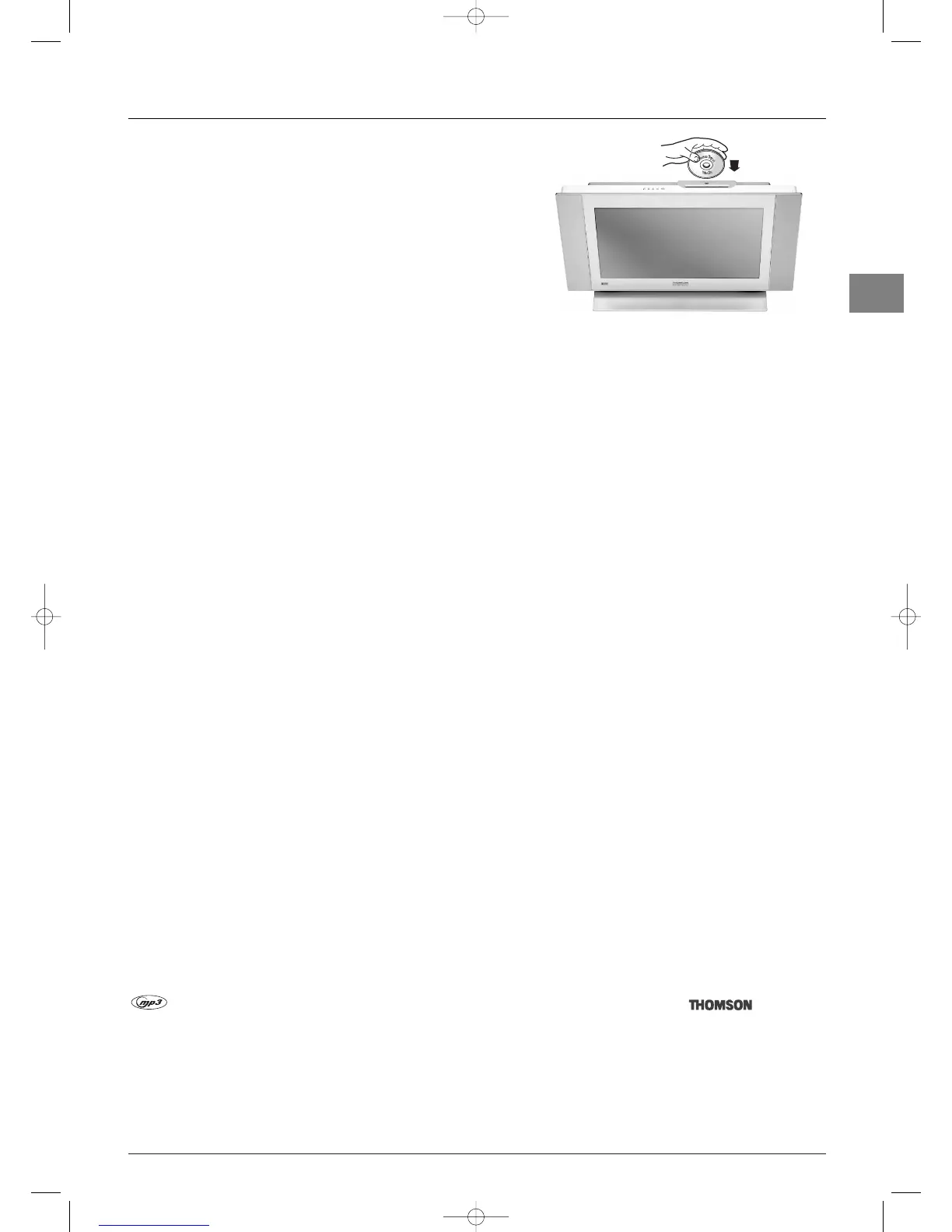
1. Insert a disc in the slot with the printed side facing you
(in the case of a single-sided disc). It is normal to feel slight resistance.
Note: Double-sided discs have a concentric marking around the central hole
on both sides.
2. When the disc has been inserted about halfway the player completes
the rest of the operation.
• Play starts automatically, or
• The disc menu appears. One of its options can be selected to start playing the disc. Select it and press
OK, or else
• The player’s main menu appears. Select the
Disc option and press OK. Select the Start or Standard Play option and press
OK.
3. Press STOP to stop playback.
Notes:
- The player stores the point where playback was interrupted. If you press
PLAY again, playback resumes from this point.To stop playback
completely or to start again from the beginning, press STOP twice.
- If the player is left in STOP mode for more than five minutes without any user interaction, a screen saver is activated.
Accelerated play
While the disc is playing, press the REV or FWD button one or more times to vary the speed and direction of the accelerated
play.
Still image
While the disc is playing, press PAUSE once for freeze frame.
Frame advance
1. Press the PAUSE button.
PAUSE is displayed.
2. Press the PAUSE button a number of times to advance backward or forward image by image.
Variable slow motion
1. While the disc is playing, press the PAUSE button once.
PAUSE is displayed.
2. Press the REV or FWD button a number of times to vary the speed and direction of the slow motion.
Changing chapter
While the disc is playing, press the PR+ or PR- button to go immediately to the next or previous chapter, or to the next or
previous track.
Scene replay (DVD)
While the disc is playing, press the RETURN button on the remote control to replay the last seconds of the film or sequence
shown.
Playing mp3 music files and displaying JPEG files
is an audio file format which compresses recorded music. It was developed in collaboration with .The main
advantage of the mp3 format is that it means CD-quality music tracks can be stored on a personal computer in user-friendly
compressed files.
JPEG files are image files.This player can play JPEG files up to a maximum of 5 megapixels.
To start playing, select
Disc from the main menu, followed by Start.Then select Music, Pictures or BOTH.
While the disc is playing, press the INFO button to access the Info menu.



 To Next Page