27
DVD functions - Playing discs
EN
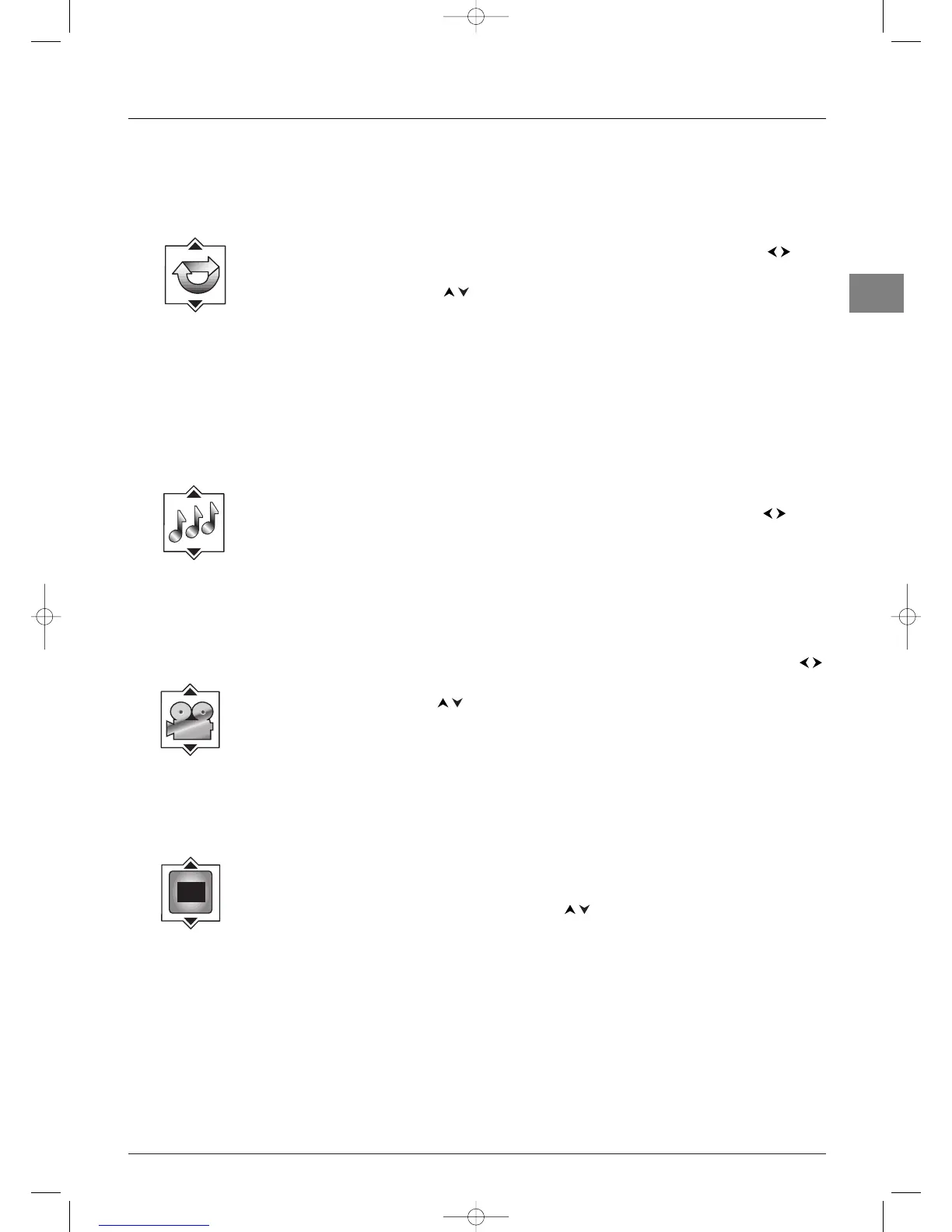
Repeat play (all discs)
This function allows you to repeat a title, chapter, track, selected A-B segment (except for VCDs), a
programmed sequence or whole disc.
This function is only available with discs for which the elapsed time appears.
1. While the disc is playing, press the INFO button, then select the Play mode info using the
buttons.
2. Choose an option using the buttons.
Note:To repeat a sequence between two points A and B, choose the A-B repeat option, and then follow the
instructions for entering the two points. If, during a fast forward or reverse, point B is reached, the player continues
playback at normal speed from point A. If, during a fast search, point A is reached, the player starts playback from
point A at normal speed.
3. To stop repeat play:
- select the Repeat Mode info and choose the
Off option,
- press the
STOP button twice,
- access the disc menu by pressing the
DISC MENU button.
IntroScan (audio CD and mp3)
IntroScan plays the first ten seconds of each track.
1. While the disc is playing, press the INFO button, then select the IntroScan info using the
buttons and press
OK to confirm.
2. When all the tracks have been scanned IntroScan stops. If you want to continue playing the track
being scanned, press the
PLAY button. Press the STOP button to stop IntroScan.
Camera angle (DVD)
Some discs offer different camera angles for specific scenes.
1. To change the camera angle, press the INFO button, then select the camera angle icon with the
buttons.
2. Choose the angle with the buttons to view the different camera angles available.
Notes:
- If the disc was recorded using a single camera angle, this function is not available. There are very few discs offering
more than one angle.
- To automatically display the camera angle info as soon as several camera angles are available, select Display
from the main menu, select On-Screen Displays, then tick the box for the Angle indicator option (see
page 31).
PBC - PlayBack Control (VCD)
The PlayBack Control function offers scenes and information which can be selected interactively via a
menu. It can also be used to display high-resolution pictures, if the disc contains any.
Press the
INFO button, then select PBC info. Press the buttons to enable or disable this function.
Info menu for JPEG files
This menu provides the following information and functions:
- Scroll speed:
NORMAL (15 sec.), FAST (10 sec.), SLOW (30 sec.). Use the REV and FWD buttons
to change the scroll speed.
- Play mode:
PLAY, PAUSE. Press the PAUSE button on the remote control to stop the sequence of
pictures. Press the
PLAY button to resume playing.
- Position, title and page number displayed.
- Total number of pictures.



 To Next Page