E-DOC-CTC-20090507-0002 v1.0
14
2 Thomson Gateway
Basics
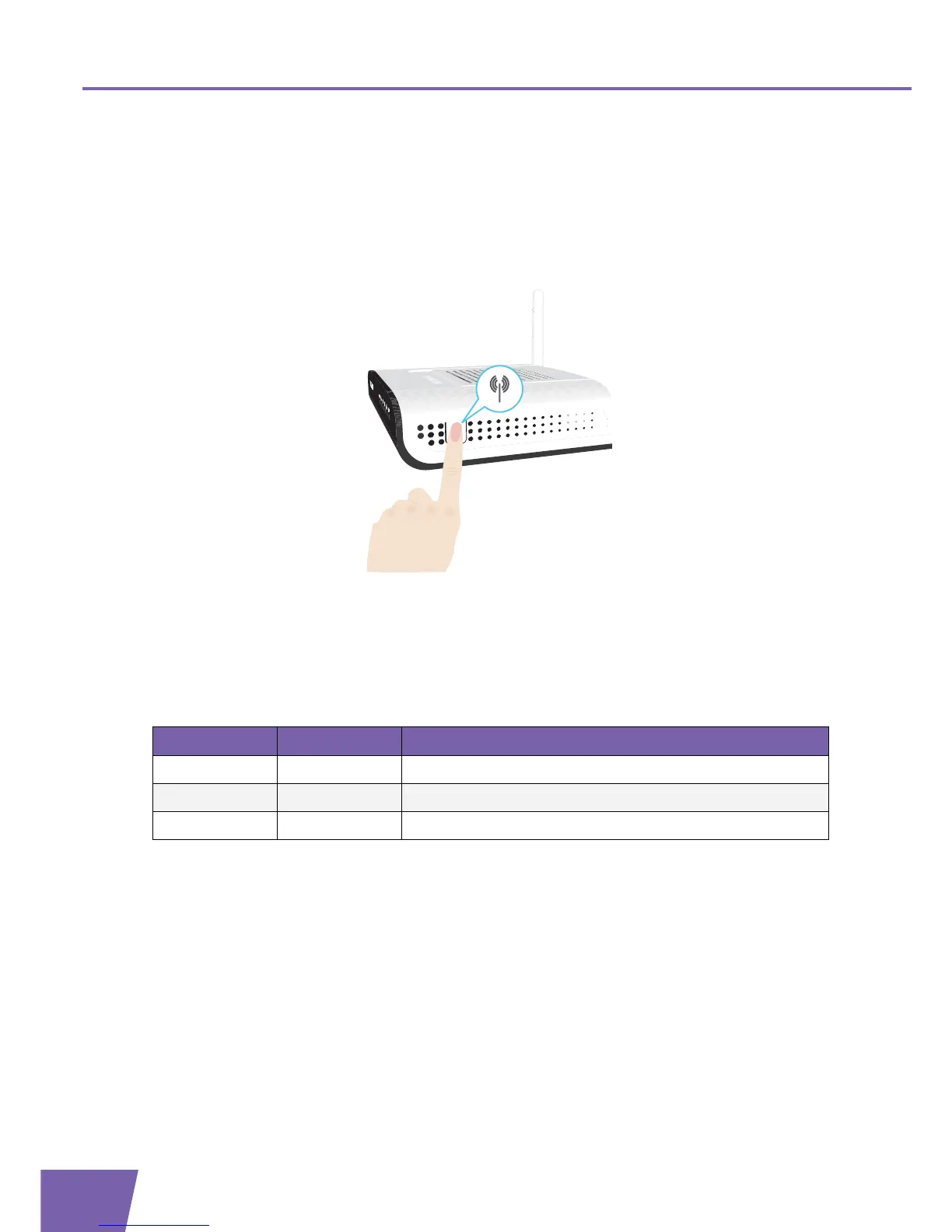
2.1.2 WPS Button LED
Introduction
The WPS button allows you to add new wireless clients to your network.
For more information, see Connecting Your Wireless Client via WPS.
WPS LED
Colour State Description
Green Solid On Client successfully registered via WPS
Amber Blinking WPS registration ongoing
Red Blinking Error occurred



 To Next Page