E-DOC-CTC-20090507-0002 v1.0
69
6 Thomson Gateway GUI
6.3.5 Intrusion Detection
Introduction
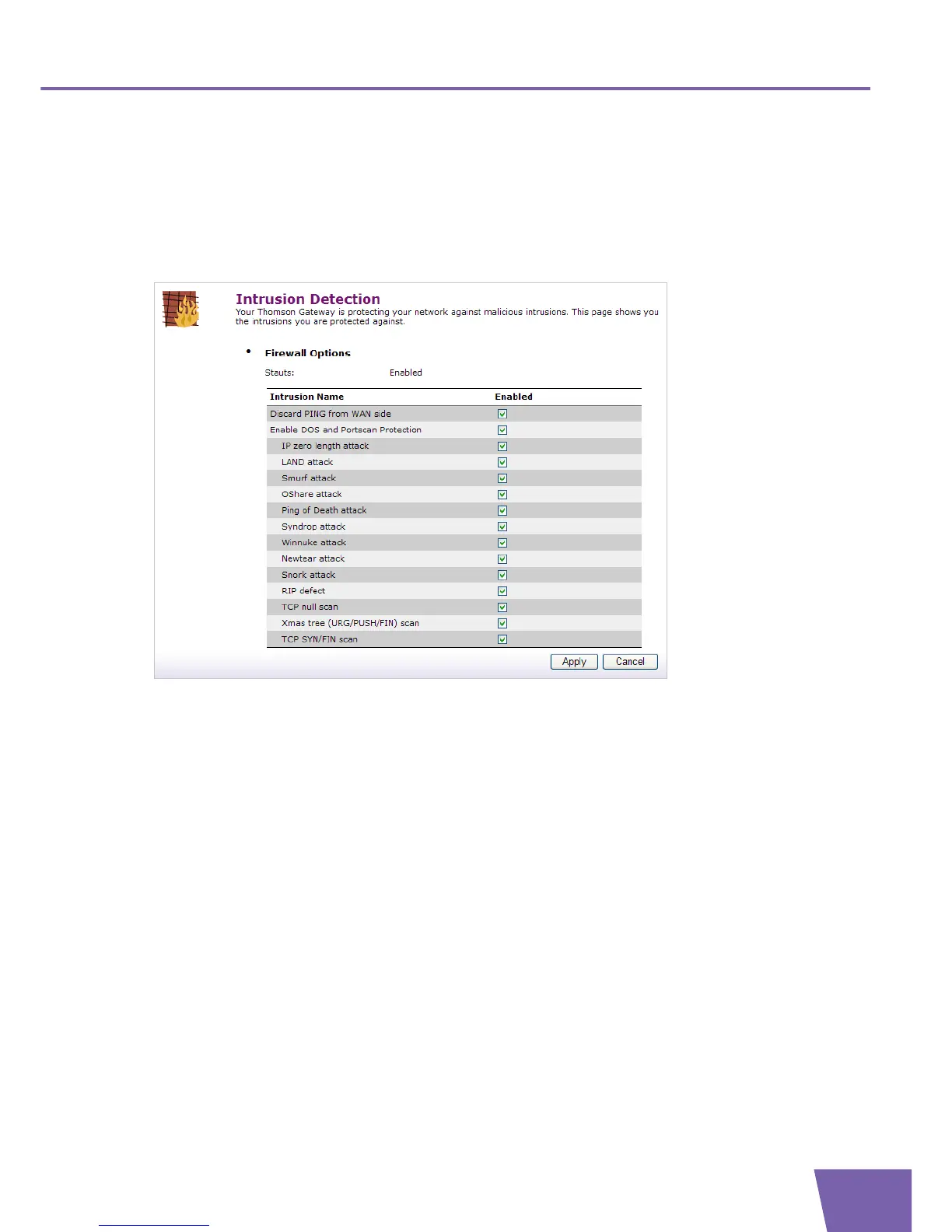
Your Thomson Gateway protects your network against malicious intrusions. The Intrusion Detection page
shows you the intrusions you are protected against.
Enabling Intrusion Detection
Proceed as follows:
1 Under Firewall Options, select the check box(es) of the Intrusion Name(s) you want to block.
2 Click Apply.



 To Next Page