E-DOC-CTC-20090507-0002 v1.0
50
6 Thomson Gateway
GUI
6.2 Broadband Connection
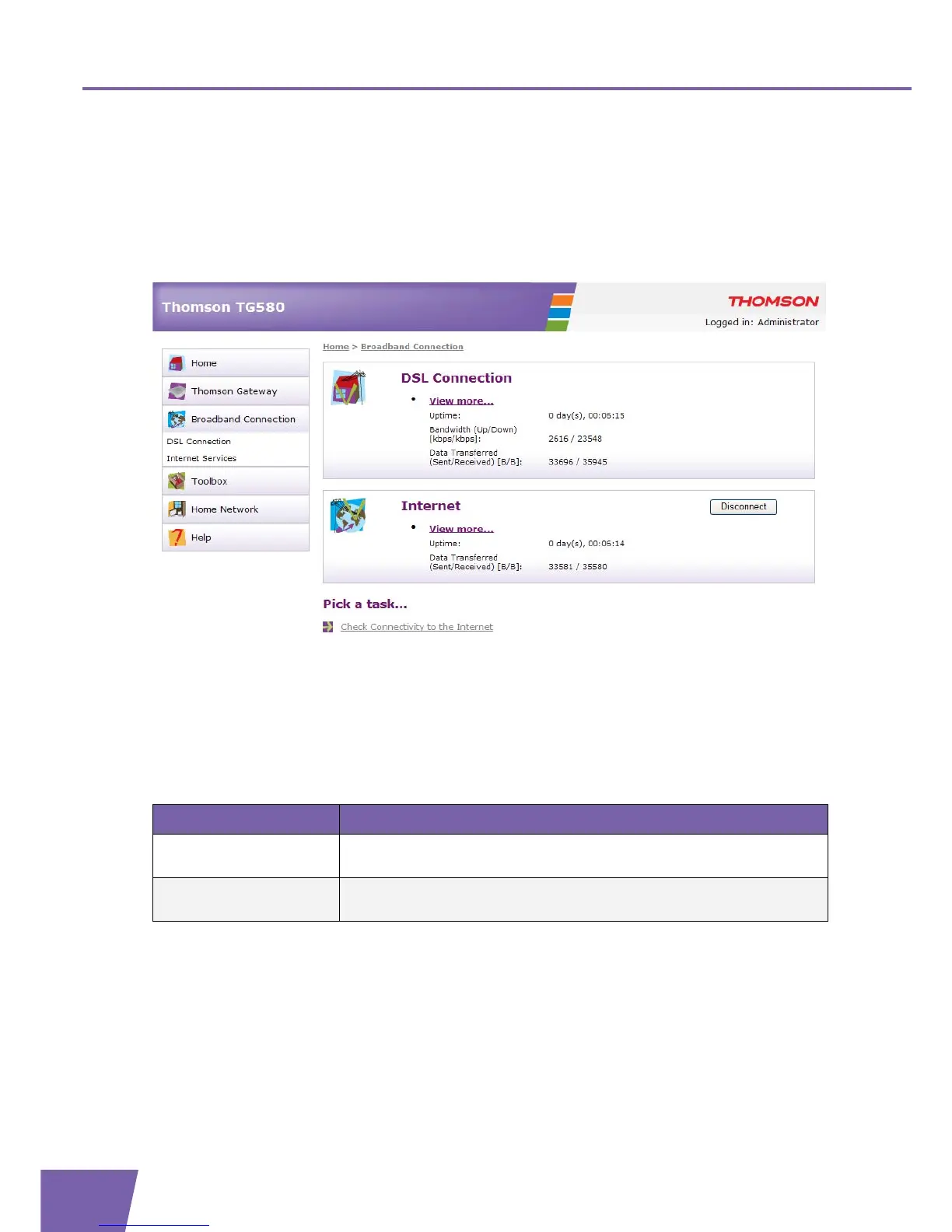
The Broadband Connection page
The Broadband Connection page gives you a short status overview of the broadband connections and the
Internet service(s) configured on your Thomson Gateway.
Click:
View more to see more information on the corresponding broadband connection.
Connect/Disconnect to establish/terminate a dial-up connection.
The Broadband Connection menu
In the Broadband Connection menu, you can find the following items:
Tasks
On the Broadband Connection page you can carry out following tasks:
Checking connectivity to the Internet
Click... To...
Broadband Connection View all information on the DSL connection configured on your Thomson
Gateway.
Internet Services View basic information on the Internet service(s) configured on your
Thomson Gateway.



 To Next Page