E-DOC-CTC-20090507-0002 v1.0
65
6 Thomson Gateway GUI
6.3.3 Parental Control
Introduction
Parental Control can be done:
Based on the Web site’s address (URL), also known as address-based filtering.
Overview
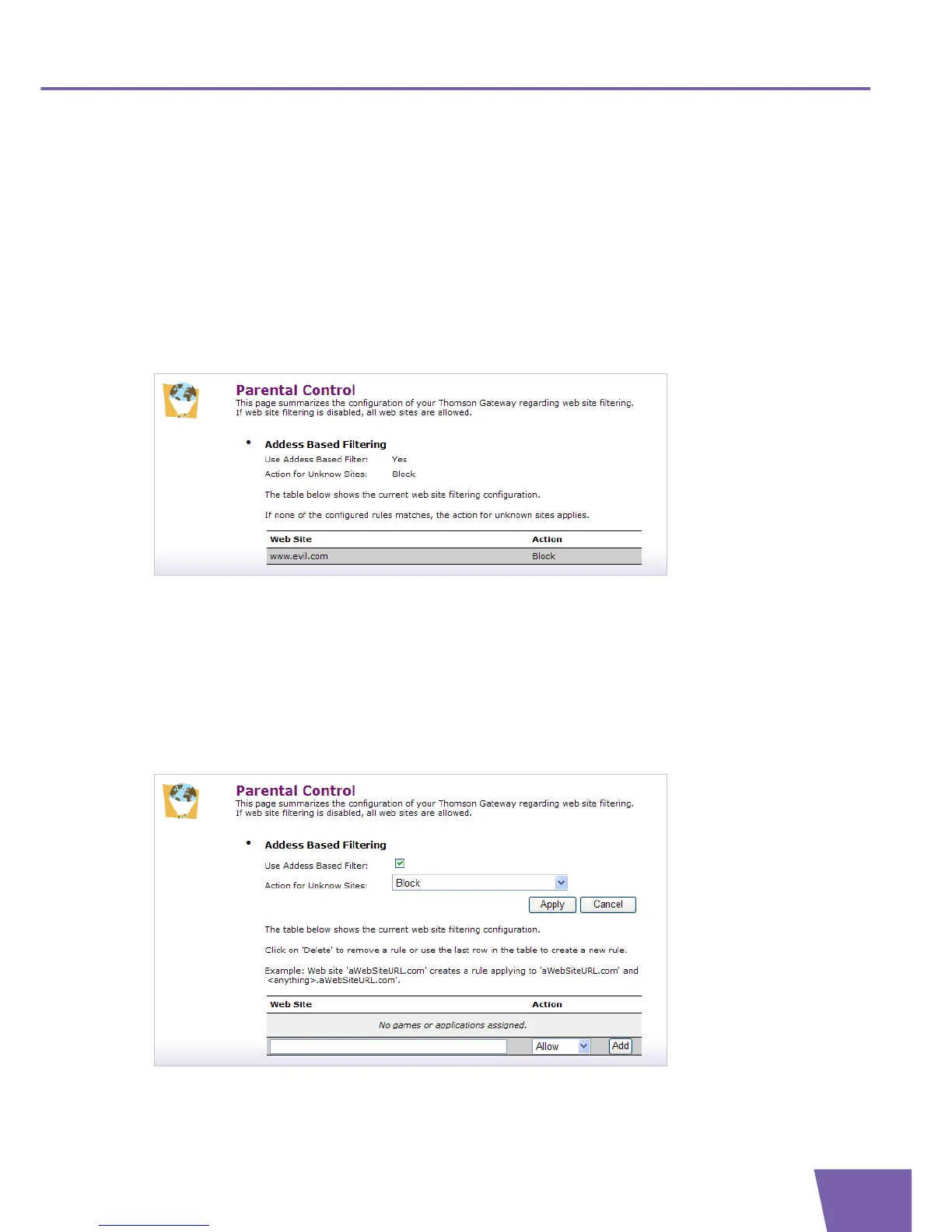
The Overview page displays the current parental control settings.
The status of Address Based Filter, being enabled (Yes) or disabled (No).
What action has to be carried out for unknown sites in case address based filtering is enabled:
Those sites are either Allowed or Blocked.
An overview of all of the address based filtering rules in case address based filtering is enabled.
The table informs whether a specific web site is Allowed or Blocked .
Configure
On the Configure page, you can restrict access to specific pages based on their URL.
You are allowed to:
Enable/disable Address Based Filtering, proceed as follows:



 To Next Page