E-DOC-CTC-20090507-0002 v1.0
76
6 Thomson Gateway
GUI
6.4 Home Network
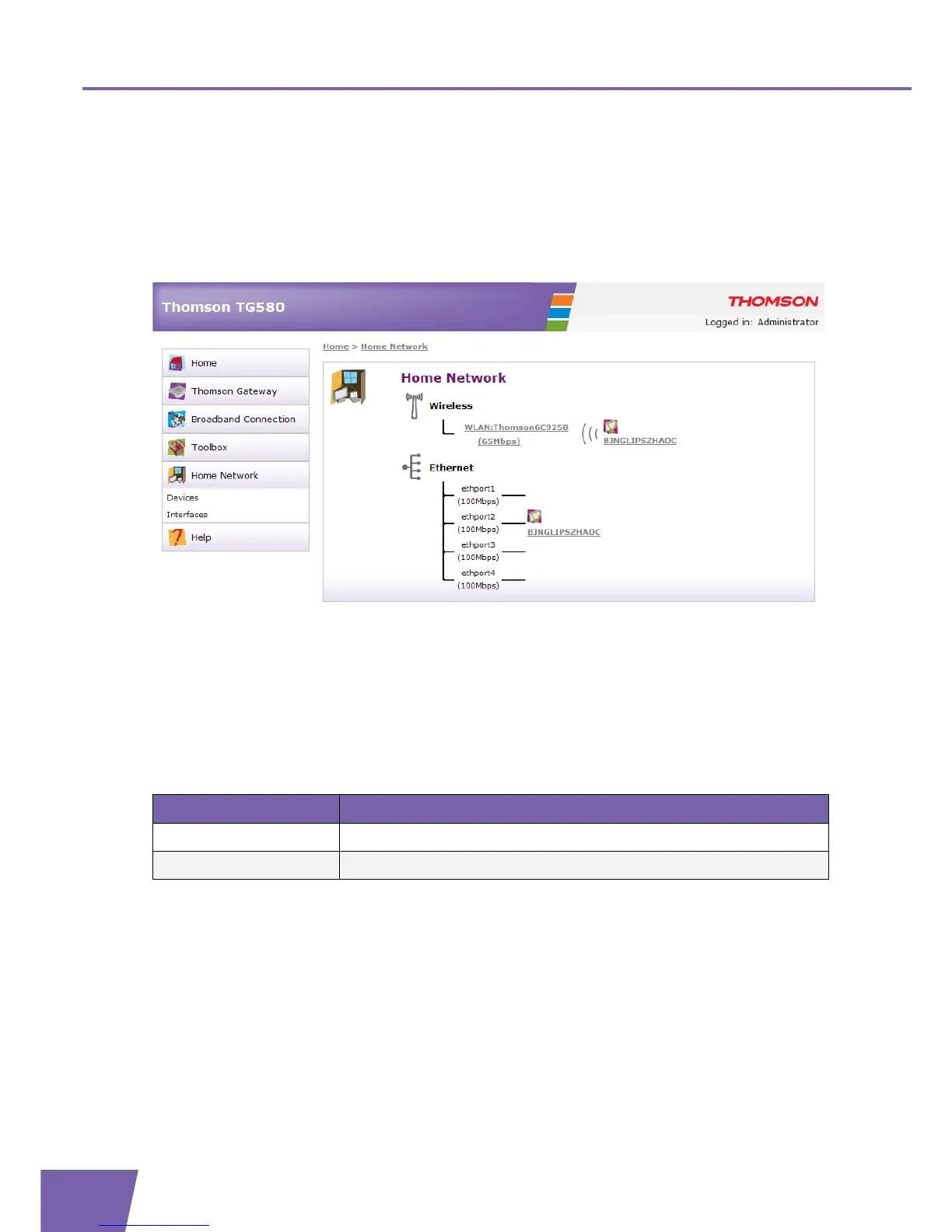
The Home Network page
The Home Network page summarises your Thomson Gateway network configuration (all interfaces and
detected devices).
You can find an overview of the following interfaces:
Wireless (only in case of a WLAN)
Ethernet
The detected devices and interfaces are indicated with a corresponding icon.
The Home Network menu
In the Home Network menu, you can find the following items:
Click... To...
Devices View/configure the devices detected on your local network.
Interfaces View/configure the interfaces that are available on your Thomson Gateway.



 To Next Page