E-DOC-CTC-20090507-0002 v1.0
67
6 Thomson Gateway GUI
6.3.4 Firewall
Introduction
The firewall allows you to secure traffic from, through and to the Thomson Gateway. There are different
security levels, depending on the degree of security you need.
Overview
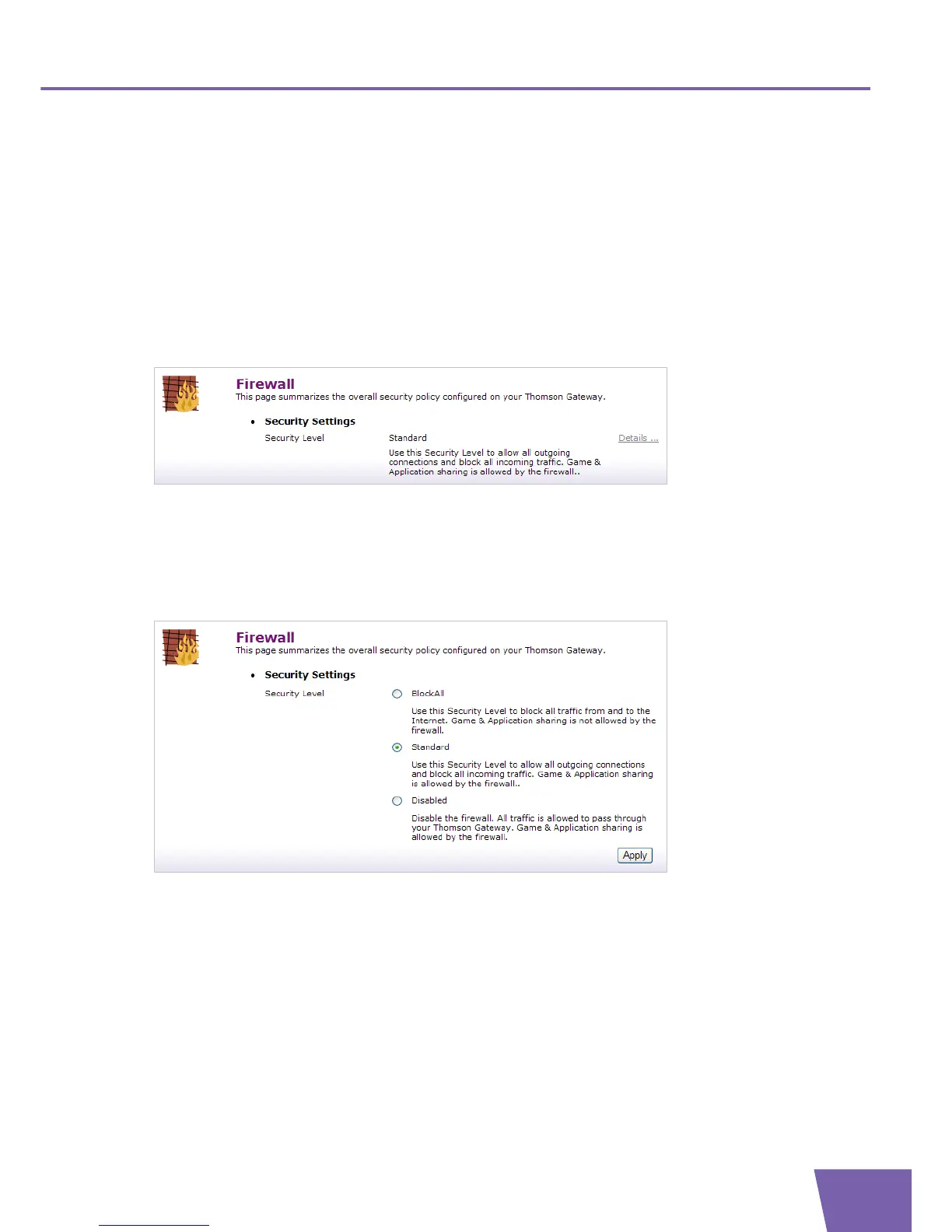
The Overview page summarizes the overall security policy configured on your Thomson Gateway.
To view the details of the active security level, click Details... . For more information, see ” Security level
settings” on page 68.
Configure
On the Configure page, you can select one of the predefined security levels of the Thomson Gateway.
To activate a firewall security level, proceed as follows:
1 In the Security Level list, select a security level.
2 Click Apply.



 To Next Page