E-DOC-CTC-20090507-0002 v1.0
77
6 Thomson Gateway GUI
6.4.1 Devices
Overview
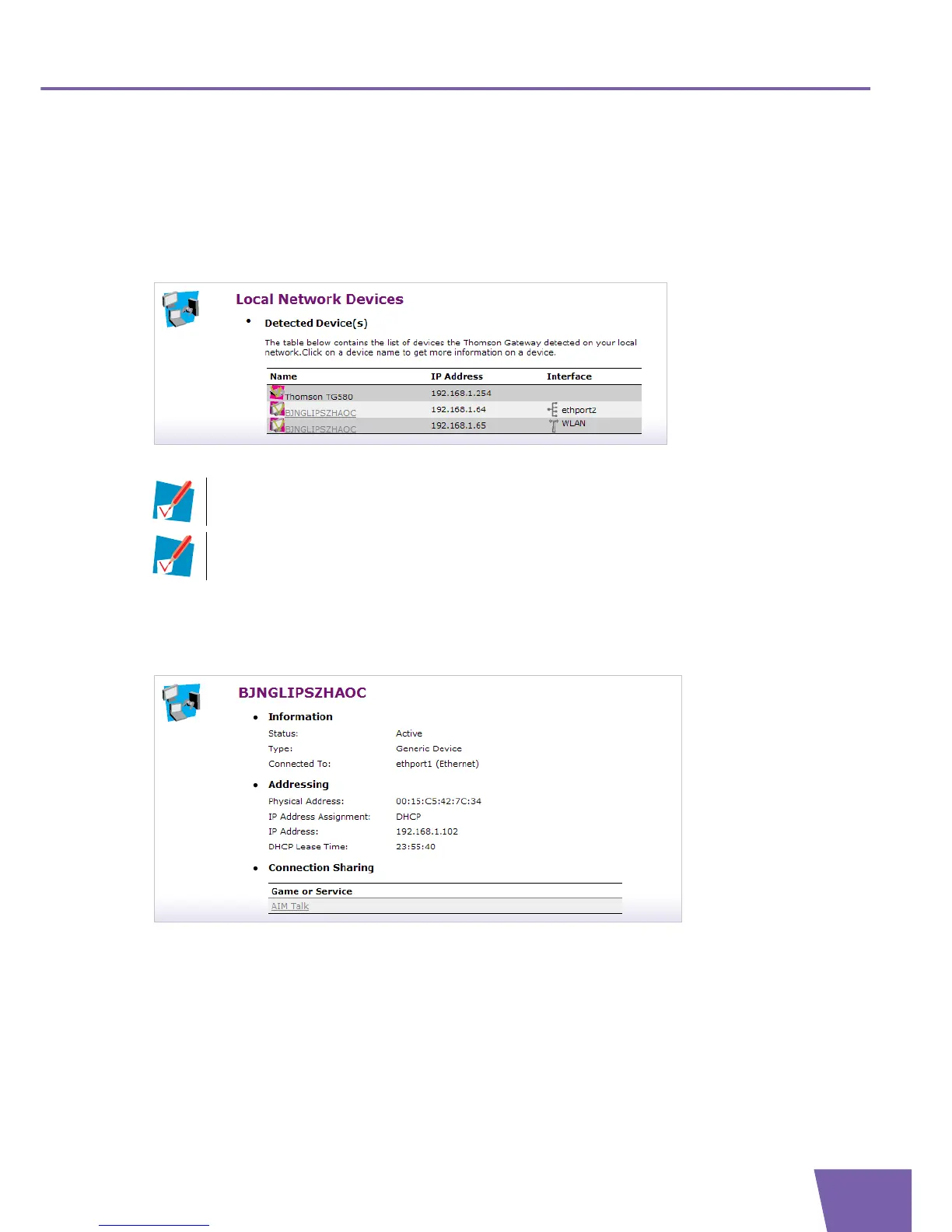
The Local Network Devices Overview page summarises all devices that are connected to the Thomson
Gateway network.
Click on a device name to get more information on a specific device.
Device settings
The Device Settings page displays the following parameters:
Under Information:
Status:
Displays whether the device is currently connected to the Thomson Gateway network or not.
Type:
Displays the device type (default: generic device).
Connected To:
Displays the interface to which the device is currently connected.
Under Addressing:
The first detected device in the list is the Thomson Gateway itself.
Previously connected devices that are currently not connected are displayed with a blue
background.



 To Next Page