E-DOC-CTC-20090507-0002 v1.0
79
6 Thomson Gateway GUI
6.4.2 Interfaces
Introduction
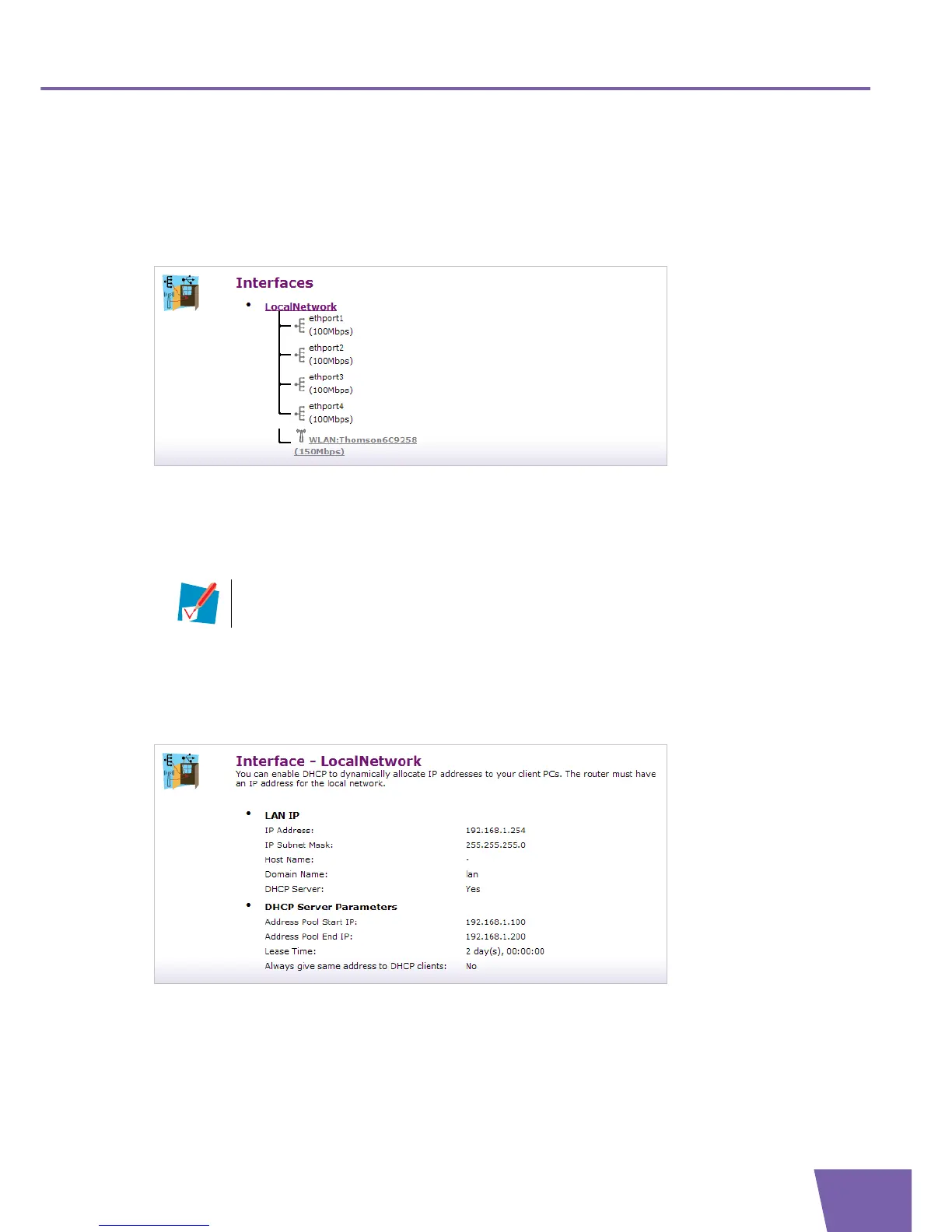
The Interfaces page gives you an overview of the interfaces available on your Thomson Gateway.
Viewing and configuring LAN interface
If you want to know more about the network settings of the LAN interface, click on LocalNetwork. For
more information, see ” Interface Settings” on page 79.
Viewing and configuring Wireless Access Point
To view and configure your wireless access point under LocalNetwork, click your wireless access point.
For more information, see ” Wireless Access Point Settings” on page 81.
Interface Settings
The Interface settings Overview page gives you an overview of the current settings of the interface:
Under Lan IP:
IP Address:
Displays the IP addresses configured on the interface.
IP Subnet Mask:
Displays the subnet mask of the DHCP server’s address pool.
The wireless Access Point has the following format: “WLAN: “ + Network Name (or SSID)”, for
example “WLAN: Thomson1ABC23”.



 To Next Page