E-DOC-CTC-20090507-0002 v1.0
70
6 Thomson Gateway
GUI
6.3.6 Dynamic DNS
Overview
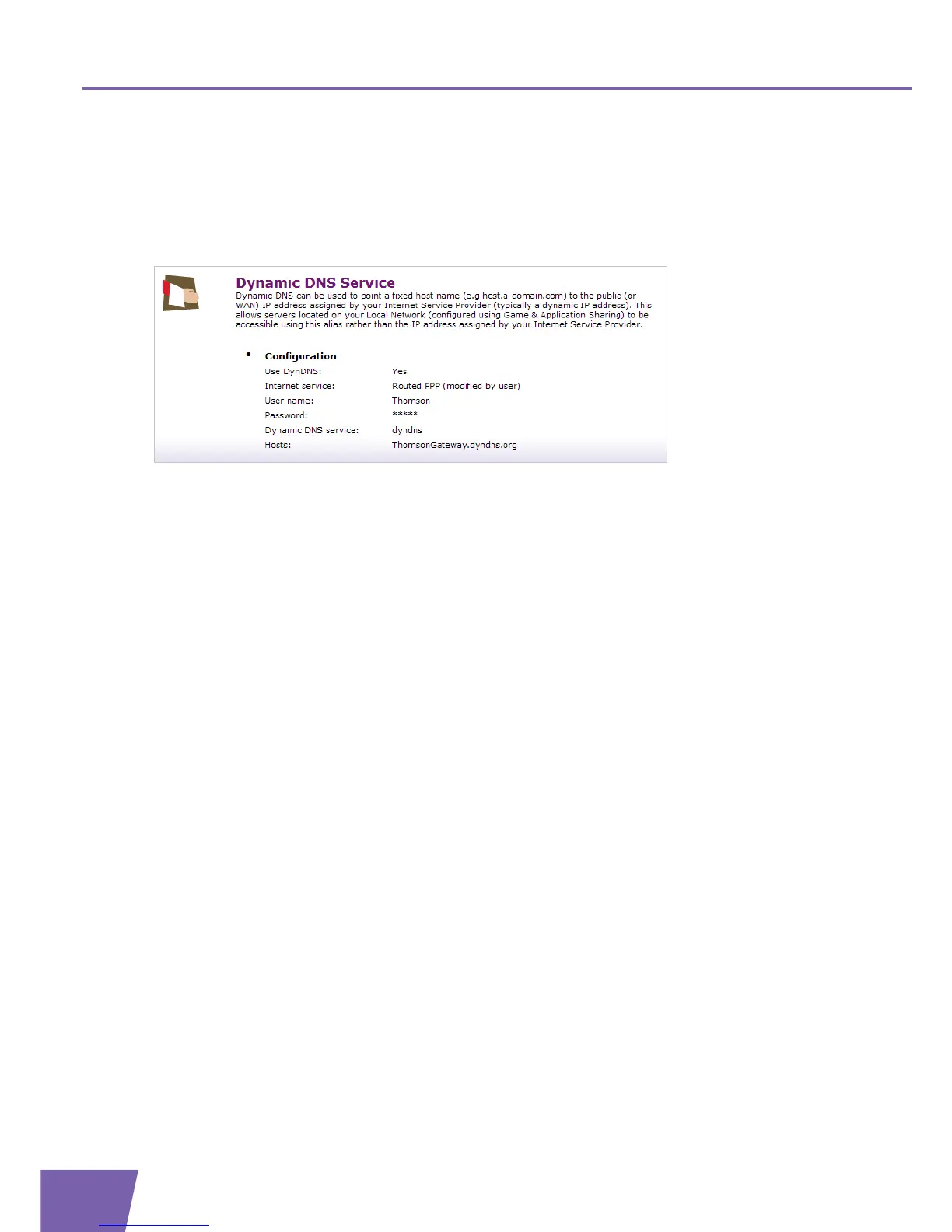
The Dynamic DNS Service Overview page displays the configuration of dynamic DNS.
Under Configuration, the following items are displayed:
Use DynDNS:
Informs whether the service is enabled (Yes) or not (No).
Internet Service:
Informs the Interface on which the dynamic DNS service is enabled.
User name:
The user name you are registered with at the dynamic DNS service provider.
Password:
The password you are registered with at the dynamic DNS service provider.
Dynamic DNS service:
The dynamic DNS service that is active.
Host(s):
The hostname(s) which will be redirected to you current IP address (and informs their update status).



 To Next Page