E-DOC-CTC-20090507-0002 v1.0
59
6 Thomson Gateway GUI
6.3.2 Game & Application Sharing
Overview
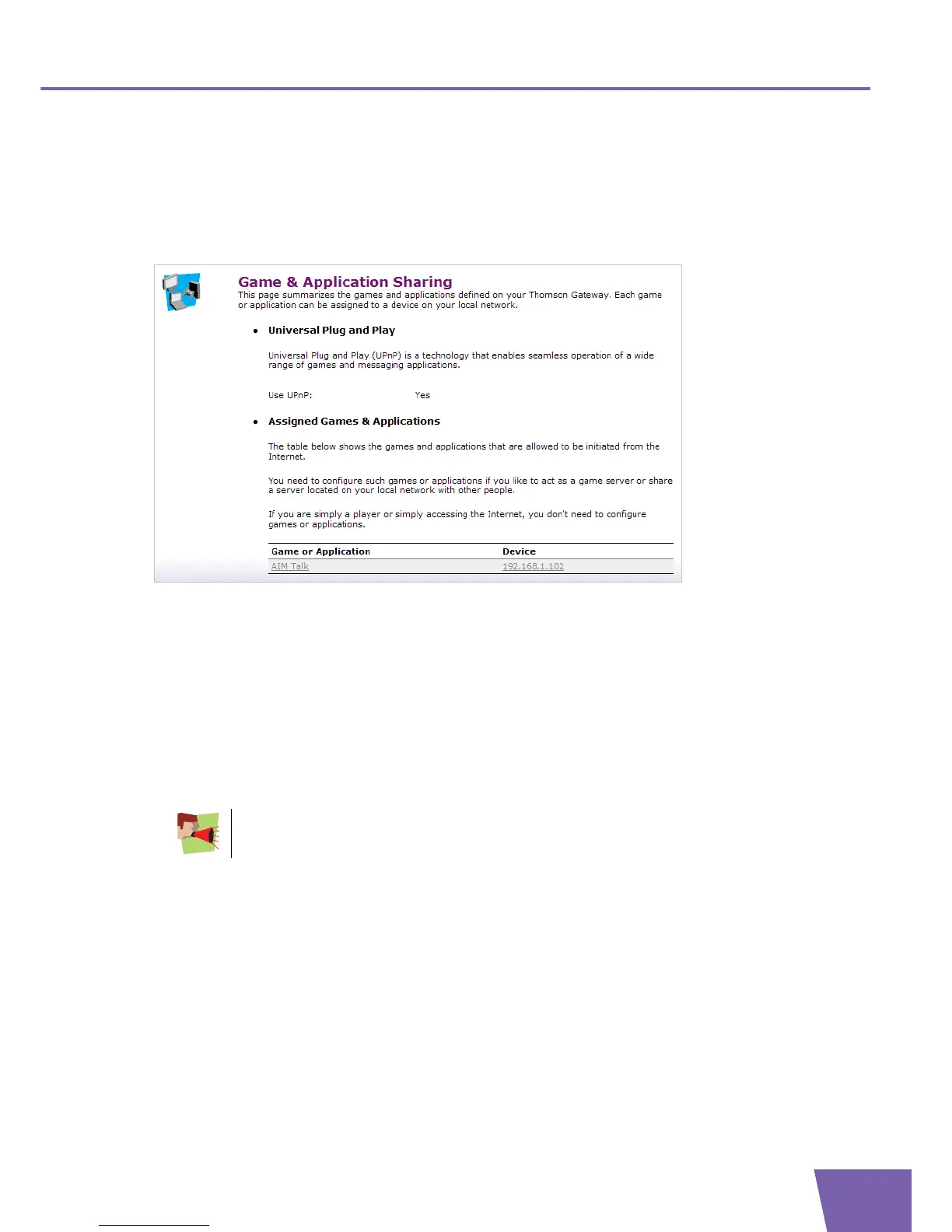
The Game & Application Sharing Overview page consists of the following sections:
Universal Plug and Play:
Displays Universal Plug and Play settings of your Thomson Gateway.
Assigned Games & Applications:
Displays an overview of all assigned Games & Applications. These are applications or games installed on
a specific local host on your network, for which the Thomson Gateway should accept inbound initiated
connections coming from the Internet.
For each game or application that has been assigned to a host, you can:
Click on its name to see its Game or Application Definition. For more information, see ” Game or
application definition” on page 63.
Click on the name of the assigned device to see more information about it. For more information, see
”6.4.1 Devices” on page 77.
Each game or application is only allowed to be assigned to one computer. The host should be
on default port.



 To Next Page