E-DOC-CTC-20090507-0002 v1.0
49
6 Thomson Gateway GUI
6.1.3 Event Logs
Introduction
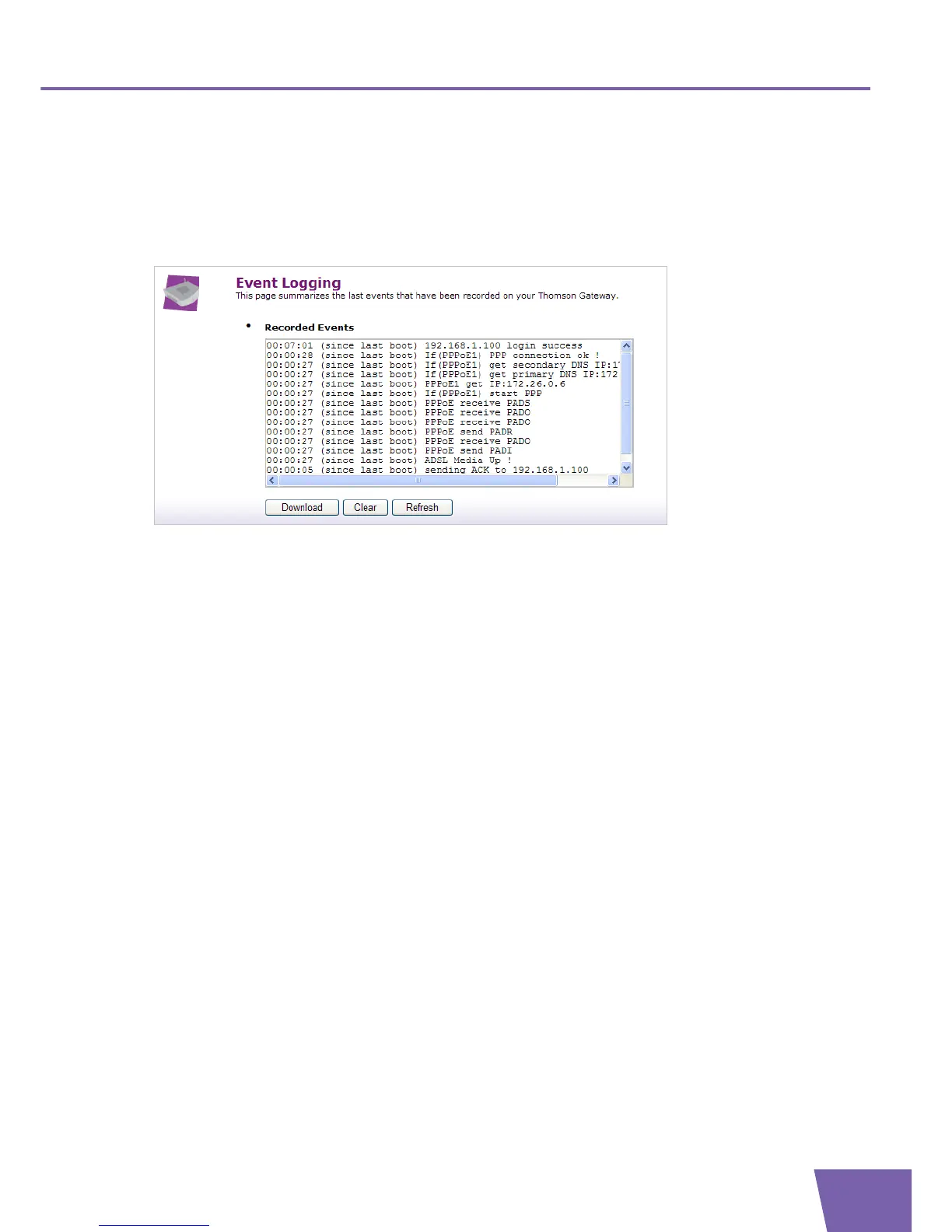
The Event Logging page summarises the last events recorded on your Thomson Gateway.
The first entry is the most recent recorded event.
Recorded Events
The Recorded Events table gives you an overview of the last event logs that have been recorded since the
Thomson Gateway was turned on. You can perform the following actions:
Click Download to save the event logs to a location of your choice.
Click Clear to clear the event logs.
Click Refresh to refresh the Event Logging page.



 To Next Page