E-DOC-CTC-20090507-0002 v1.0
48
6 Thomson Gateway
GUI
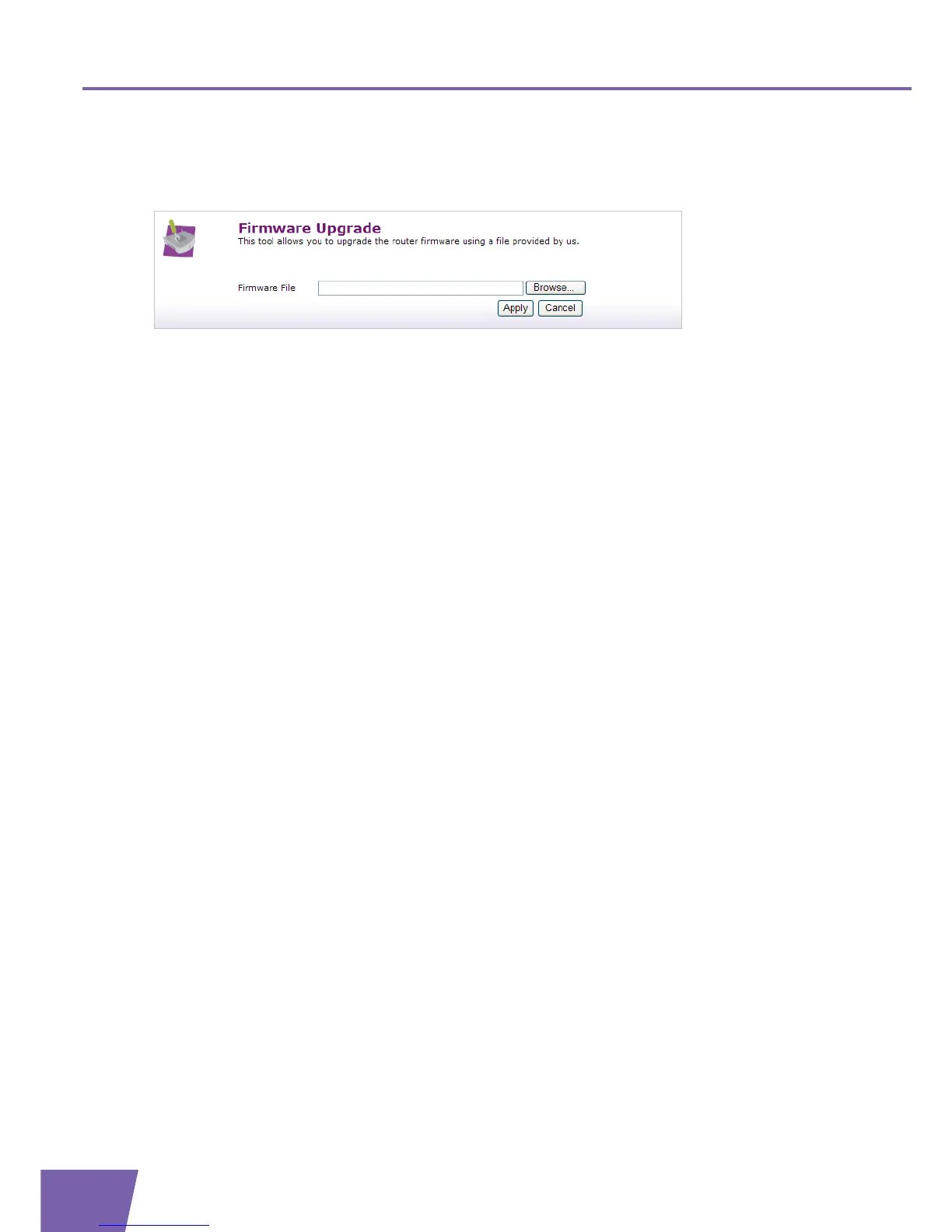
Firmware upgarde
This Firmware Upgrade page allows you to upgrade the Thomson Gateway with a firmware which is located
on your computer.
Proceed as follows:
1 In the Pick a task list, click Firmware Upgrade.
2 Click Browse. Browse to the firmware on your local computer and open it.
3 Click Apply. The Thomson Gateway upgrades your firmware.



 To Next Page