E-DOC-CTC-20090507-0002 v1.0
73
6 Thomson Gateway GUI
6.3.8 User Management
Introduction
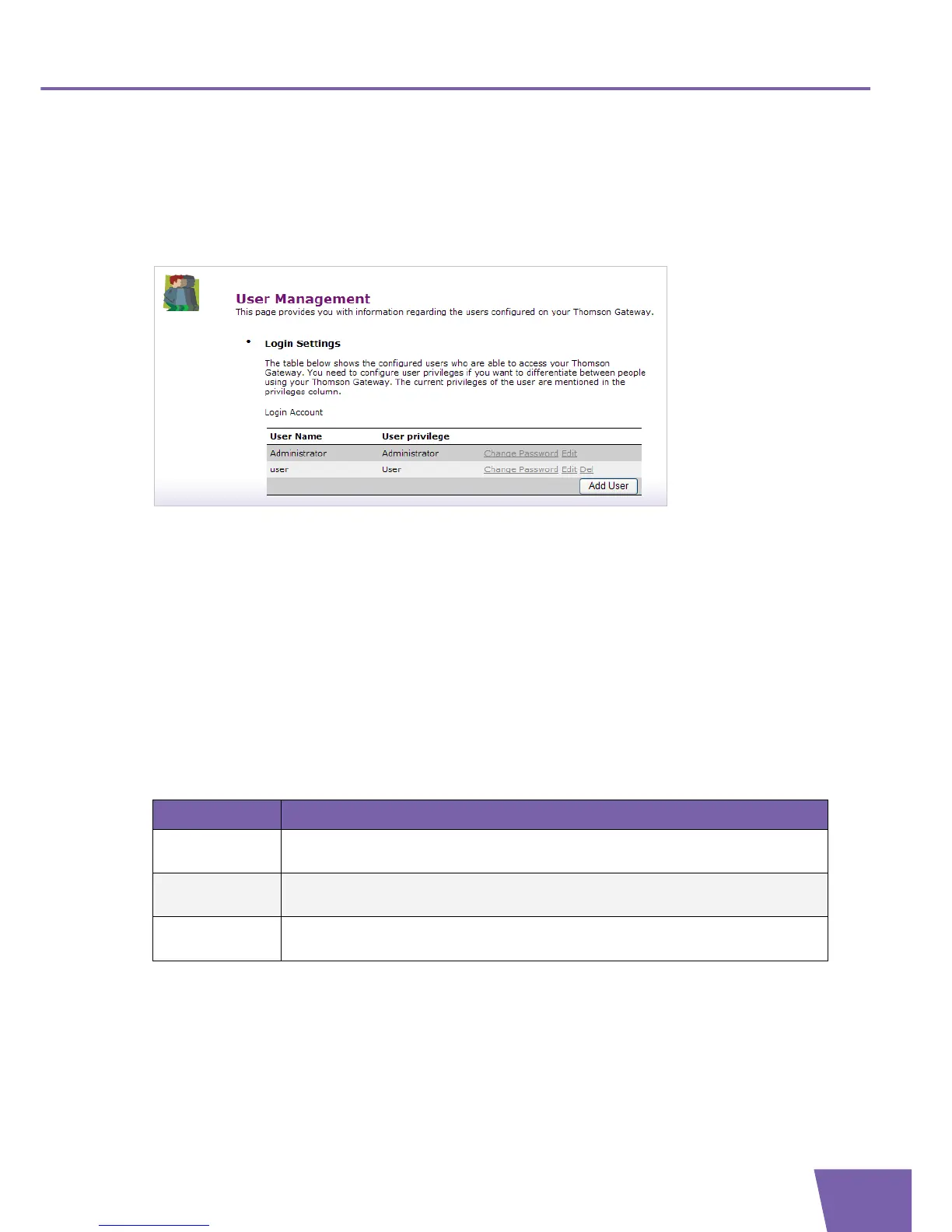
The User Management page gives you an overview of the currently configured users and their privileges.
On this page, you can:
Change password:
Click Change Password to change the password of the selected user account. For more information, see
” Changing the password”.
Edit a user.
Click Edit to change a user account. For more information, see ” Editing a user”.
Add a user.
Click Add User to create a new user account. For more information, see ” Adding a new user”.
Delete a user.
Click Delete to remove a user.
User Types
The table below shows the different types of users and their privileges:
User Type Privileges
Administrator This user can perform any service via any access channel from LAN or Local origin
only.
Poweruser This user has read access to the GUI (Service/overview pages) via HTTP or HTTPS
access channel from LAN origin only.
User This user has read access to the limited GUI (Overview pages/part of the services in
Toolbox) via HTTP or HTTPS access channel from LAN origin only.



 To Next Page