E-DOC-CTC-20090507-0002 v1.0
75
6 Thomson Gateway GUI
Adding a new user
Proceed as follows:
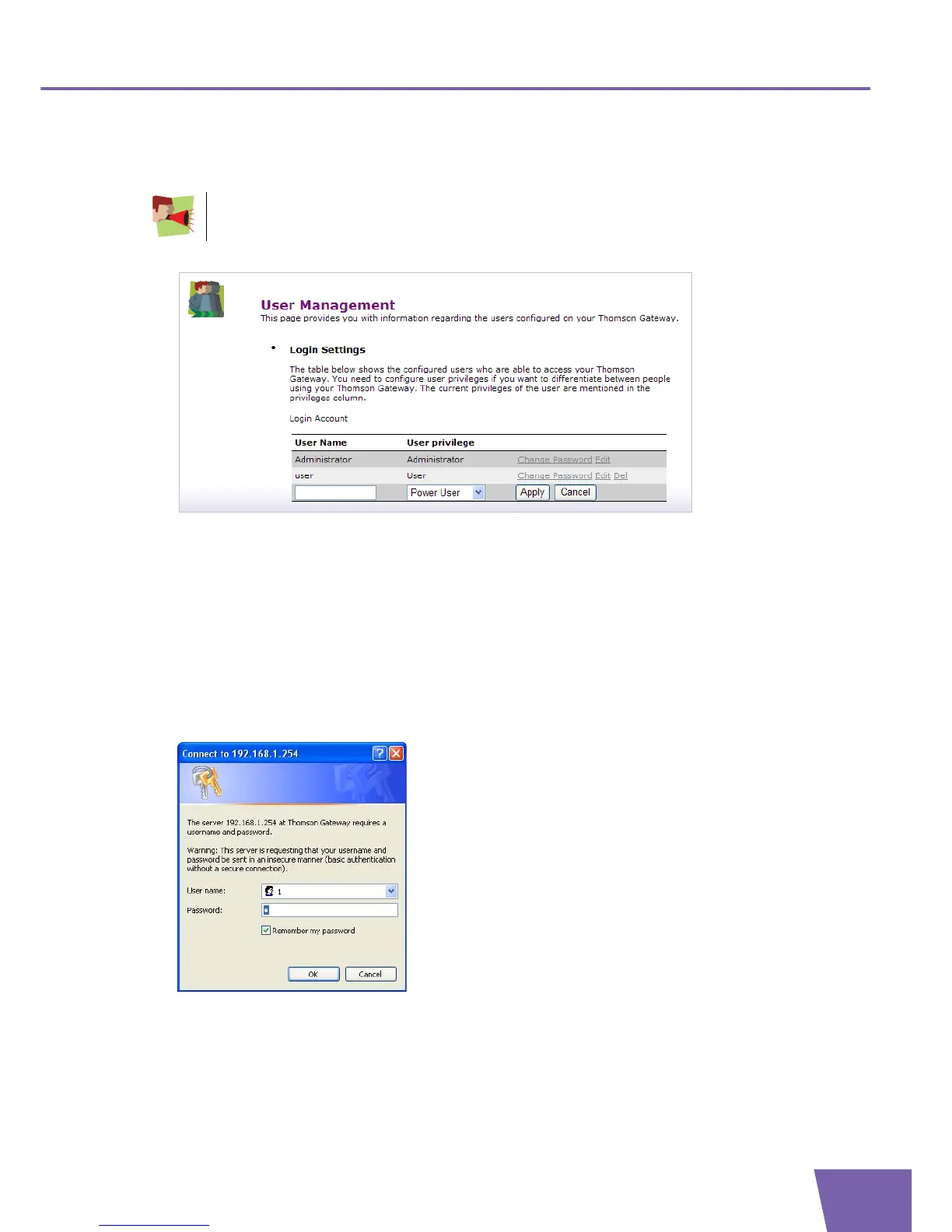
1 On the User Management page, click Add User, the following page appears:
2 In the Login Account table, you can configure:
The Name of the new user.
The User Privileges of the new user.
3 Click Apply to confirm.
Switching to another user
Proceed as follows:
1 In the Pick a task list, click Switch to another user.
A pop-up window appears:
2 Fill in the user name of the user account you want to switch to and its corresponding password.
3 Click OK.
You can only add users with less than or equal administration rights as yourself.



 To Next Page