E-DOC-CTC-20090507-0002 v1.0
62
6 Thomson Gateway
GUI
Defined games & applications
Proceed as follows:
1 In the Pick a task list, click Modify a game or application.
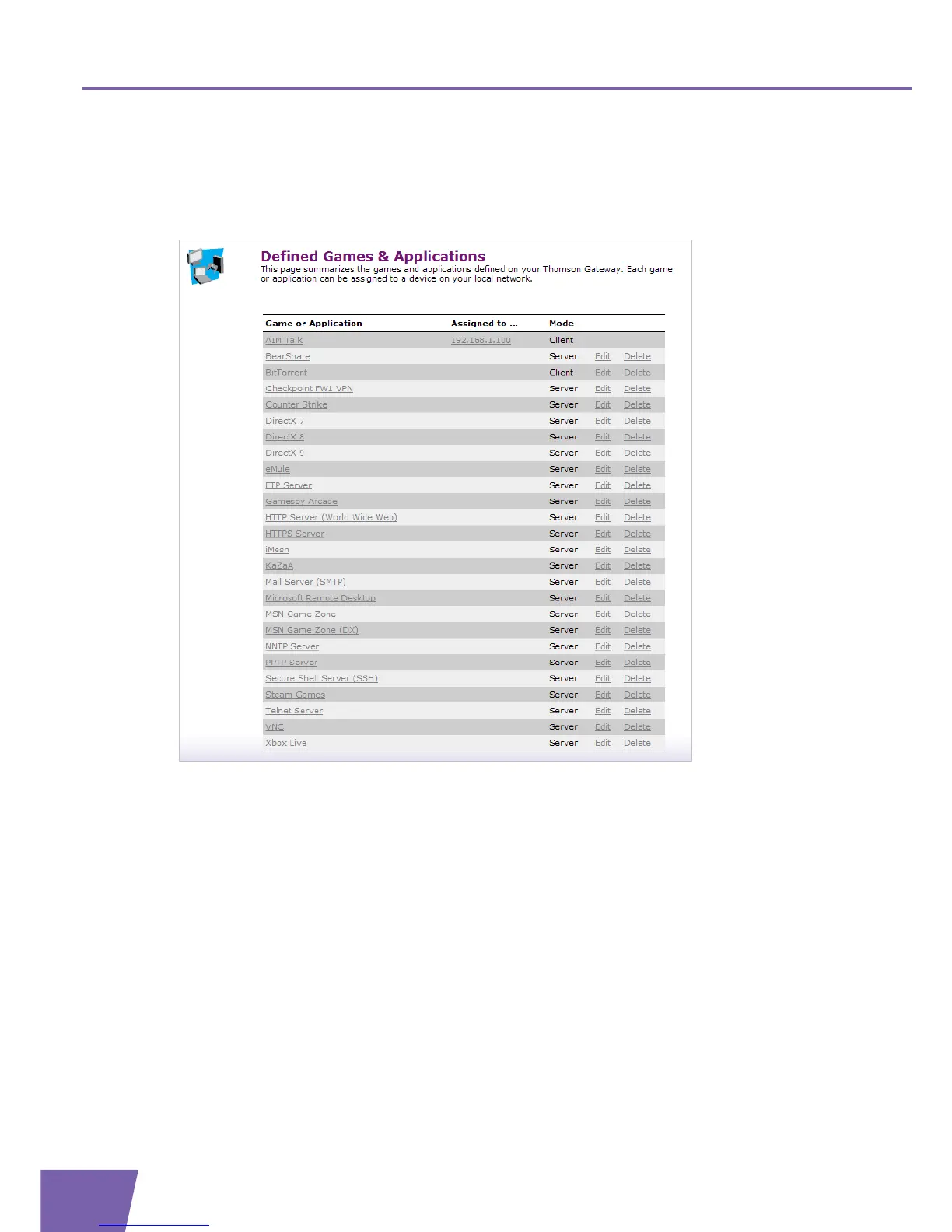
2 The Defined Games & Applications page appears:
This page gives you an overview of the games and applications defined on your Thomson Gateway. Each
game or application can be assigned to a device on your local network.
If you want to:
View the definition of a game or application, click on its name. For more information, see ” Game or
application definition”.
View information about a device assigned to a game or application, click on its name. For more
information, see ”6.4.1 Devices” on page 77.
Change the name or port mappings of a game or application, click the Edit link of the game or
application.
The Thomson Gateway guides you to the Game or Application Definition Configure page to
configure the name and/or port mappings for this game or application. For more information, see
” Game or application definition” on page 63.
Remove a game or application from your Thomson Gateway, click the Delete link of the game or
application.



 To Next Page