◇26
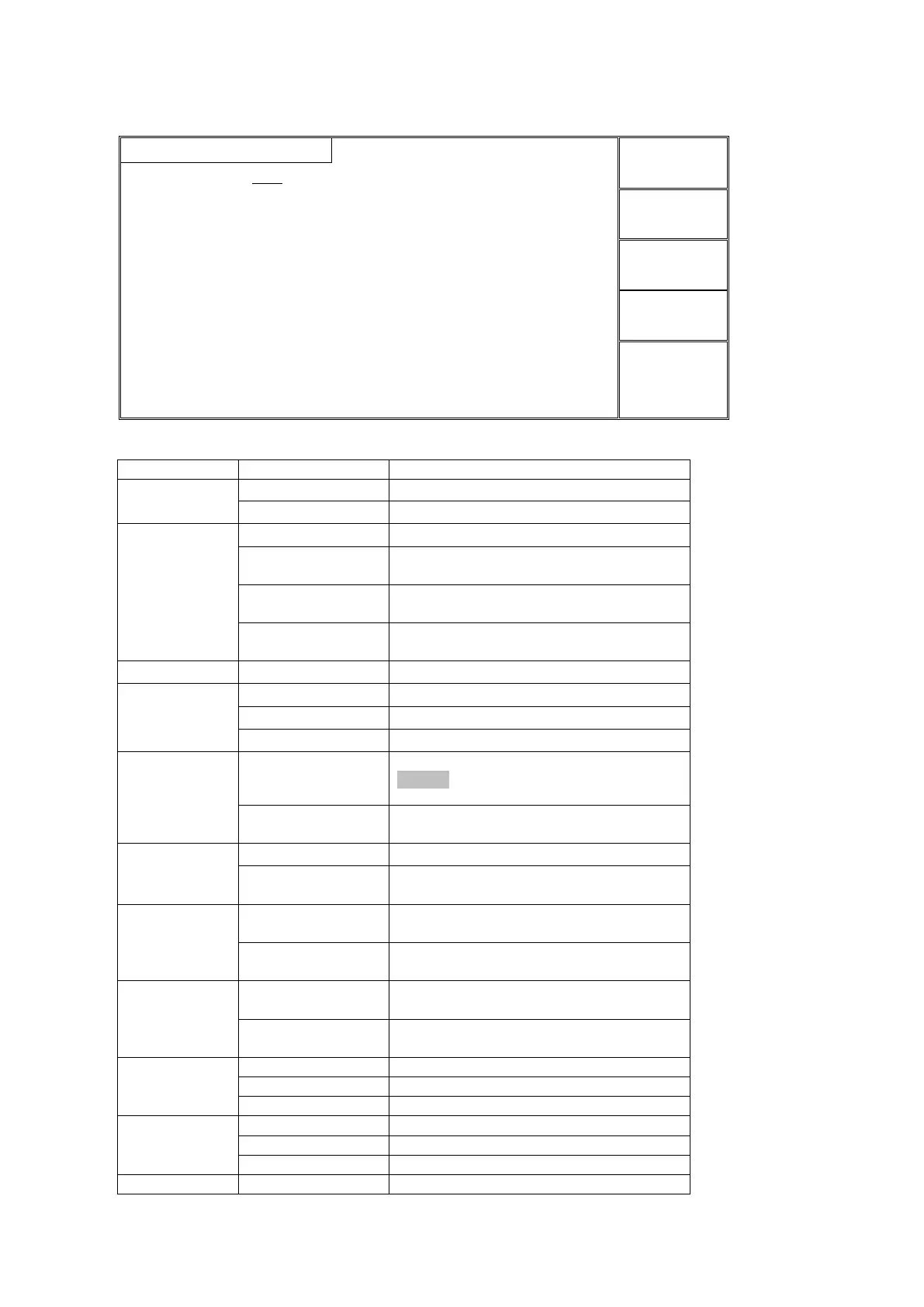
SYSTEM 1 Interface
4.2.3.1 SYSTEM interface
Instruction:
Pause, press ‘STOP’ key to finish it.
If FAIL, quit the testing directly.
If FAIL, continue to test, result in table
form.
If FAIL, press start key to test from the
current step.
If FAIL, press start key to test from the
next step.
Ground wire current detection function.
Waiting time between steps.
No waiting time between steps.
Pause, press ‘START’ key to test the steps.
The voltage output allows fine tuning.
NOTE:When this mode is set as ON, ARC will
result in erroneous judgement.
By default, the output voltage can not be
tuned during the test.
Big character display PASS or FAIL.
Display the last data under the test mode.
Small character display PASS or FAIL.
In FAIL state, press STOP to quit the test
and press START to test.
In FAIL state, press START to test
directly.
HANDLER interface output the test results
after test file ends up.
HANDLER interface output the current
test result after each step ends up.



 To Next Page