◇33
1 | 2 | 3 | 4 | 5 | 6 | 7 | 8
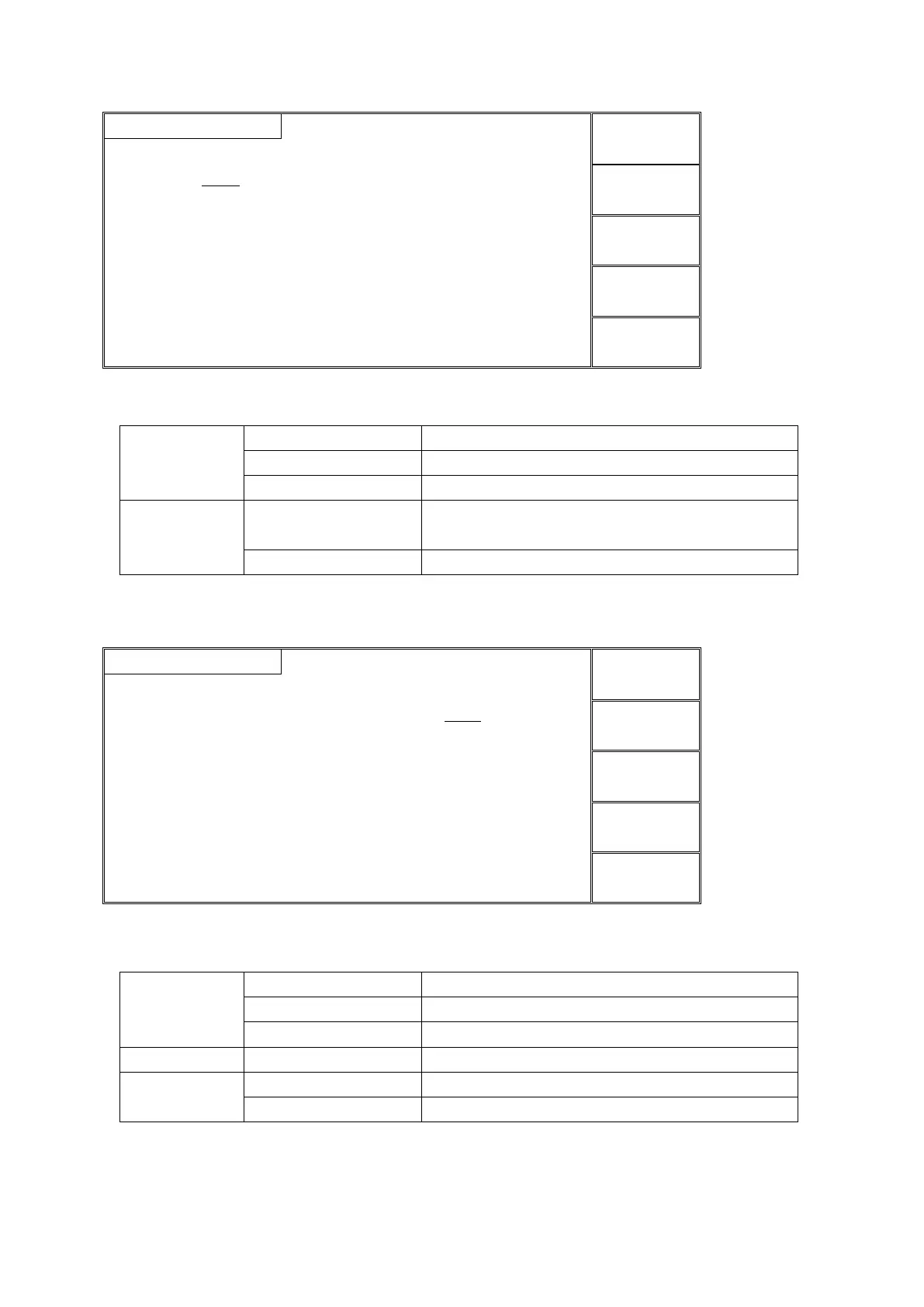
Figure 4.3.5 MF setup interface
Instruction:
1 | 2 | 3 | 4 | 5 | 6 | 7 | 8
Controllable 8 output channels
Connected with high voltage terminal
Connected with test terminal
Connect multi-channela according to the current
SCAN value.
Turn off the multi-channel
NOTE: no this function in multi-channel mode.
4.3.6 CK (multi-channel contact check)
1 | 2 | 3 | 4 | 5 | 6 | 7 | 8
Instruction:
1 | 2 | 3 | 4 | 5 | 6 | 7 | 8
Controllable 8 output channels
Connected with high voltage terminal
Connected with test terminal
Voltage value of DC high voltage test
Current lower value of DC withstand voltage
Current lower value of DC withstand voltage
Figure 4.3.6 CK setup interface
NOTE: no this function in multi-channel mode.



 To Next Page