◇38
2. Select OFFSET item in SYSTEM interface and set it as ON.
3. Press GET, the instrument will start high voltage test and treat the current test value as the zero
position value.
4. Press “STOP” button to stop the test if the customer has not set the test time.
NOTE: when in GET, do not connect the product with the test terminal.
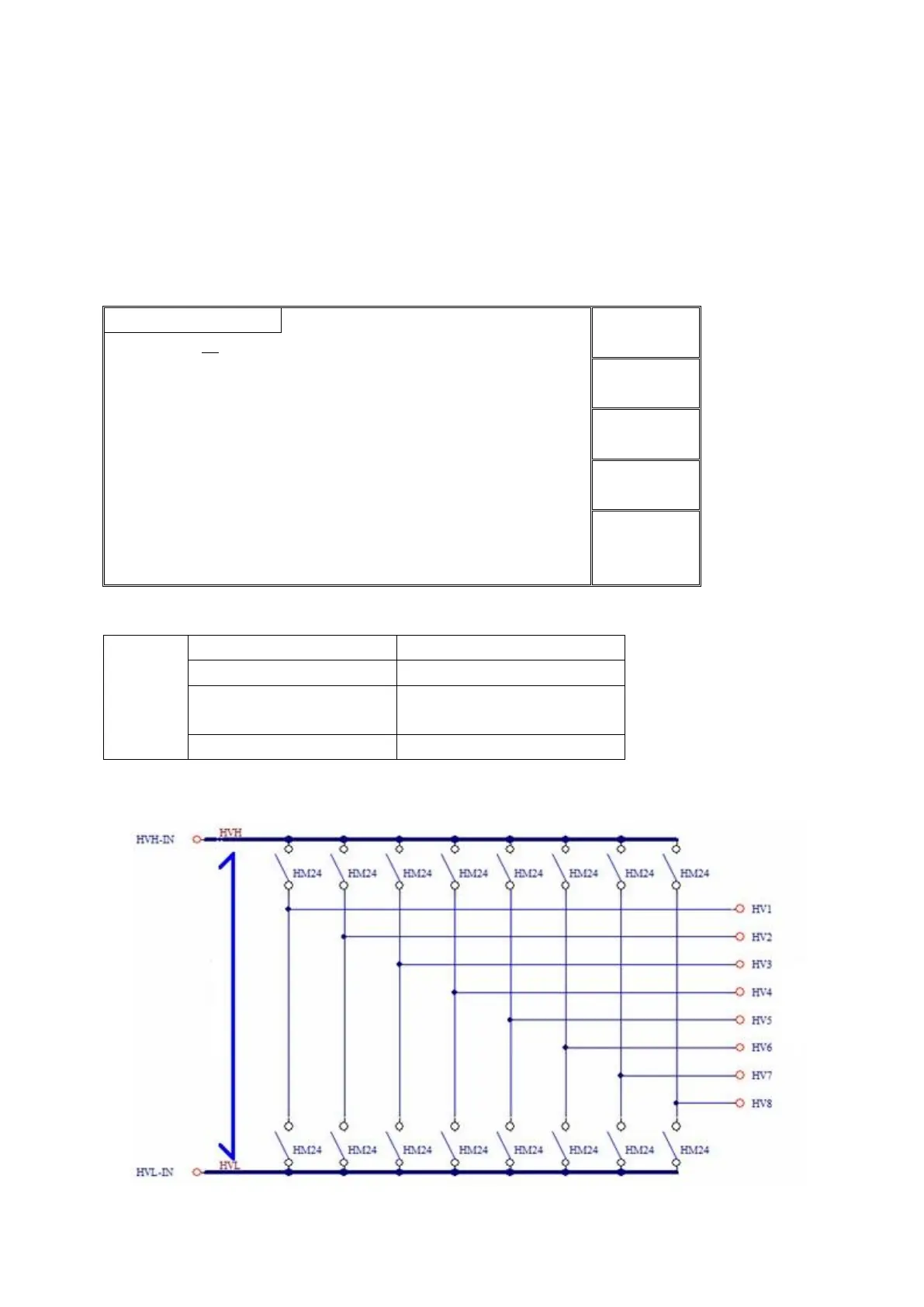
4.5 SCAN multi-channel structure and use
4.5.1 SCAN parameter
1 | 2 | 3 | 4 | 5 | 6 | 7 | 8
The figure in the parameter indicates the corresponding output channel, the color indicates the internal
connection situation.
1 | 2 | 3 | 4 | 5 | 6 | 7 | 8
Controllable 8 output channels
Connected with high voltage
terminal
Connected with test terminal
4.5.2 Structure principle



 To Next Page