87
5 CHECK AND ADJUSTMENT
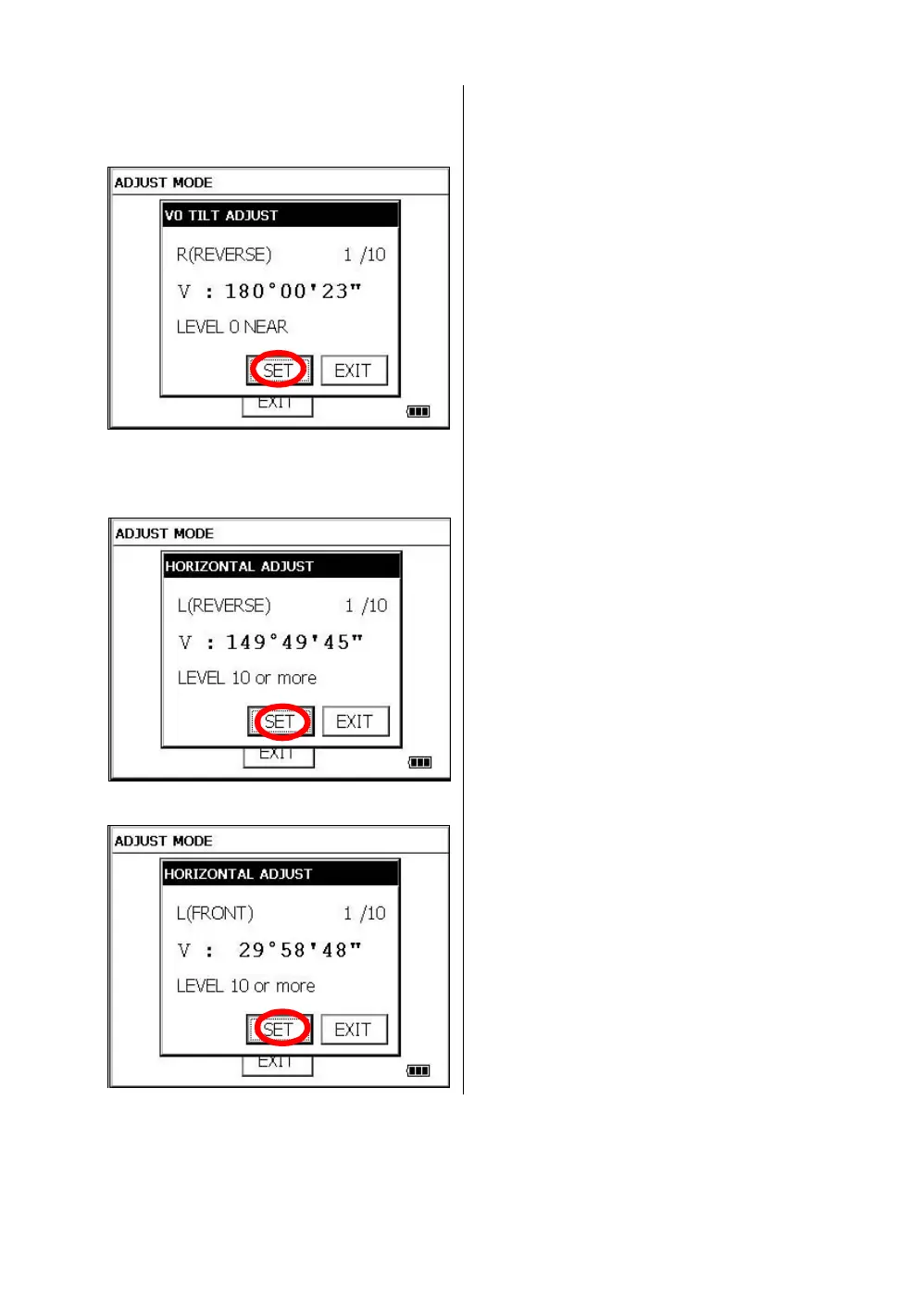
7 Turn the telescope in reverse telescope setting.
8 Collimate target A.
9 Press the [SET] key ten times.
The number of measurements is displayed at
the top right of the display.
10 Collimate target B (more than ±10° from the
level ) in reverse telescope setting.
11 Press the [SET] key ten times.Å@
The number of measurements is displayed at
the top right of the display. *1)
12 Turn the telescope in normal telescope setting.
13 Collimate target B.
14 Press the [SET] key ten times.
Then the display returns to 3AXIS
compensation menu.
*1) Pressing the [SKIP] key enables to set next step without changing the last compensated value.



 To Next Page
 Loading...
