8-3
8 LAYOUT
8.1 Preparation
8.1.1 Setting the GRID FACTOR
z Calculation Formula
1) Elevation Factor
2) Scale Factor
Scale Factor : Scale Factor at the surveying station
3) Grid Factor
Grid Factor = Elevation Factor
×
Scale Factor
Distance Calculation
1) Grid Distance
2) Ground Distance
z How to Set Grid Factor
Operating procedure Operation Display
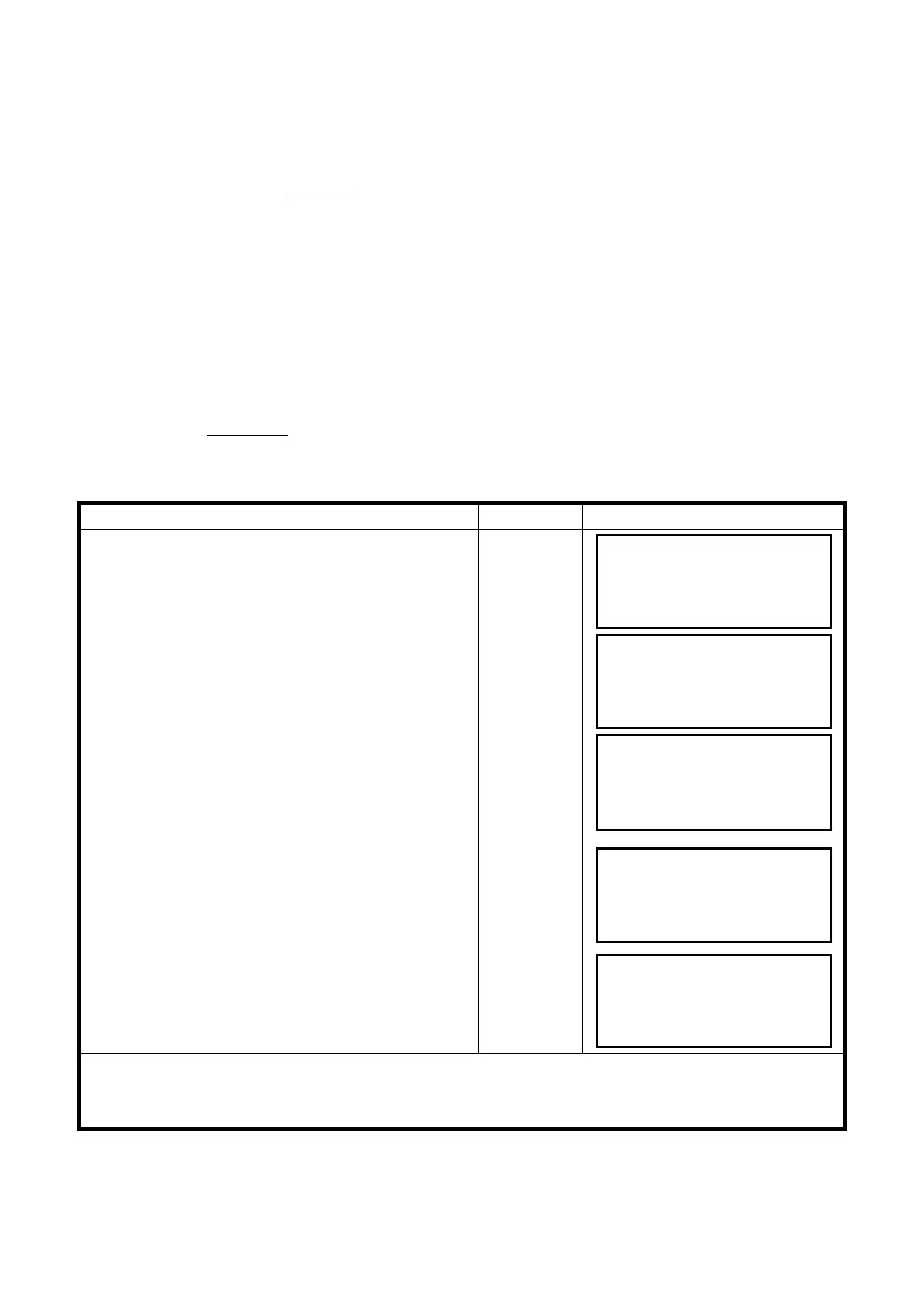
1 Press the [F3](GRID FACTOR) key from the
Layout menu 2/2.
[F3]
2 Press the [F3](YES) key.
[F3]
3 Enter Elevation. *1) Press the [F4](ENT) key.
Enter ELEV.
[F4]
4 Enter Scale Factor in the same way.
Grid Factor is displayed for 1 to 2 second and
display returns to Layout menu 2/2.
Enter Scale
[F4]
*1) Refer to Section 2.6 “How to Enter Alphanumeric characters”.
z Input Range: Elevation : –9,999 to +9,999 meter (–32,805 to +3,2805 ft, ft+in)
Scale Factor : 0.990000 to 1.010000
R R : The average radius of the earth
R+ELEV. ELEV. : The elevation above mean sea level
Elevation Factor =
HDg = HD
HDg : Grid distance
HD : Ground distance
×
Grid Factor
LAYOUT 2/2
F1:SELECT A FILE
F2:NEW POINT
F3:GRID FACTOR P
↓
GRID FACTOR
=0.998843
>MODIFY? [YES][NO]
GRID FACTOR
ELEV.=1000 m
SCALE:0.999000
--- --- [CLR][ENT]
GRID FACTOR
ELEV.:2000 m
SCALE
=
1.001000
--- --- [CLR][ENT]



 To Next Page