2-7
2 PREPARATION FOR MEASUREMENT
2.6 How to Enter Alphanumeric characters
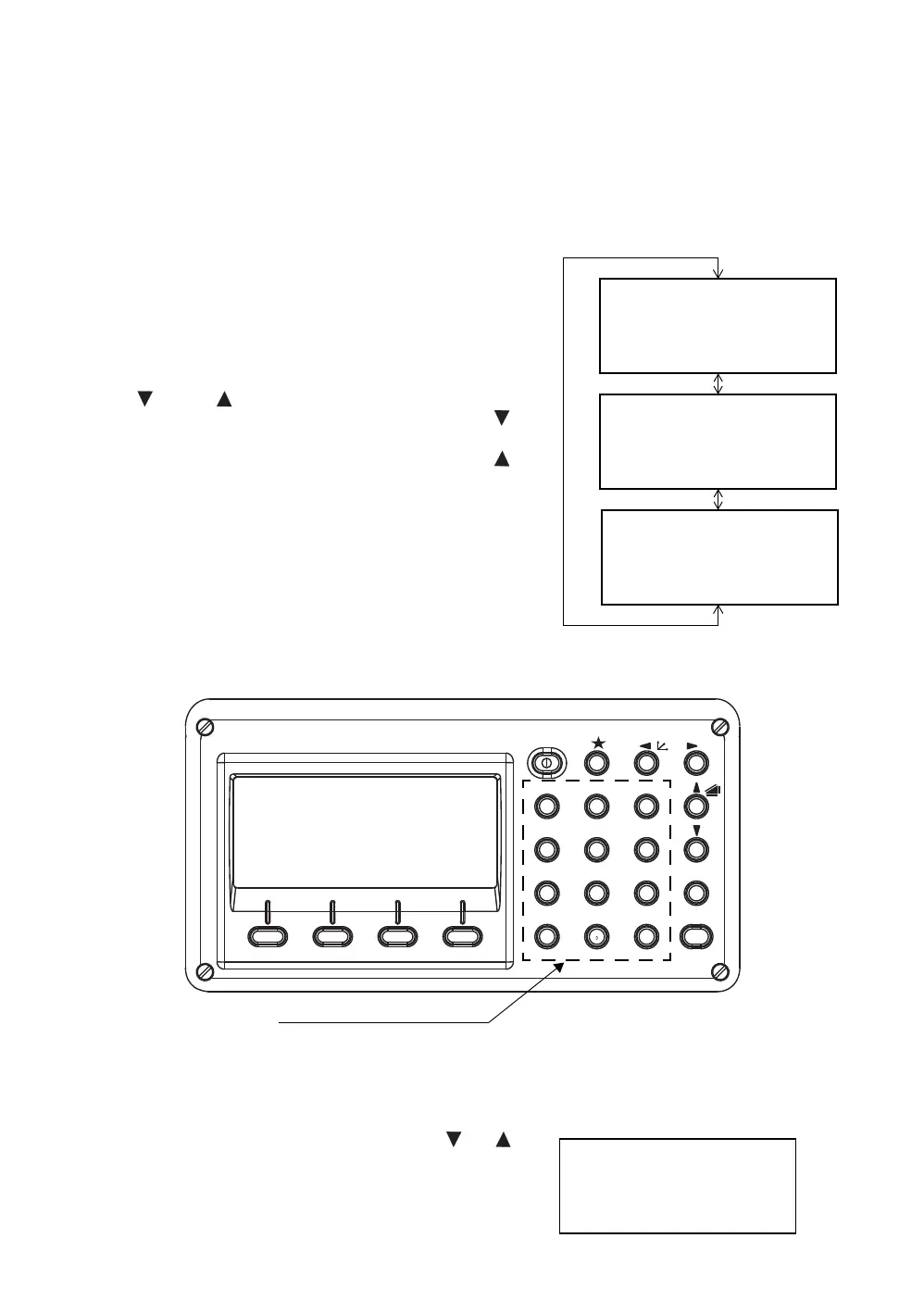
This enables you to enter alphanumeric characters such as the instrument height, prism height,
occupied point, backsight point etc.
2.6.1 How to Enter Alphanumeric Characters
z How to select a item
[Example setting] Occupied point in the data collection mode.
z How to enter characters
[Example setting] TOPCON-1
The arrow indicates a item to enter.
The arrow line moves up or down when the
[ ] key or [ ] key is pressed.
1 Move the arrow to enter a item using the [ ] or [ ] key.
PT#
→
ST-01
ID :
INS.HT: 0.000 m
INPUT SRCH REC OCNEZ
PT# :ST-01
ID
→
INS.HT: 0.000 m
INPUT SRCH REC OCNEZ
PT# :ST-01
ID :
INS.HT
→
0.000 m
INPUT SRCH REC OCNEZ
[]
or
[]
ENT
ESC
ANG
MENU
GHI
PQR
YZ+VWX
MNO
DEF
POWER
ABC
JKL
STU
#
F4F3F2F1
0
-
321
456
98
7
Alphanumeric characters key
PT#
→
ID :
INS.HT: 0.000 m
INPUT SRCH REC OCNEZ








 To Next Page