14-1
14 POWER SOURCE AND CHARGING
14 POWER SOURCE AND CHARGING
14.1 On-board Battery BT-52QA
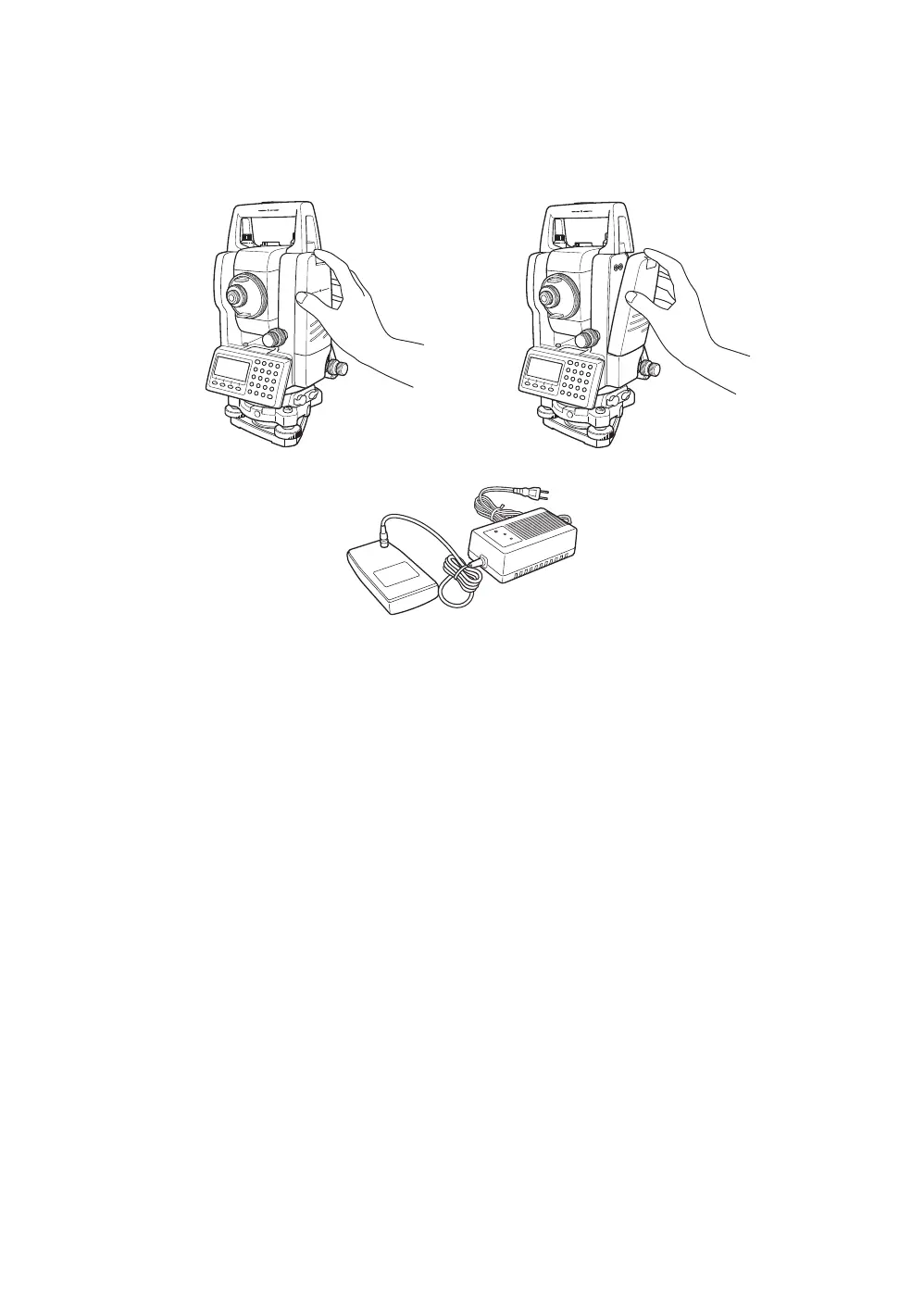
z To remove
Confirm that the instrument is turned off before removing the battery.
Push the battery locking lever and pull out the BT-52QA on-board battery as shown below.
z To charge
1 Connect the AC-cable to the charger.
2 Plug the AC-plug into the outlet.
(The CHARGE lamp will light up in red.)
3 Connect the charger connector to the battery.
Preparatory charging
* will start.
When the preparatory charging is completed, the charging status will be switched to quick charging
automatically. (The CHARGE lamp will light up in orange.)
4 Charging will take approximately 1.8 hours.
(The CHARGE lamp will light up in green.)
5 After charging, remove the battery from the charger.
Remove the charger from the outlet.
*About preparatory charging
Before quick charging, the battery is charged using small amount current to measure its temperature
and voltage.
When the temperature and voltage is within a range, the charging status will change to quick charging.
z To refresh
Press the refresh switch
* after starting charging above steps 1, 2 or 3, then discharging will start. (The
DISCHARGE lamp will light up in yellow.)
After discharging is finished, charging will start automatically.
Time discharging battery charged fully is approximately 9 hours.
*For refreshing
Rechargeable battery can be used repeatedly by charging.
If charging is repeated by the state that capacity of the battery still left, operating time of the battery may
shorten. In this case, the voltage of the battery will be recovered by refreshing and operating time can
be improved.








 To Next Page