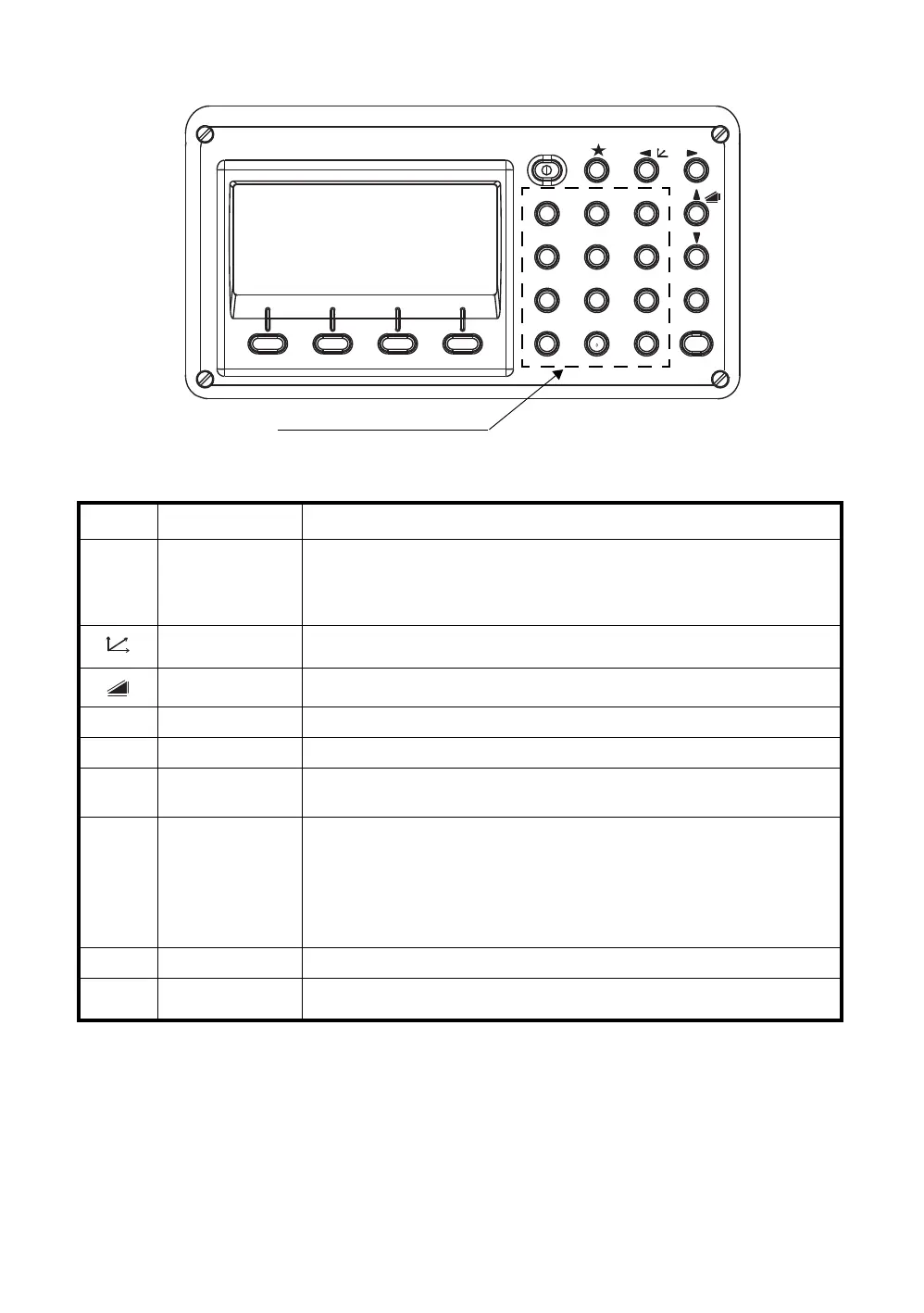
1-4
1 NOMENCLATURE AND FUNCTIONS
1.3 Operating Key
Keys Name of Key Function
Star key
Star key mode is used for each presetting or displaying as follows.
1 Contrast of the display 2 Reticle illumination 3 Back Light
4 Tilt correction 5 Point guide (Only for point guide model)) 6 Laser
plummet(Only for laser plummet type) 7 Set audio mode
Coordinate
meas.key
Coordinate measurement mode
Distance meas.key Distance measurement mode.
ANG Angle meas.key Angle measurement mode
POWER Power source key ON/OFF of power source
MENU Menu key
Switches menu mode and normal mode. To set application measurements
and adjust in the menu mode.
ESC Escape key
z Returning to the measurement mode or previous layer mode from the
mode set.
z To be DATA COLLECTION mode or LAYOUT mode directly from the
normal measurement mode.
z It is also possible to use as Record key in normal measurement mode.
To select function of Escape key, see Chapter 16 “SELECTING MODE”.
ENT Enter key Press at the end of inputting values.
F1–F4
Soft key
(Function key)
Responds to the message displayed.
ENT
ESC
ANG
MENU
GHI
PQR
YZ+VWX
MNO
DEF
POWER
ABC
JKL
STU
#
F4F3F2F1
0
-
321
456
98
7
Alphanumeric characters key








 To Next Page