12-2
12 SETTING ATMOSPHERIC CORRECTION
z How to Set the Atmospheric Correction Value Directly
Measure the temperature and air pressure to find atmospheric correction value (PPM) from the chart or
correction formula.
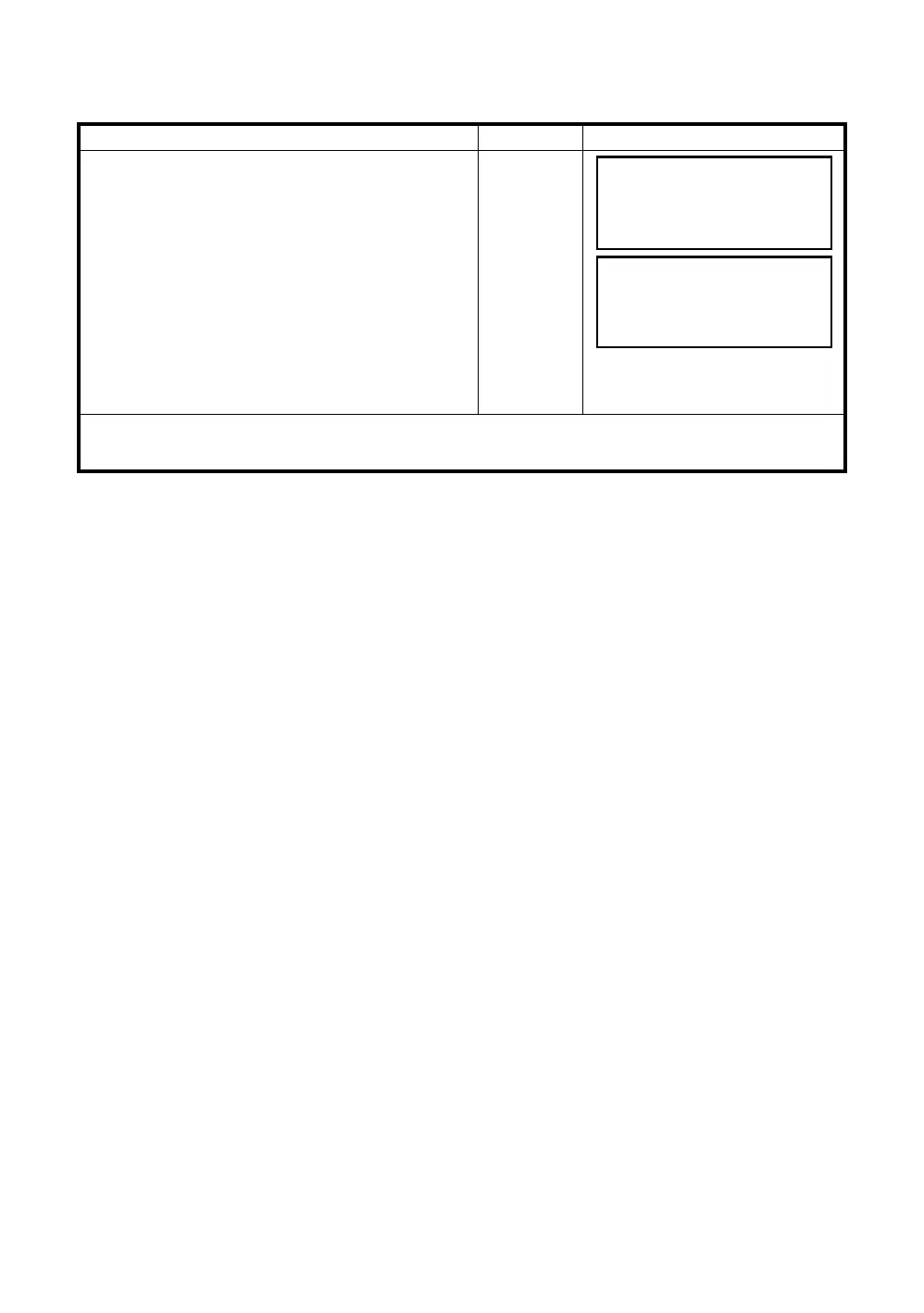
Operating procedure Operation Display
1 Press the [F3](S/A) key to set Set Audio Mode
from distance or coordinate measurement mode.
[F3]
2 Press the [F2](PPM) key.
Current setting value is displayed.
[F2]
3 Enter atmospheric correction value. *1)
Mode returns to Set Audio mode.
Enter Data
[F4]
*1) Refer to Section 2.6 “How to Enter Alphanumeric characters”.
z Input range: –999.9ppm to +999.9ppm, 0.1ppm step
SET AUDIO MODE
PSM:0.0 PPM 0.0
SIGNAL:[IIIII]
PRISM PPM T-P –––
PPM SET
PPM
=
0.0 ppm
––– ––– [CLR][ENT]








 To Next Page