29
PREPARATIONS
RESETTING PATIENT NO.
The patient No. can be reset by switching on the power source. Before shipment, it is set to
“NO” (no reset).
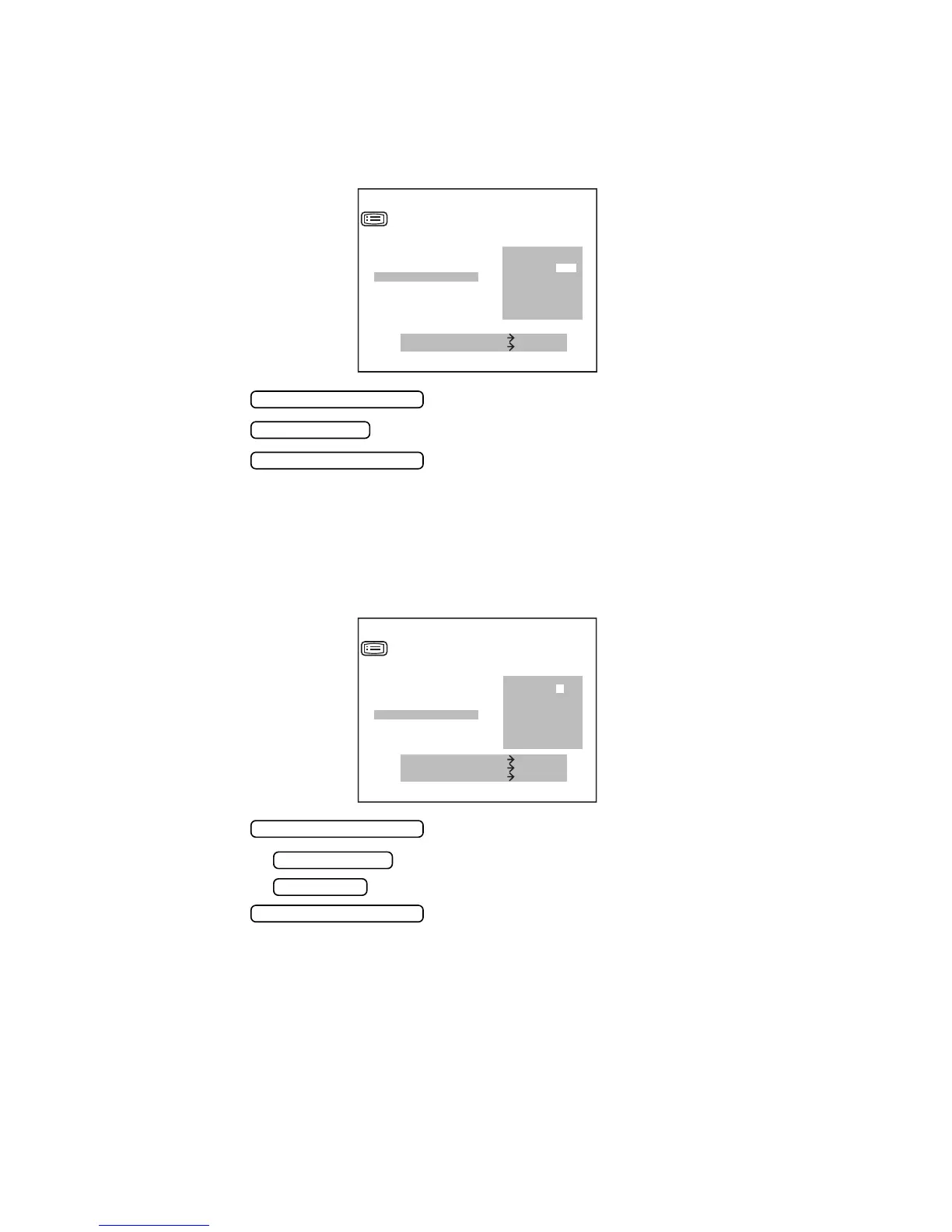
1 In the “INITIAL MENU SCREEN”, choose “NUMBER SET” and get the “NUMBER SET
SCREEN”.
2 Press the and move the cursor to “SERIAL RESET”.
3 Press the and choose “YES” (rest) or “NO” (no reset).
4 Press the , and the cursor moves to the next item.
SETTING INSTRUMENT NO.
The instrument No. can be set between 0 and 99. Before shipment, it is set to “01”.
1 In the “INITIAL MENU SCREEN”, choose “NUMBER SET” and get the “NUMBER SET
SCREEN”.
2 Press the and move the cursor to “INSTRUMENT NO.”.
3 Pressing the increases the value.
Pressing the decreases the value.
4 Press the , and the cursor moves to the next item.
YES
NO
MEASURE SWITCH ITEM
PRINT SWITCH SELECT
SERIAL NO.
SERIAL OUT TV
SERIAL OUT PRT
SERIAL RESET
INSTRUMENT NO.
INSTRUMENT TV
INSTRUMENT PRT
EXIT
NUMBER SET
MEASUREMENT SWITCH
PRINT SWITCH
MEASUREMENT SWITCH
IOL SWITCH DOWN
MENU SWITCH UP
MEASURE SWITCH ITEM
SERIAL NO.
SERIAL OUT TV
SERIAL OUT PRT
SERIAL RESET
INSTRUMENT NO.
INSTRUMENT TV
01
INSTRUMENT PRT
EXIT
NUMBER SET
MEASUREMENT SWITCH
MENU SWITCH
IOL SWITCH
MEASUREMENT SWITCH



 To Next Page