Shenzhen Topwisdom Technology Co., Ltd
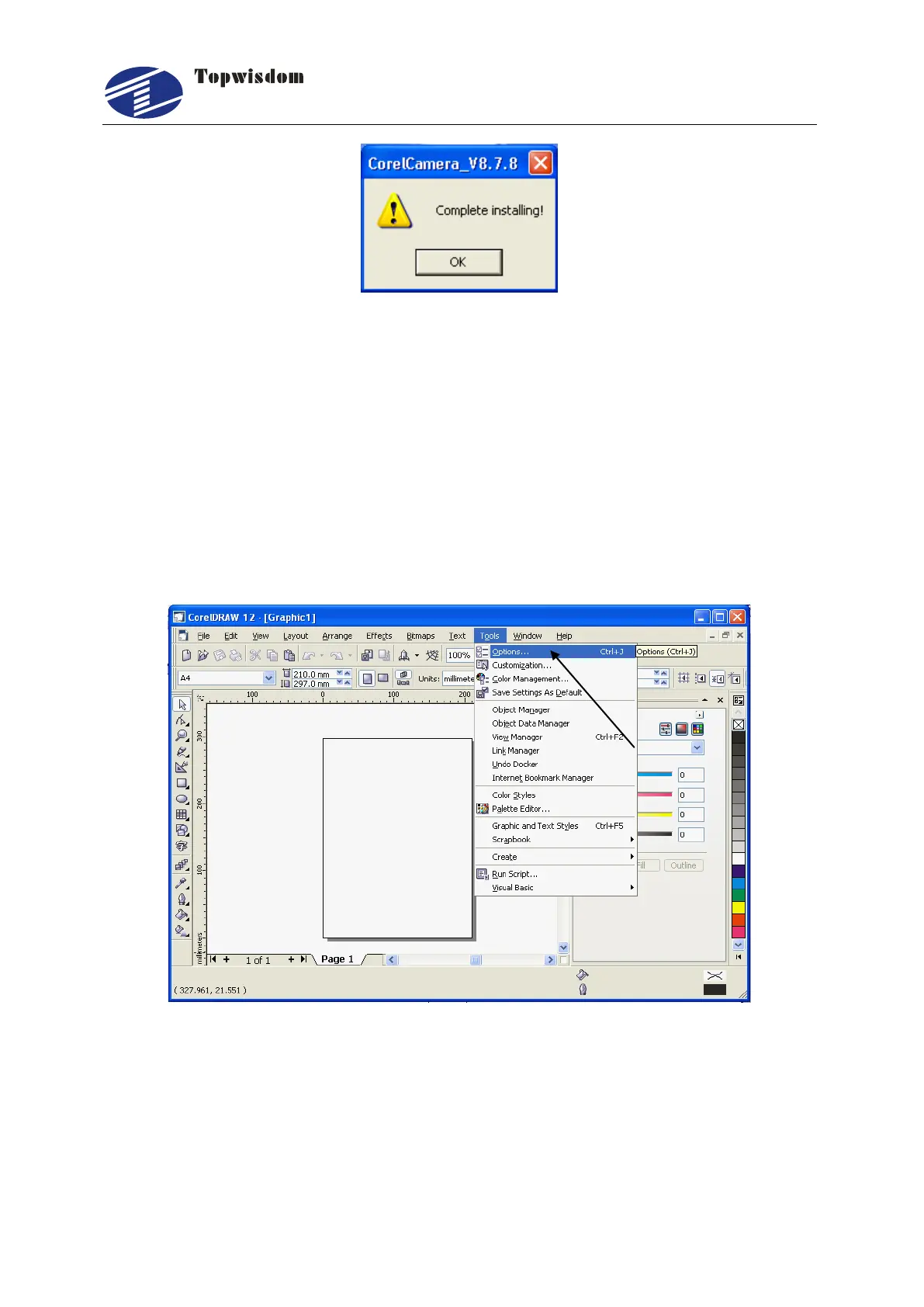
Fig. 3-5
3.1.2 Auto install
Click the ―Auto install‖ button shown in Fig. 3-3, the program will find the install path
automatically. When installation is finished, the screen shown in Fig. 3-5 is displayed.
Click ―OK‖ to finish.
However, the installation is not really completed then, as you need to make
configurations for the CorelDRAW software, after the configuration the total installation
will be completed, then open CorelDRAW, it’ll show as below.
Fig. 3-6
Select ―Options‖ from ―Tools‖ in the toolbar shown in Fig. 3-6 to enter the menu shown
in Fig. 3-7.



 To Next Page