Shenzhen Topwisdom Technology Co., Ltd
OutFromFile: Download the *.out work file to control card.
Save: Generate a work file from current drawing and save the work file in computer.
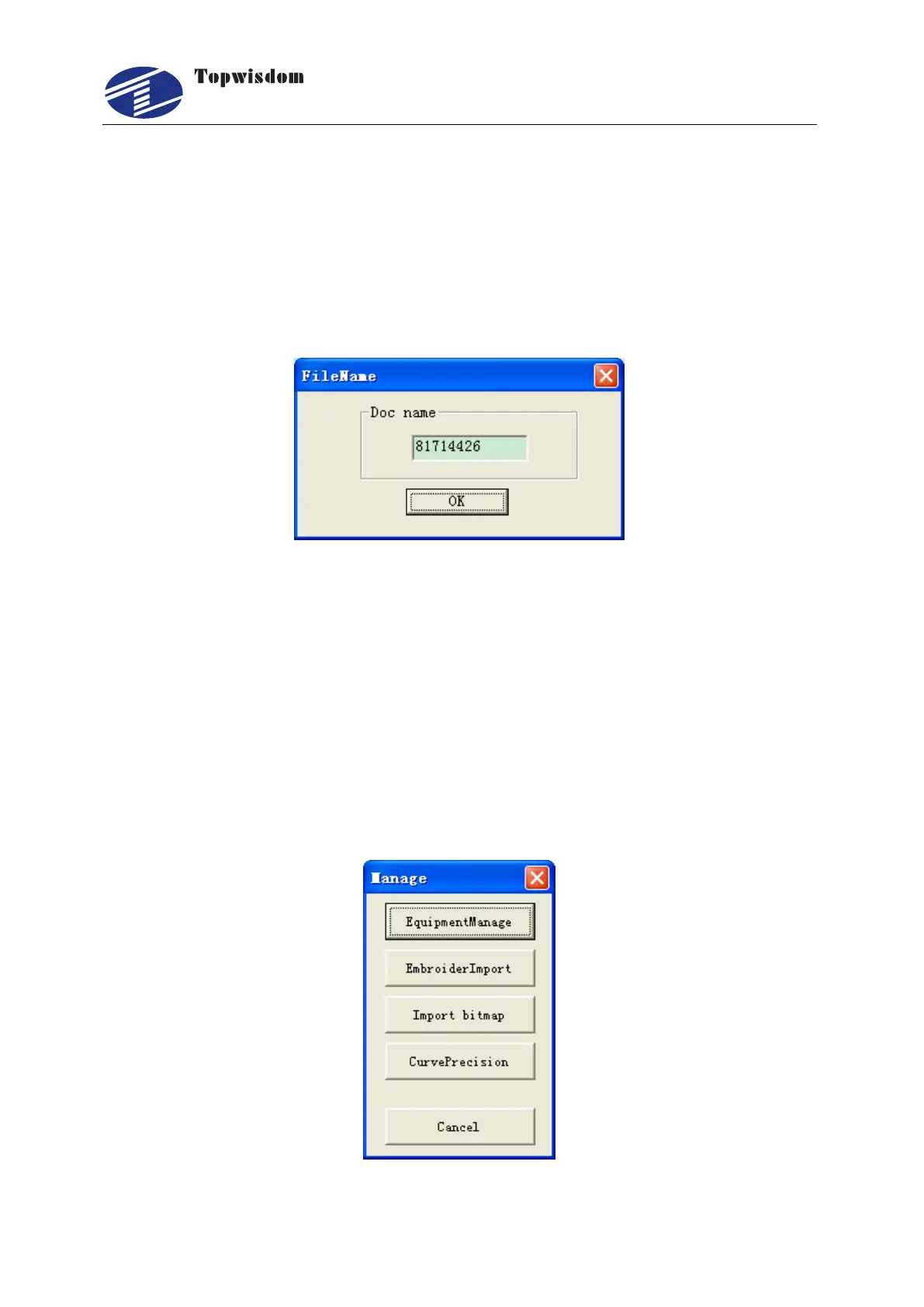
Output: Click it and a window is shown. Doc name is assigned by the program, can be
modified. Press ―OK‖ to download file to control card. After the completion of the
transfer, control card will beep on. Press File button on the card panel, you will find the
downloaded file at the last. Select it and press ―start‖ to process.
Exit: Close the output window.
Fig. 4-14
4.2 The Equipment Management
This section describes the parameter settings of the laser engraving software and the
operation of the parameter setting software. These settings are very important
because the parameters of the machine will decide the working status of the
engraver, therefore, please read carefully this chapter and do not make any
change before you completely understand the meanings of all the parameters.
Enter the machine parameter settings when clicking on the ―Equipment Manage‖ in Fig.
4-1 above.
Fig. 4-15



 To Next Page