Shenzhen Topwisdom Technology Co., Ltd
If Laser On: Set run scale with or without laser on. Press ―Choose‖ key to set the
value.
Run Speed (mm/s): The speed of running scale, unit is mm/s.
Power:When cutting the scale, it uses the system default power which is shown
here. The min power intensity applied for line start and the corner of the curve. The
max power intensity is applied as the run speed was reached. Power Min1 is the
min light power of LASER-1. Power Min1 is the max light power of LASER-1.It is
the same as Power Min2 and Power Max2 of LASER-2.
5.2.6 Single Axis Movement Interface
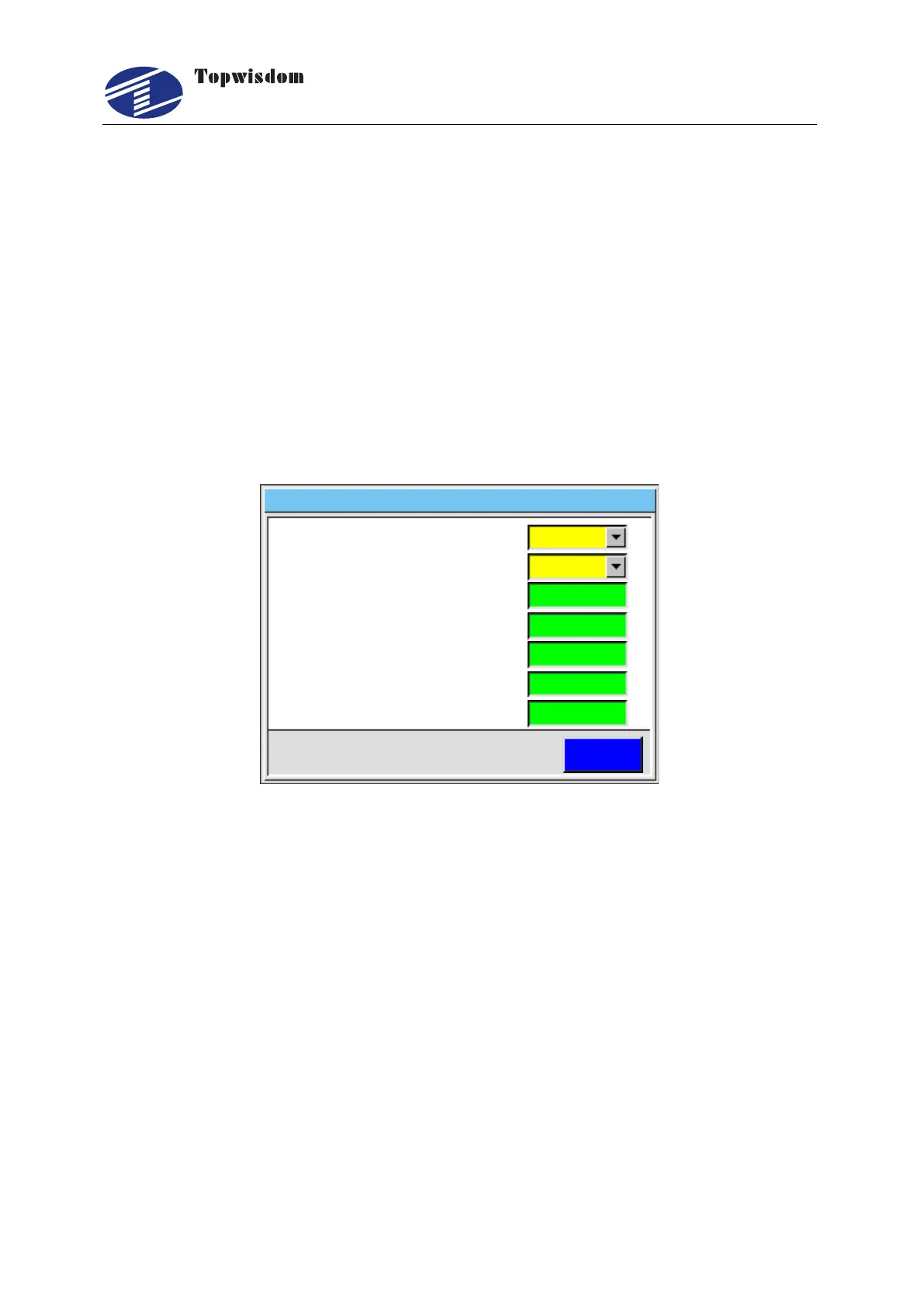
After initialization, press ―Axis‖ key, show as:
Middle
NO
0
0
0
0
0
Run
2 If Laser On.
1 KeySpeed.
3 X Axis Setting.
4 Y Axis Setting.
5 Z Axis Setting.
6 U Axis Setting.
7 V Axis Setting.
返回ESC
Fig. 5-7
Press the ―Up/Down‖ key to choose the needed operation:
Key Speed: fast, middle, slow.
If Laser On: Yes or No?
X Axis Setting: Press ―Right/Left‖ key to move X axis, when stop, it’ll show the
current coordinate. The other axis operation is similar.
When If Laser On parameter is set as Yes, it uses the system default power to cut. No
selecting file and press Power button to modify the system default power.
5.2.7 File Selection Interface
Press ―Menu‖ key into the main menu, and select the Memory File button. Also can
directly press ―File‖ to enter, show as:



 To Next Page