Shenzhen Topwisdom Technology Co., Ltd
5.2.3 Speed Setting Interface
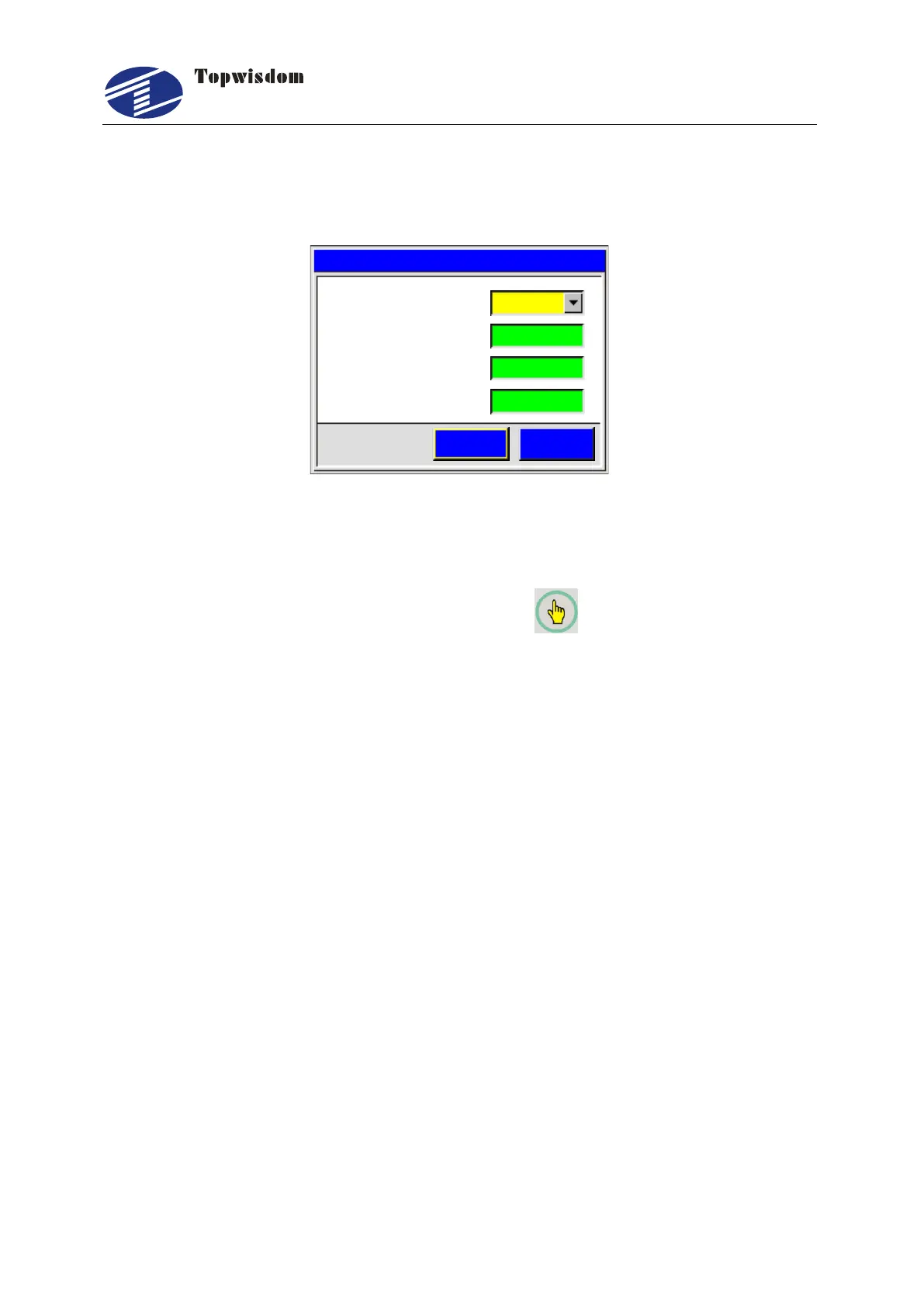
After initialization, press the ―Speed‖ key, show as:
Param
3 I d l e S p e e d m m s. ( / )
2 W o r k S p e e d m m s. ( / )
4 S p e e d F a c t o r.
300
25.
1 L a y e r P a r a m. 0
Save ESC
200
Fig. 5-4
This shows the speed setting is effective when the speed of working file set as
defaulted.
Layer Param:When one file is selected, press button,to choose the layer
number.
Work Speed: When one file is selected,it shows the work speed in current layer.
Otherwise, it shows the system default speed value. The unit is mm/s.
Idle Speed: The default move speed when laser is off. When one file is selected,
it shows the idle speed in current layer. Otherwise, it shows the system default
speed value. The unit is mm/s.
Speed Factor: It is applied to improve the smoothness of movement. The range is
0.00-5.00. The smaller the factor, the slower of planned speed of lines in work file,
and then the smoother of movement when turning corner. Normally it is set to 2.5. If
the smoothness is high demanded, set the factor to less than 1.
5.2.4 Power Light Intensity Interface
After initialization, press the ―Power‖ key, show as:



 To Next Page